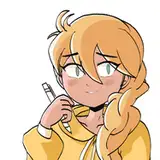
Here is how I did the intense red light in the party piece! :D
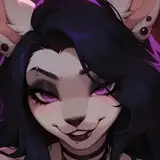
I started out as usual, doing some very basic shading (pretending that I am the light source so forms that face away from me get shaded darker. And I adding occlusion shadows).
After that I added the shadow layer, which I always set to multiply and painted in the shadow shapes.
Usually I only paint in the shadows so everything not covered in shadow visually reads as "lit". But in this case I needed the lit areas to be a bit darker so I painted them in another shade of grey.
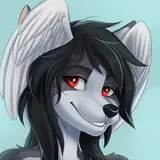
Then I added a gradient on another layer using the Gradient tool with one color set to red-purple and the other set to transparency. I set the layer Blending mode to "Overlay", which results in these deep dark shades of red.
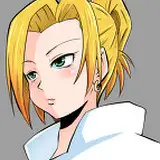
If I had not made the lit areas on the shadow layer darker it would have not worked as I intended. You can see that in the last image. This one is way lighter and has less saturated reds, and is overall less moody.
That was me art-nerding. Have a great start of your week! :D
SniffSnorf
2024-08-27 16:57:47 +0000 UTCvomitsaw
2024-08-27 16:56:07 +0000 UTCSniffSnorf
2024-08-27 15:19:11 +0000 UTCFibinochi
2024-08-26 23:21:00 +0000 UTCSniffSnorf
2024-08-26 21:16:54 +0000 UTCBen
2024-08-26 21:04:36 +0000 UTCMoon
2024-08-26 20:24:45 +0000 UTCSniffSnorf
2024-08-26 20:09:21 +0000 UTCBrother Calhar
2024-08-26 20:05:42 +0000 UTC