Last update was a month ago (30-11-21), I ended that update with a concept for the UI I had in mind. This month doesn't bring a lot of material regarding visuals etc since I had a lot of fun dealing with the actual programmer parts.
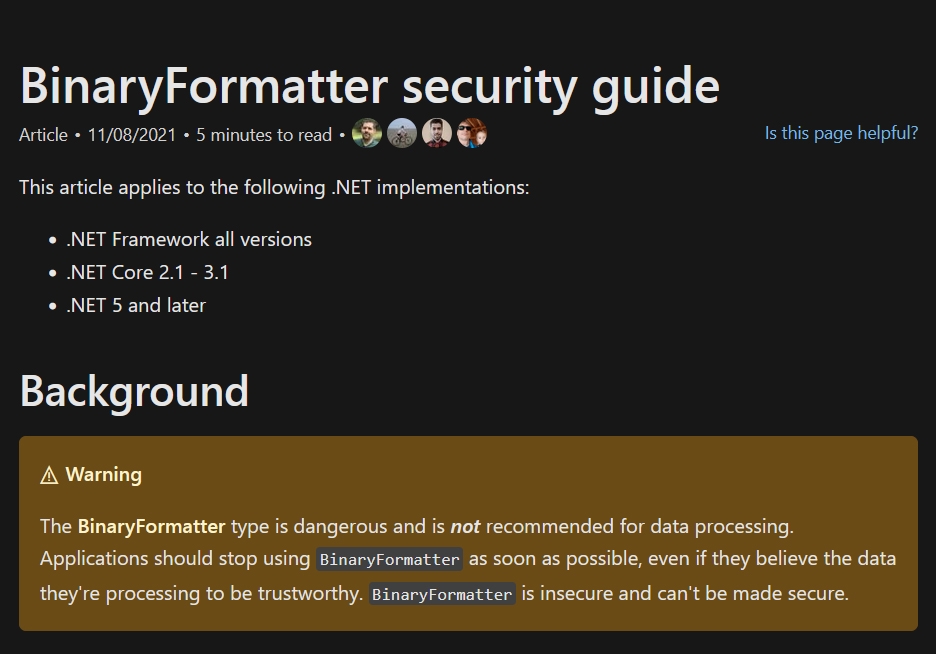
So starting off, almost immediately after posting previous update I found out that one of the most popular save methods for Unity engine isn't actually safe. (This method is posted/shared by many on youtube/google even today and it seems as if many are unaware that it can be harmful.)
Since I built my save system roughly 1,5 years ago already I was also unaware of the dangers even though microsoft clearly lets people know about it on their website!
(source: https:// docs.microsoft.com or google binaryformatter)
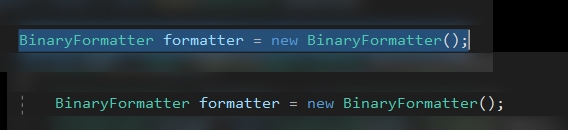
Now lets see what I did with my coding
Oh no...
Anyway, I won't tell you how I solved it or what method I'm using right now, all I'm saying is that I updated it to a different method for safety reasons (yes I know its not an online game, I just don't like it when people run programs I made that can be harmful/exploited)
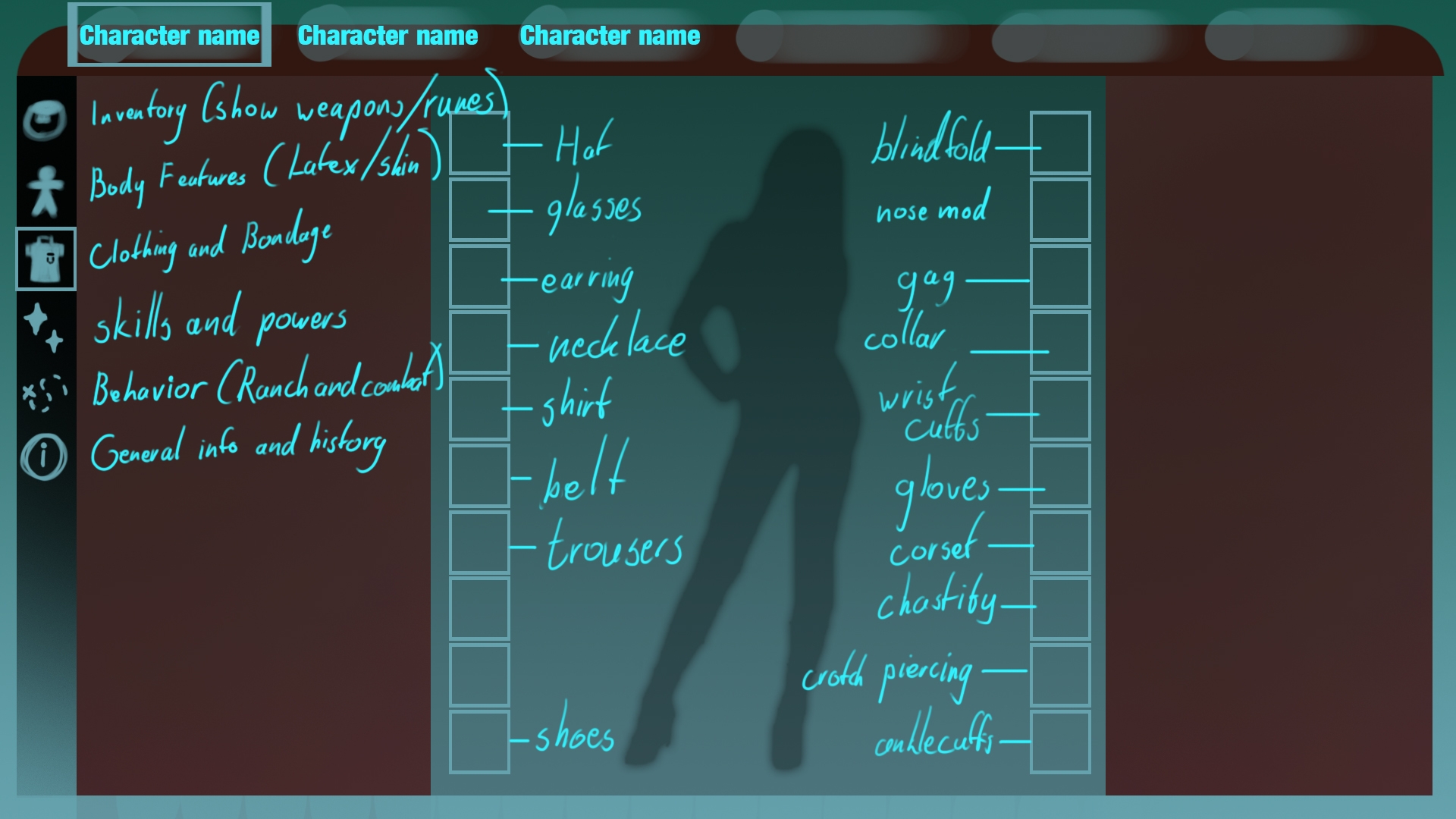
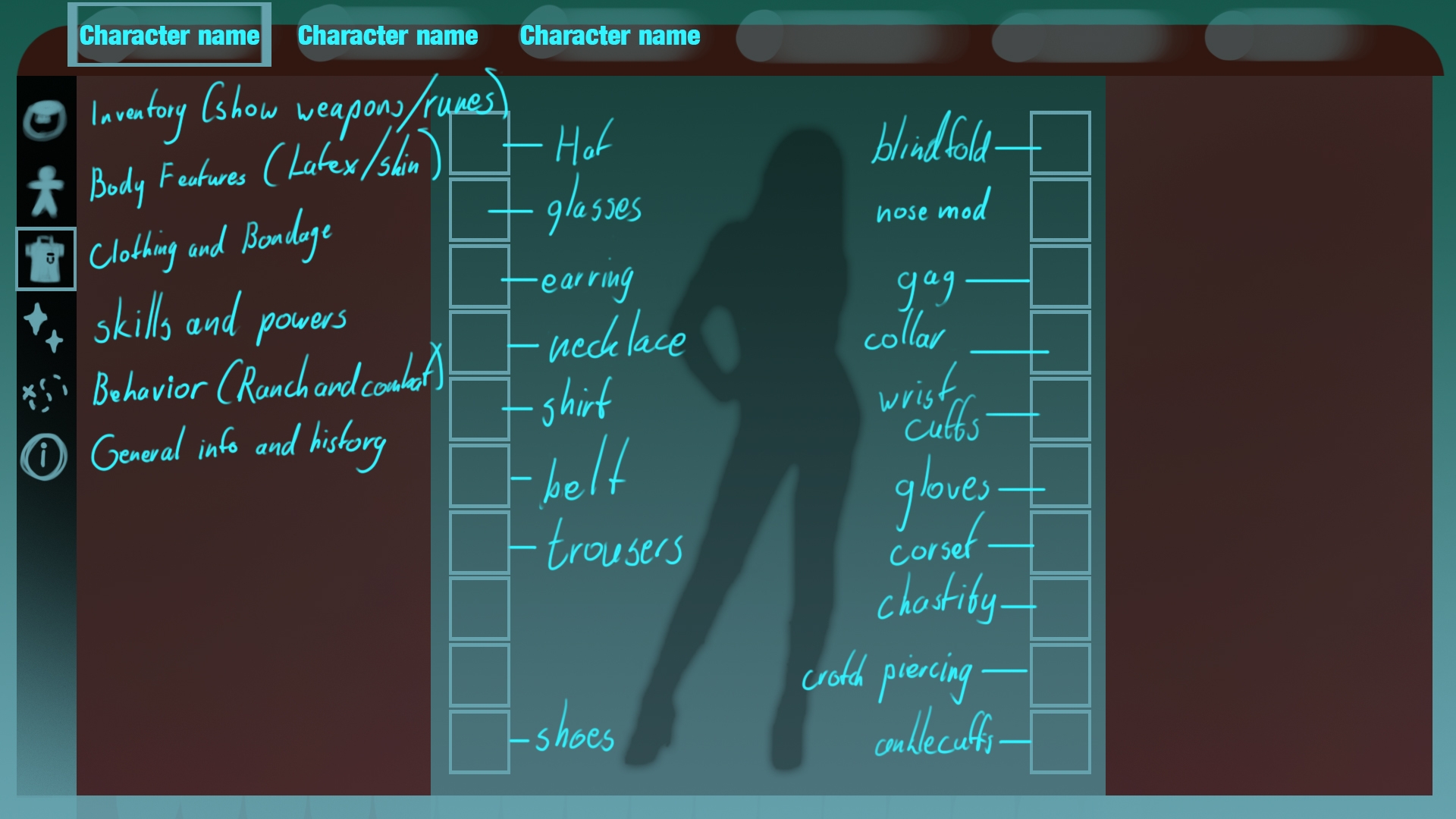
Moving on to more interesting/visual stuff: The User Interface (or more commonly known as UI). Last devlog I posted this image as a concept/mockup.
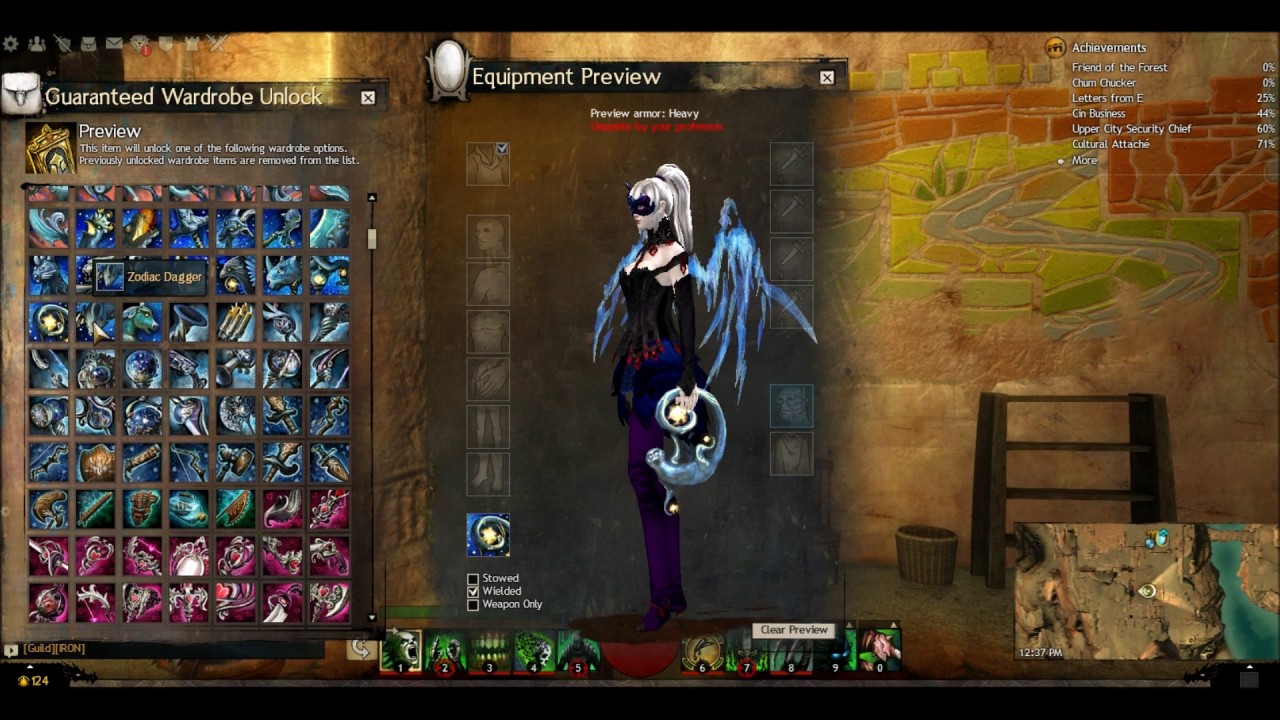
The idea came from a different game (that I actually never played...) called guildwars. Found it when I was googling for wardrobes/ui.
(source: google images)
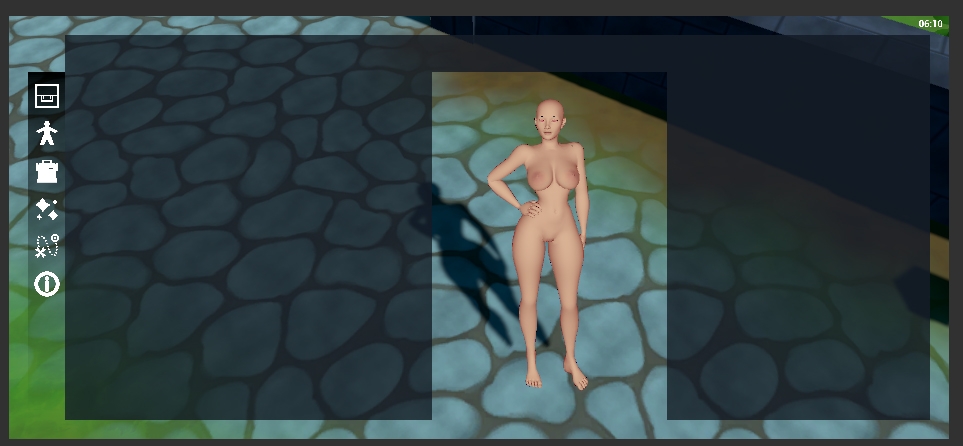
I made a quick layout with squares and boxes and it looked good in the editor. (below)
I decided to run it in the built version of the game to see if there were any bugs or items out of place. Everything was exactly where it needed to be.
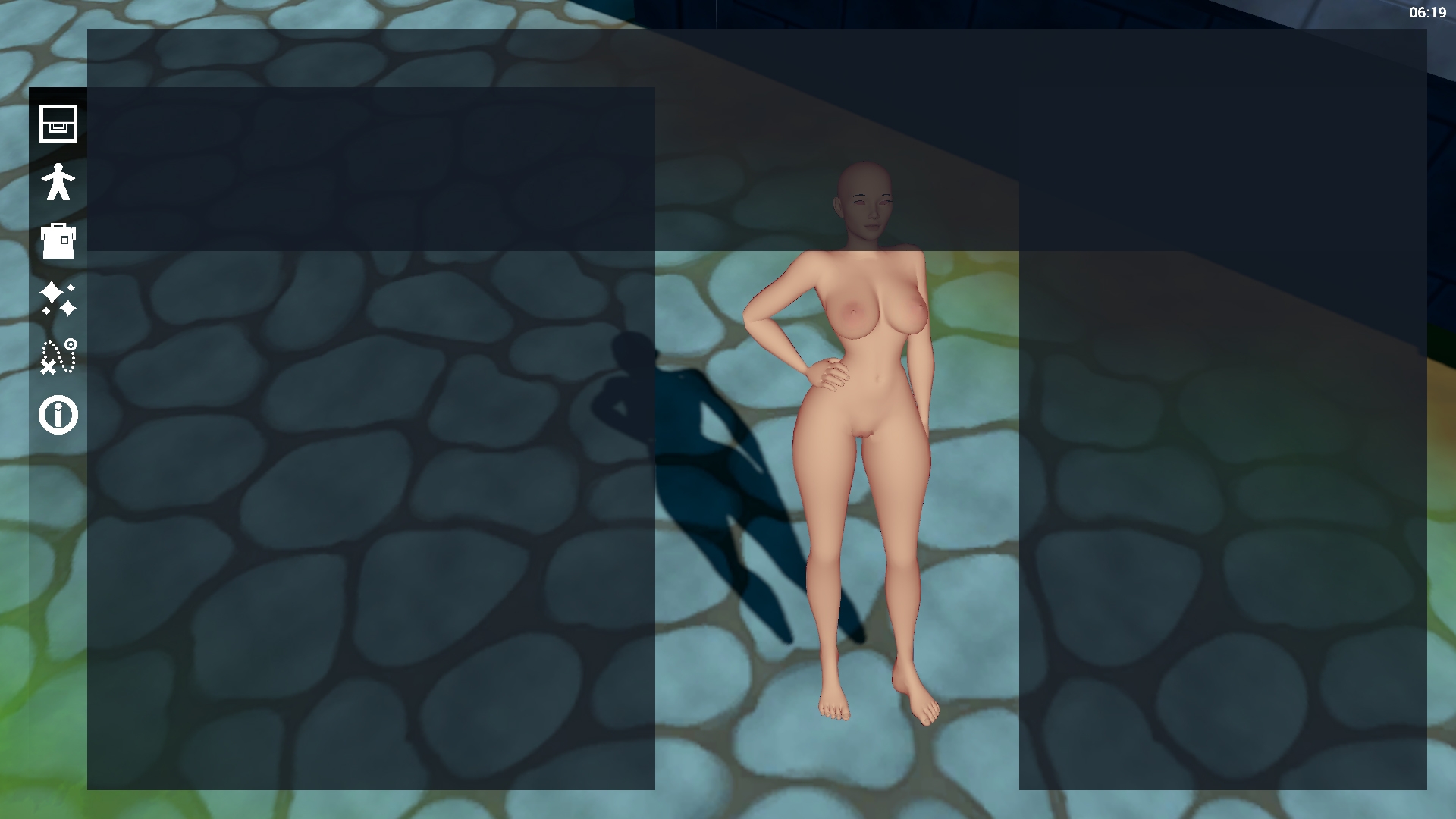
... sort of?... Try again with different settings?
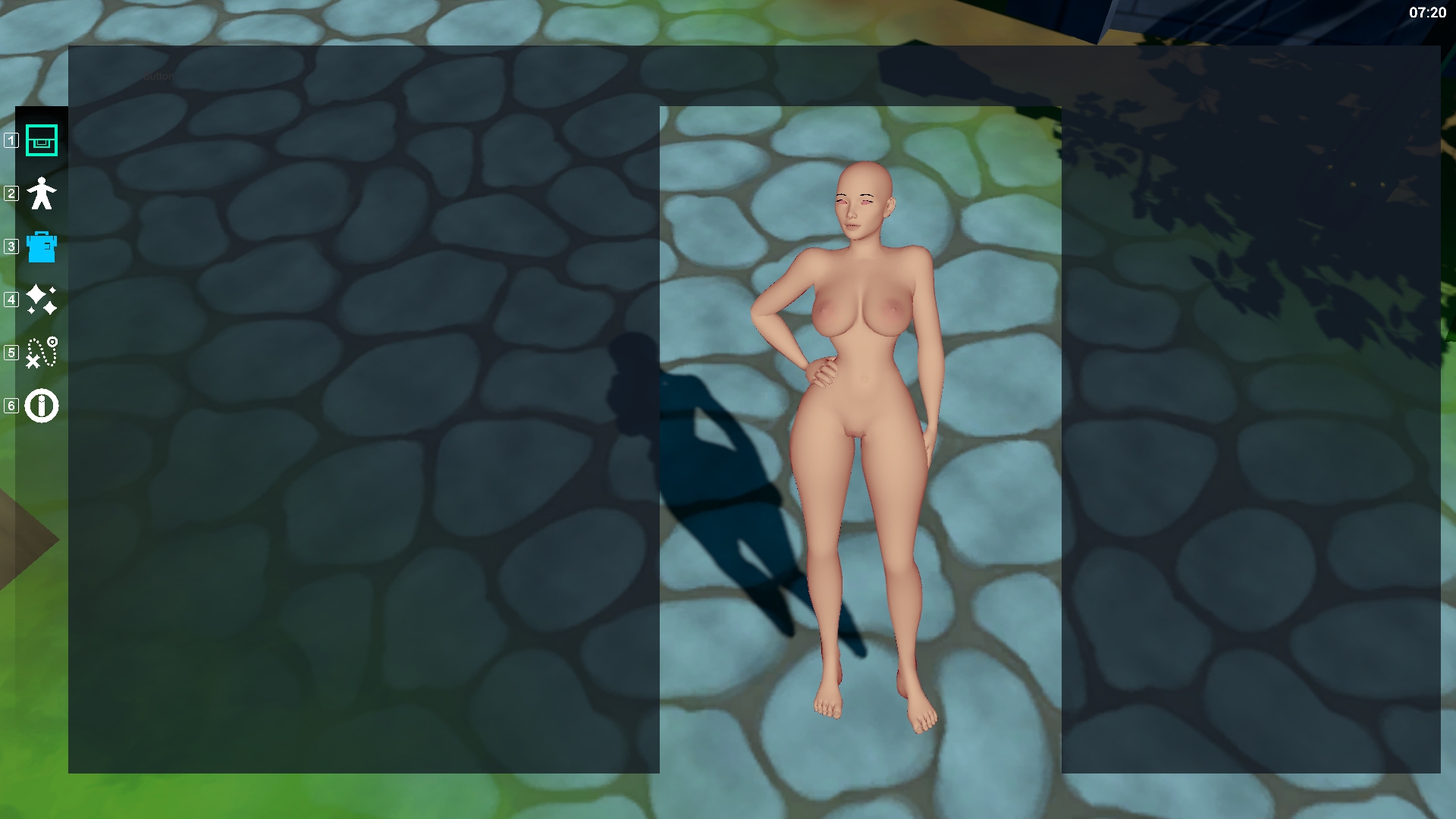
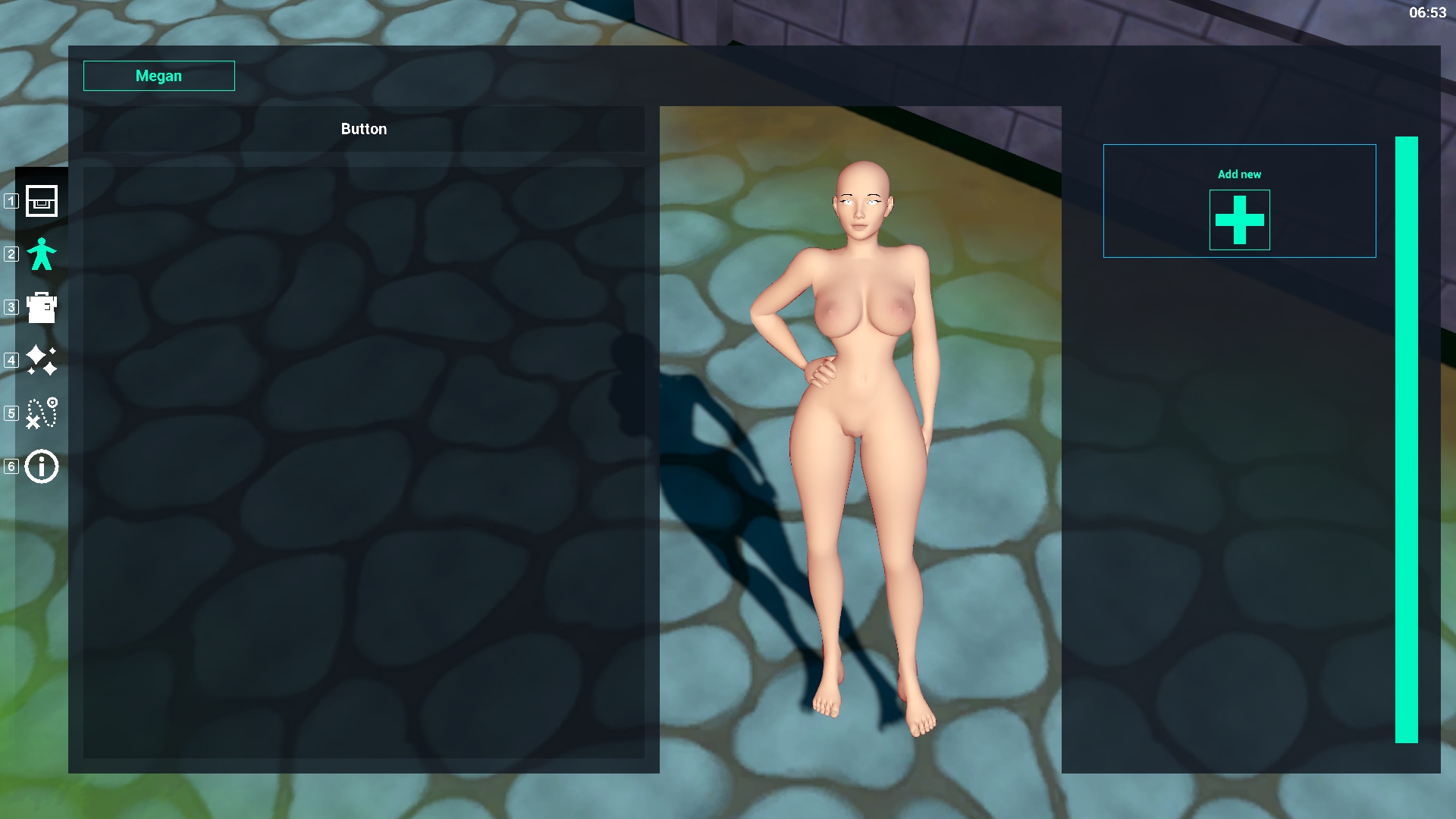
Ah yes... now all my buttons are gone... this is going well... but after nearly 2 evenings of headache and agony, I realized what I had been doing wrong and used what I learned to properly set up my UI. (result below)
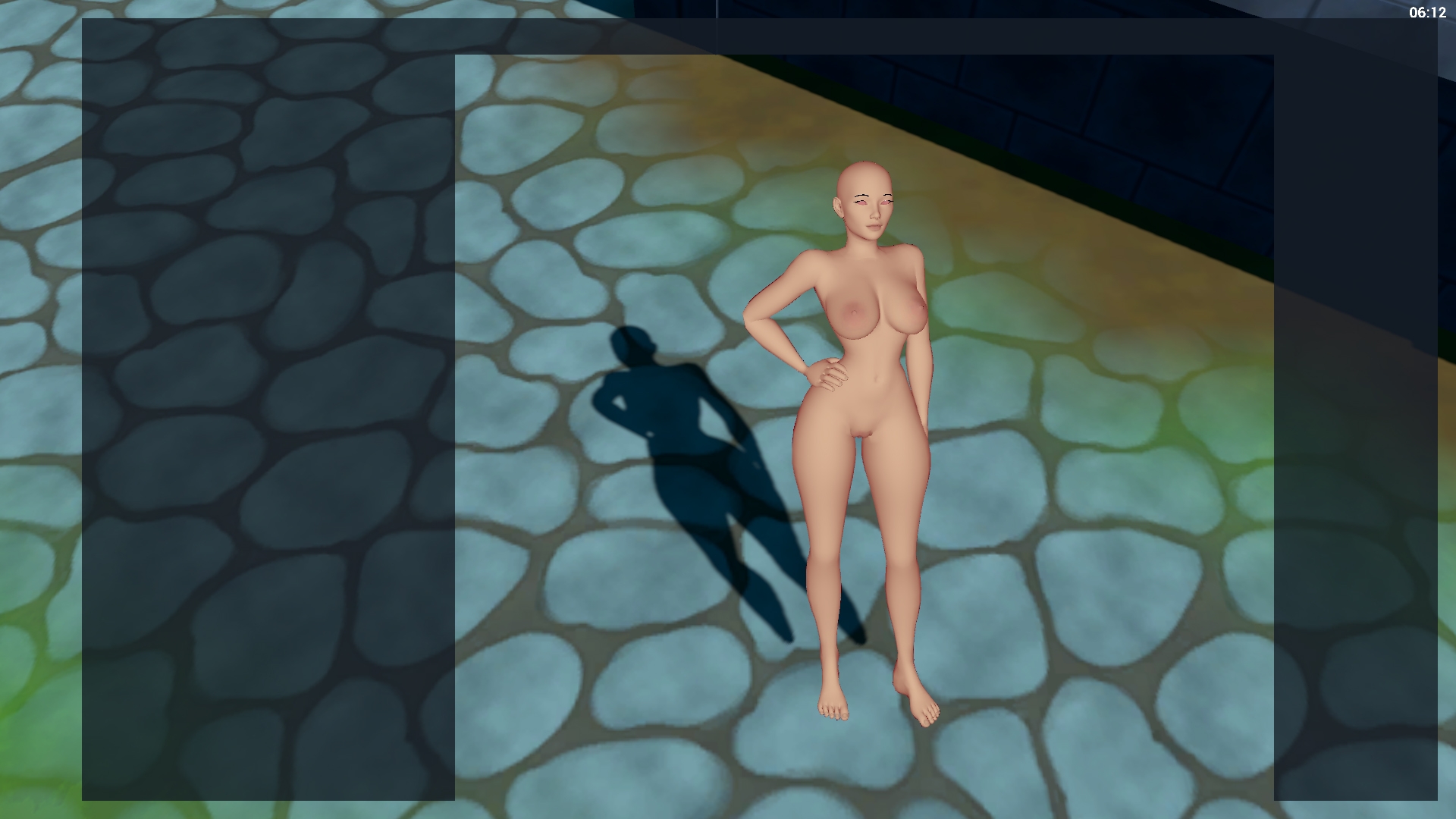
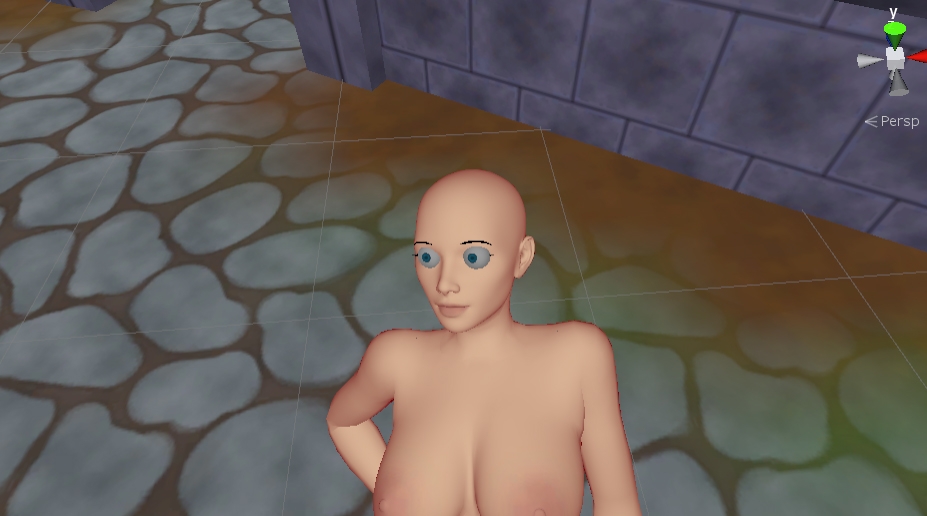
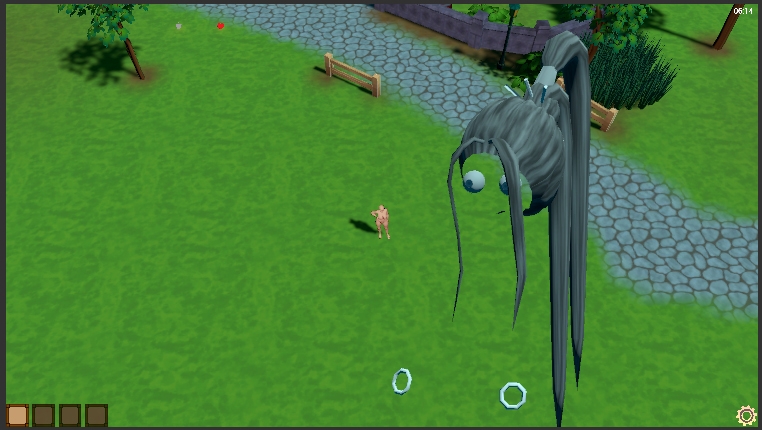
After 2 evenings of looking at the character model without eyes however I realized how badly she needed them so I went to work and set the eyes of the character. Since I want the eyes to move during certain moments (when people toy around with their character for example) I gave the eyes a seperate rig and used older code to apply it to my rig. The result:
... the result of placing the bone but not re-applying those bones to the skinned mesh renderer (which allows the mesh to move with animations etc). This was a small thing to fix luckily:
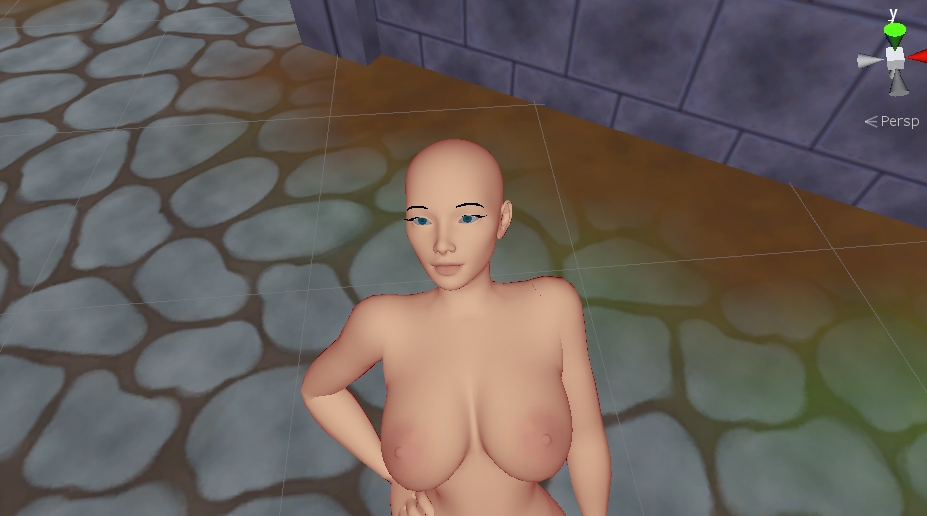
Much better. Although her eyes are a bit dark though... I didn't think much about it but quickly discovered that my skin texture wasn't completely white and the eyes texture neither. They were grey which made the model seem more dark than it actually should be. I also realized how my eye model was one mesh, giving people no option to actually color them (besided coloring the entire eyeball...). So I re-did the texture but haven't updated the eyeball model yet since the background systems of the game seemed more important right now. result below:
The model is now brighter in overal and she can finally see something with her eyes in place.
Now this is the part where things get more technical and less fun to read/watch but I'll do my best trying to inform you of what happened behind the scenes.
See at first I wanted to create slots that could be filled with items/clothing (like my mockup:
But I realized it would limit people's fantasy/ideas. Since they could only add one of each item. (Can a person not wear 2 earrings? or wear 2 belts?).
Therefore, I came up with a different (yet more complicated) system. It allows people to add, customize, duplicate or remove whatever piece of clothing or body feature they want. I'll walk you through it using some images.
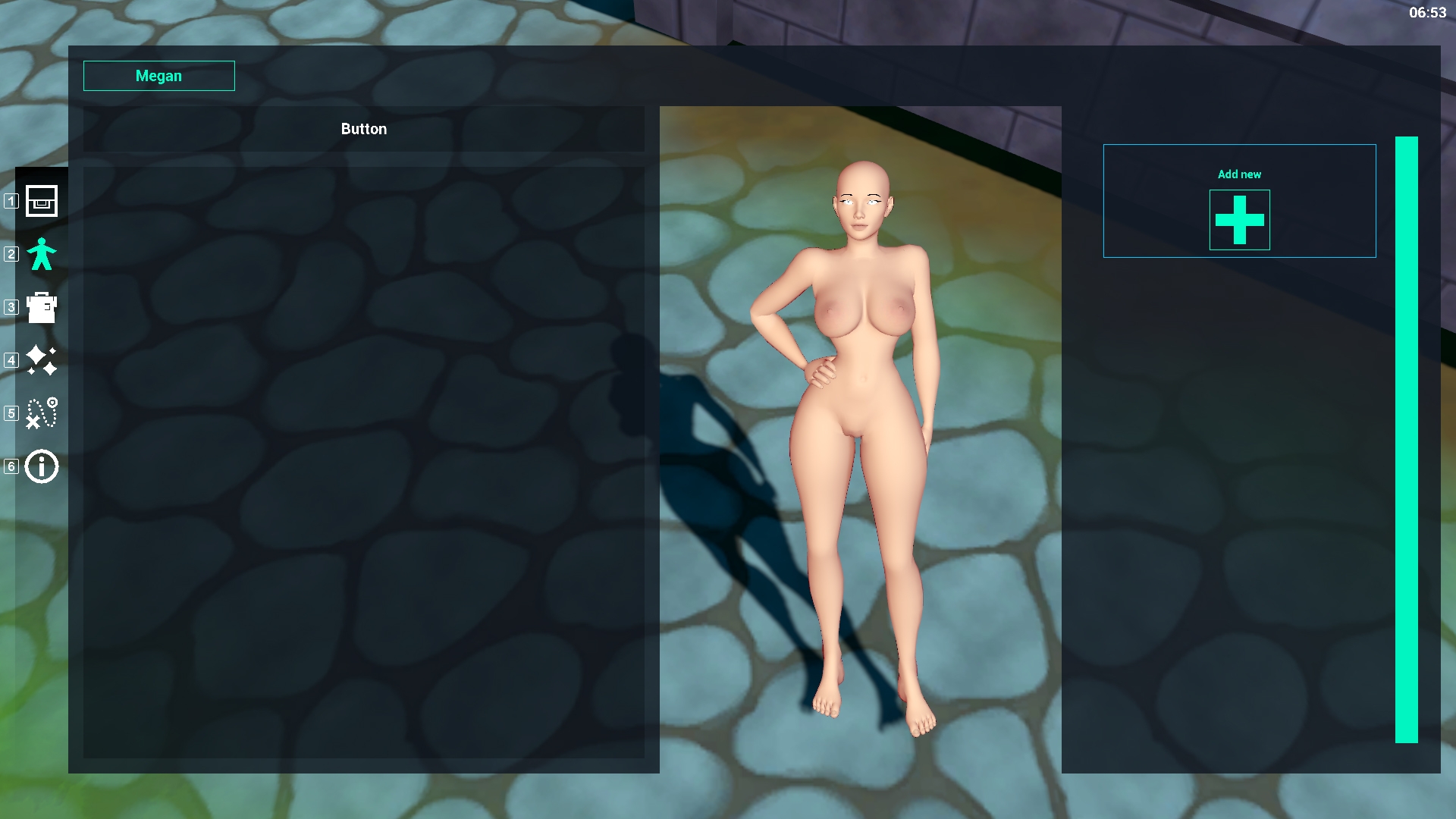
When the player starts a new game and selects the body icon on the left side of the screen, the panel next to it will be empty. This is because the player hasn't created/added anything for their character yet.
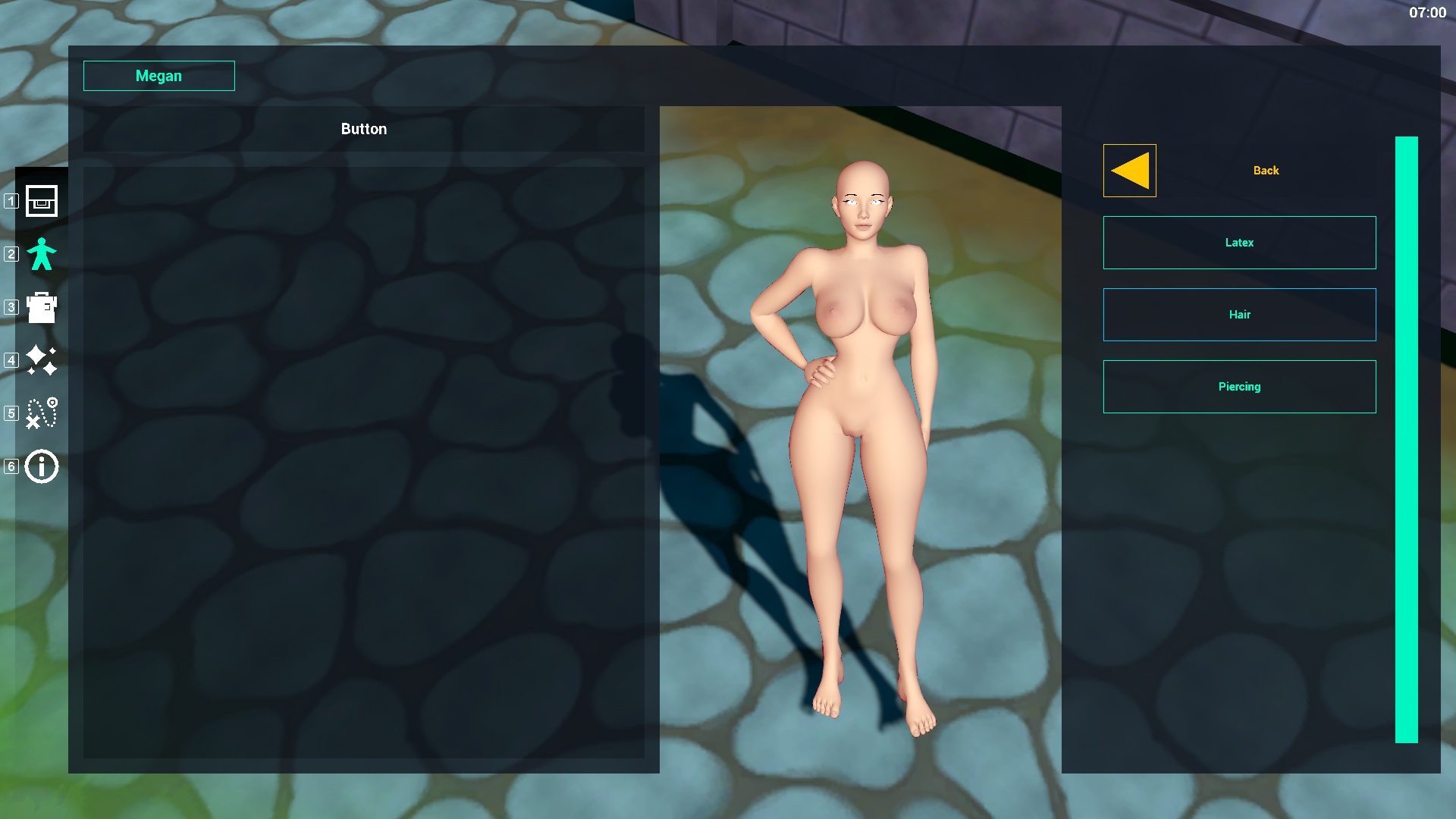
They can do so by clicking the ADD button on the right of the screen. This opens up several options for the player to fiddle with. (latex/hair/piercing).
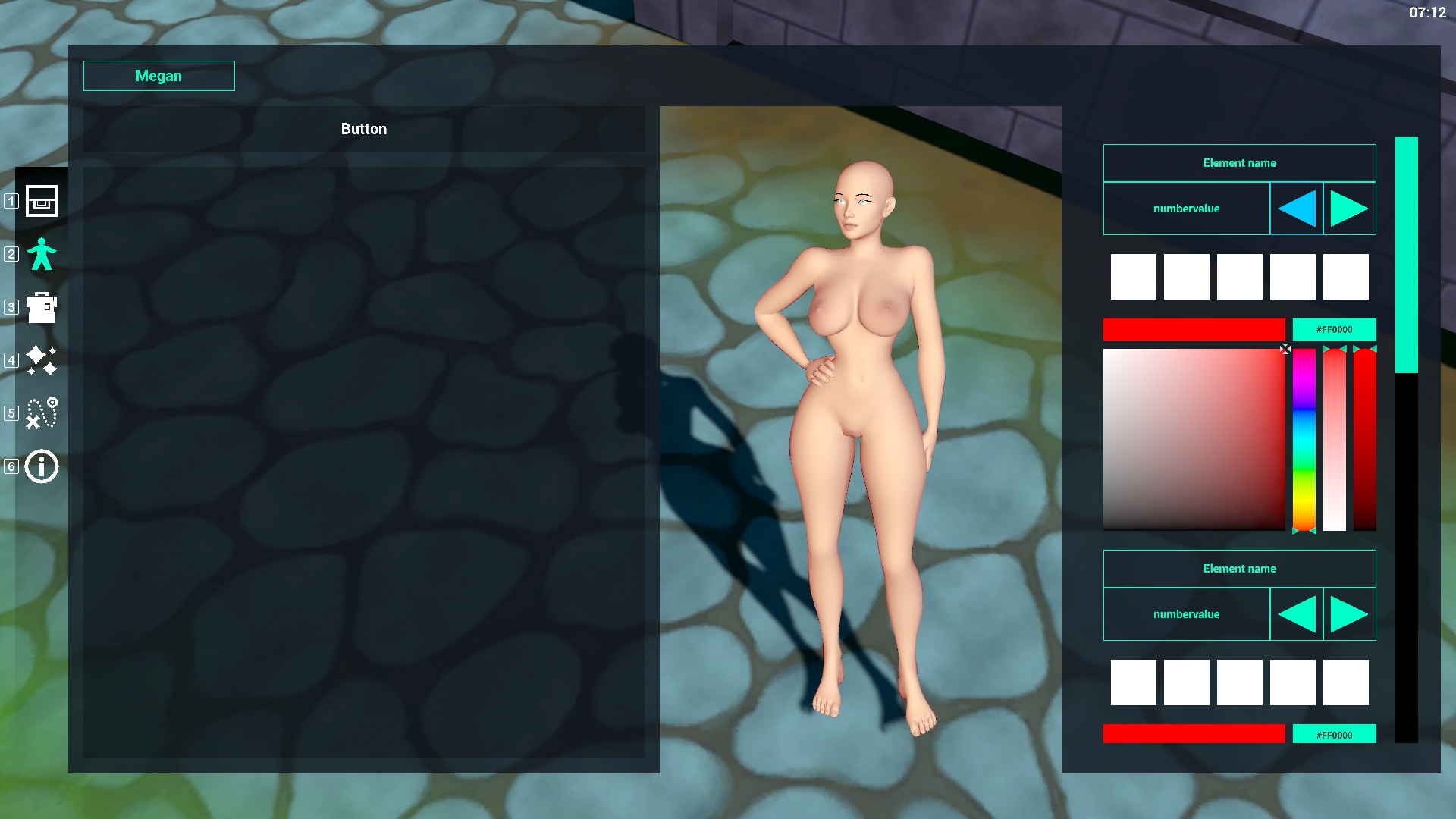
Once the player chooses/clicks one of these options a new menu appears where people can customize the item further. (like the one below). For the sake of clarity: the hair model and details attached to the hair is the most complicated part of the character custimization. That's why I started working on that first (and why its not done yet)
You can choose different models using the left and right buttons on the right side of the screen, choose a color and even select the colors you already used before (the white boxes are set to recolor with colors your character already has). So if you created a blue shirt for example and your character is wearing it, one of these white boxes will be colored blue and you can click it to instantly match those other items with colors of your character's outfit.
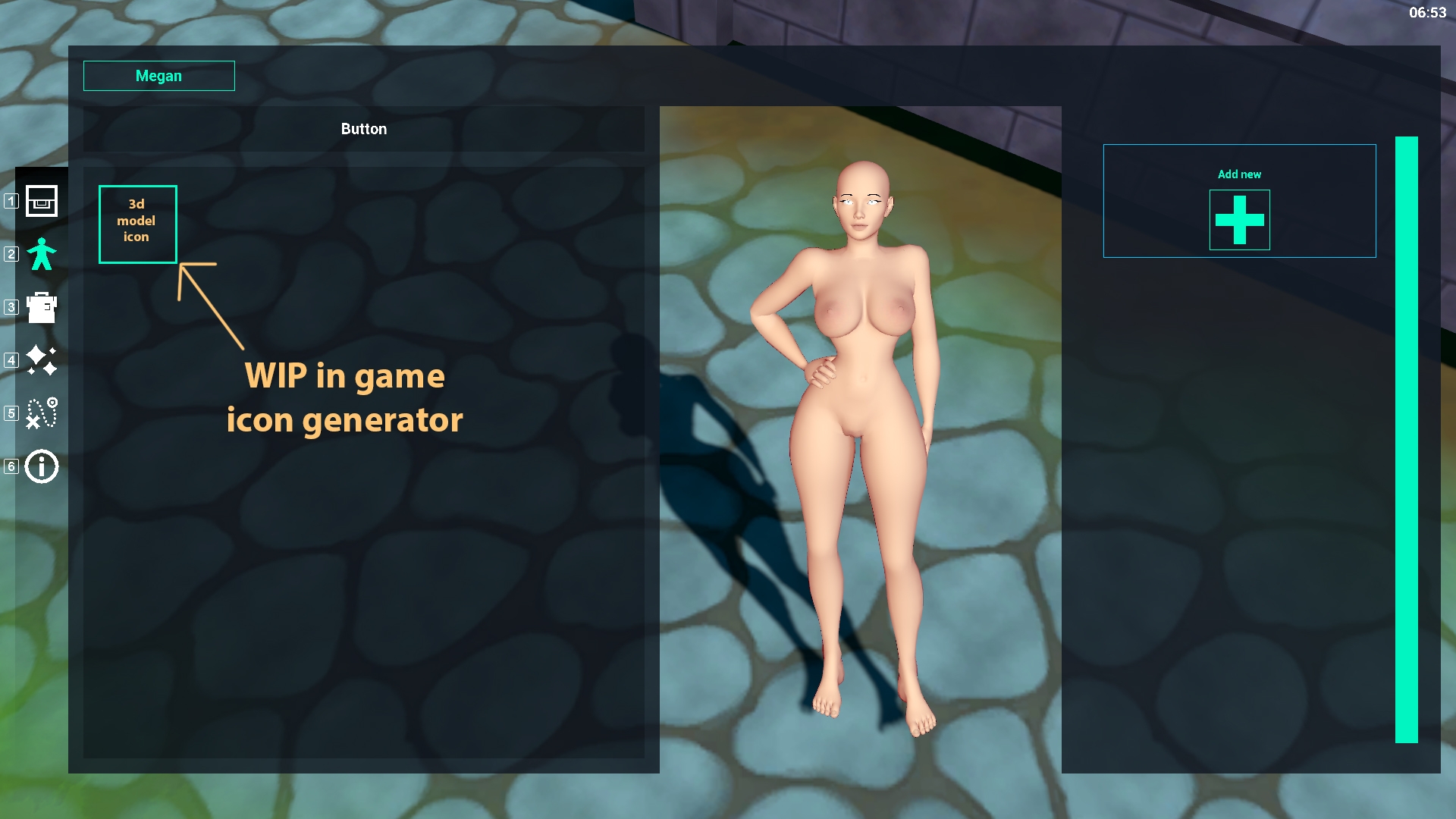
(this part hasn't been completed yet due to the icon generator I'm working on... which is a bit more complicated than I thought. Anyway, continuing the tour)
After creating your customized body feature or clothing it will be added to the left of your screen as an icon (see below). The right side of your screen will turn back to the ADD button from earlier, allowing you to add something new (even if its in the same category like a piercing :O )
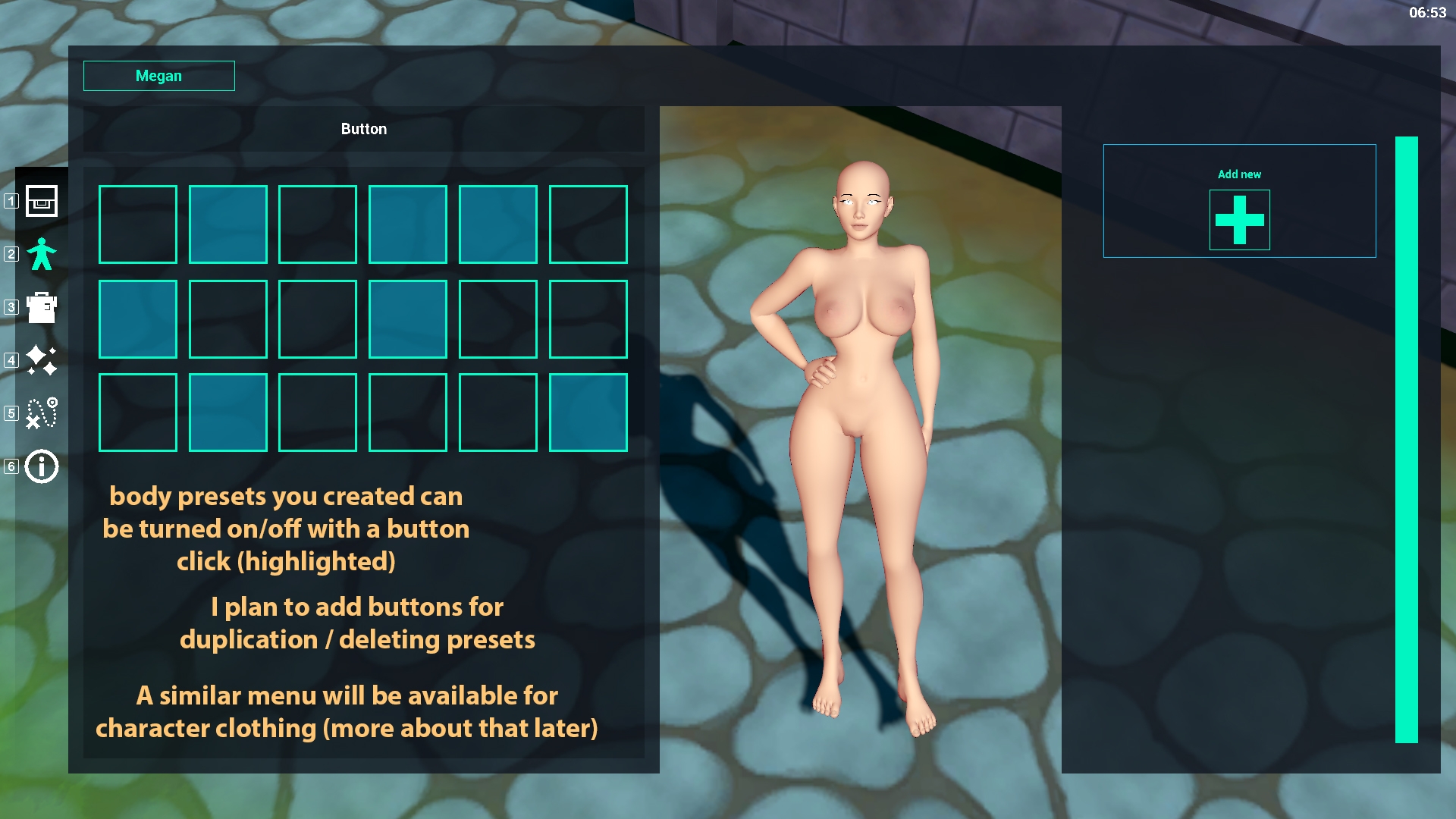
After creating a bunch of body features/clothing parts you are free to turn them off or on for any of your characters. (inventory and items are shared and I'm planning to add options for duplication/removal so you can add stuff you already made and maybe give them a different color? a different shape? that way you won't have to re-do everything and can easily customize your character whenever you want with whatever you want. I'm expecting the result to look a bit like the image below.
Now that's all nice and stuff but... Nothing is happening to the character? Like what THE FUCK? ah yes... about that... See, as mentioned before, a character's hair is the most complicated part by far and that's why I started working on that. Why? because getting that to work allows me to make everything work for whatever needs to be added. Be it clothing, wings, horns, fluffy bunny ears that jiggle with each step or a dog tail wiggling behind your character. They all contain extra bones (just like some hair models) and several options for customization like shape sliders (allowing you to make them bigger/smaller/thicker/thinner) or adding extra items like piercings/hair ornaments to whatever part you please. All of this took some thought/time and concepting hence I was unable to finish it all before this update. See spawning in an object and applying it to a model is one thing, but allowing people to customize it, save it and load it next time they boot up the game is another... (also, keep in mind that all of this is running in realtime. There is no scene switching etc going on when applying new clothing/swap body features). All parts therefore need references and a database to work accordingly. Last month was mostly that: updating the scripts, updating the database, rewriting methods and creating scriptable objects for storage and fast performance.
However, I am happy to let you know that the script for reading the scriptable object of the hair model have all been implemented with succes. (the above image shows multiple color pickers, all related to the hair model and reading all parts available for that model). So why are we not seeing anything on screen yet?
It's because of the icon generator. With these many items/custom options I thought it was fitting to create icons in game of the actual game objects instead of making seperate icons for everything. Not to mention that it would save me work in the long run whenever I add new features/objects to toy around with. This icon generator however...
...Is not done yet...
Turns out there are a few little bugs I need to figure out/clean up before this works without any problems. And since this is not done, I cannot create an image of the objects that the player created, thus, spawning them wouldn't change anything.
Still... with the character creator slowly but surely coming along I'm looking forward to the first build and sharing it with you. I know there isn't a lot of bondage related content -yet. But to get to that part, we first need a base from which we can work with right?
Also... Did I mention that the NPC's will be able to use the items you created? Don't be surprised when someone suddenly walks through the forest having the exact same haircut... but with a different color... :P It was just an idea at first but since all the created items are already shared, I thought it would motivate the player to keep creating new stuff which only allows the world of the game to become more dynamic and change by itself as the player spends time in game. The coding shouldn't be a problem since the items are already shared between your characters so using it as a loot pool for NPC's outfit/body features isn't too hard.
That's kinda it for this month... a lot of programming, some bug fixes and looking forward to finishing the icon generator. After that I'm focusing on finishing up the character creator (body features and clothing) and hopefully come with an alpha build soon so you can experiment/play around with the settings and give me feedback.
That's it... Thank you for reading if you came this far. I hope you're as exited as I am. Some more patch notes below for the geeks and nerds among us <3
Bye all and happy new year!
*Dev notes*
Updates / Bug fixes (pre- character customization alpha)
Updates:
- New UI and scaling (set to a 16 : 9 format screen) (work in progress based on functionality/feedback).
- Color picker added (free asset from unity store)(might need performance update...)
- Updated UI icons and colors (Default colors are set by me but the icons are actually completely white. In the future I plan to add accessibility options allowing players to set their own colors (default color, selected color, highlighted color).
- Updated save method (binary formatter is unsafe).
- Updated database structure (work in progress).
- Updated scripts related to body customization.
- Updated dress up methods (for body features / hair / clothing).
- Updated script for setting character eyes in place.
- Updated hair/UI methods allowing for more customization and diverse NPC creation. (creating a base/exploring possibilities for other bone related body features such as : large ears/horns/wings/tails/bondage toys locked to character body).
- Updated custom shader to be more efficient. (reduced script size and GPU batching).
Note: The UI (User interface) I am creating for body and clothing customization works with a preset system:
1. Create an object/body feature and customize it the way you want it to look like.
2. After editing, it will be stored as a preset on the left side of your character.
3. You can turn these presets off/on allowing you to combine different sets of clothing or body features that you made easily. It will also allow you to copy objects without having to re-edit everything.
By creating presets you are also creating clothing for NPC’s and you might encounter them wearing clothing or body features you created but with different colors. Therefore, creating new presets and playing around with the way your character looks also helps the world of the game to look more dynamic.
Your character and the NPC’s that are part of your team will be able to wear different outfits depending on the activities they are in (In bondage outfit on the ranch? Outfit for exploring the world?)
Your outfit can impact your play experience (allowing a tied up character to wander through enemy invested areas seems like a really bad idea…)
Bug fixes
- Fixed lighting where the shadows didn’t properly connect with objects (character and shadow were slightly separated at the ground. (fixed)
- Fixed lighting bug where shadows seemed to flicker/shake. (The camera was rendering too close to itself and was therefore struggling to determine the precise location of the shadow/light pixels) (fixed)
- Camera zoomed in and out while character menu is open (fixed)
- Certain object references are destroyed after moving to a different area/part of the island (fixed)
Known bugs/issues:
- Scroll wheel doesn’t always work when the mouse cursor hovers over certain UI elements. (I know how to fix it but it’s the least of my problems so I decided to continue working on other elements first.
- Eyes are not moving/looking at the player’s cursor yet when editing features.
- Eyes cannot be colored/customized yet (requires a edit of the 3d model and script updates)
- Certain UI elements are turned off on purpose/ empty / work in progress.
- Game is built around performance/getting the most fps (frames per second) possible. However, I’ve noticed some cases where, if the frame rate is set to exactly 60 in the options, the game might show strange behavior where the actual frame rate is either above 60 (around 70) but it can also be below 60 (around 50). I think this might be related to garbage collection since I created a lot of test methods and need to clean these up. (Unity engine seems to be performing bad when data is simply thrown away/left unattended at runtime).
- When the player opens the inventory menu for the first time after starting the game, there is a chance that the inventory needs a few seconds to load. I honestly have no idea why the game does this because I spawn all UI related objects beforehand (object pooling), reference them by script so the game doesn’t need to look for them at runtime and turn them invisible after loading is done. I might need to edit the sprite resolutions in order to reduce the memory size of the UI or use coroutines to get around this. (coroutines are not frame dependant)
Currently in development pipeline:
- Icon generator (operates during runtime to create UI icons for all kinds of objects. I have no idea if this is a good idea or if the end result looks good but it’s an ideal solution for mod support since people can import models without having to worry about in game icons)
- Test runs related to AI interaction with enemies and setting the proper target. (this is far from finished but based on the tests I have a better understanding about how I can optimize these encounters so the frames don’t tank to a complete standstill when running into enemies)
- Test runs related to random color generation (this is very simple but part of a larger system = creating different colors for NPC’s body features/hair/clothing.
- Options panel where people can set frame rate/graphics/performance options (also allowing players to set the update rate related to hair/breasts jigglyness).
* End