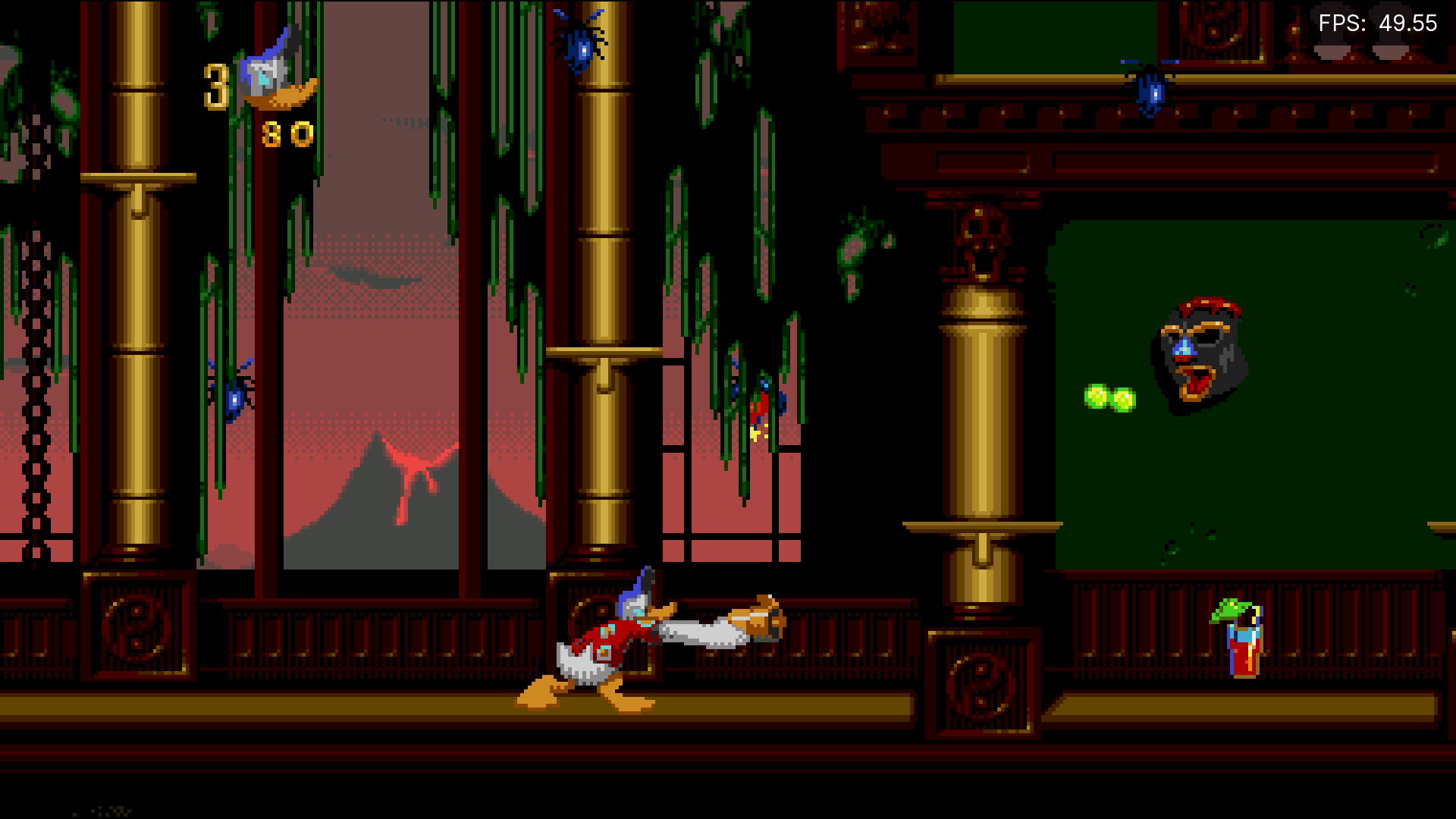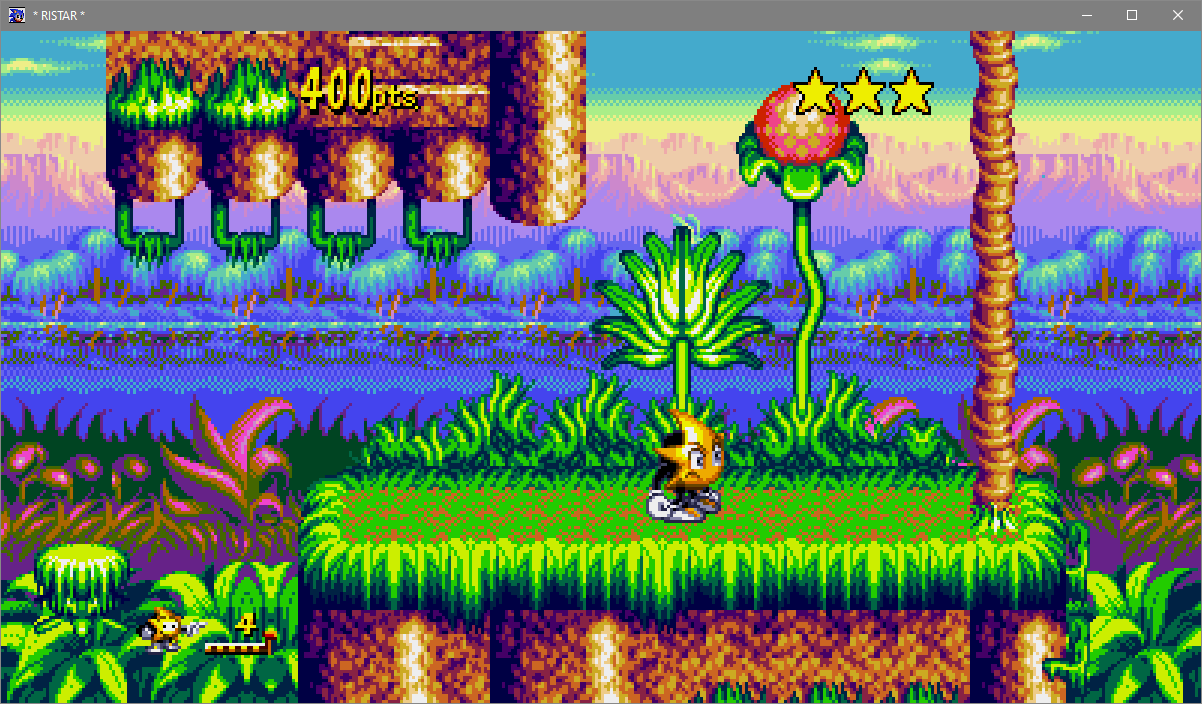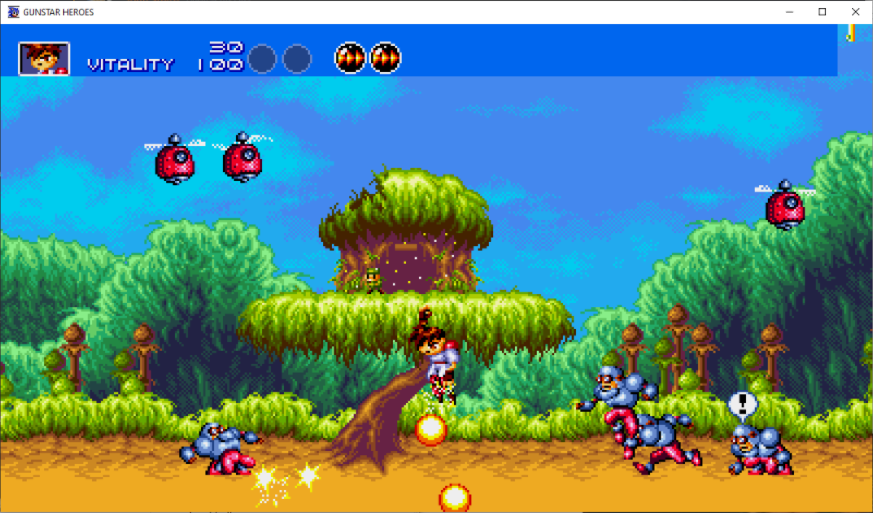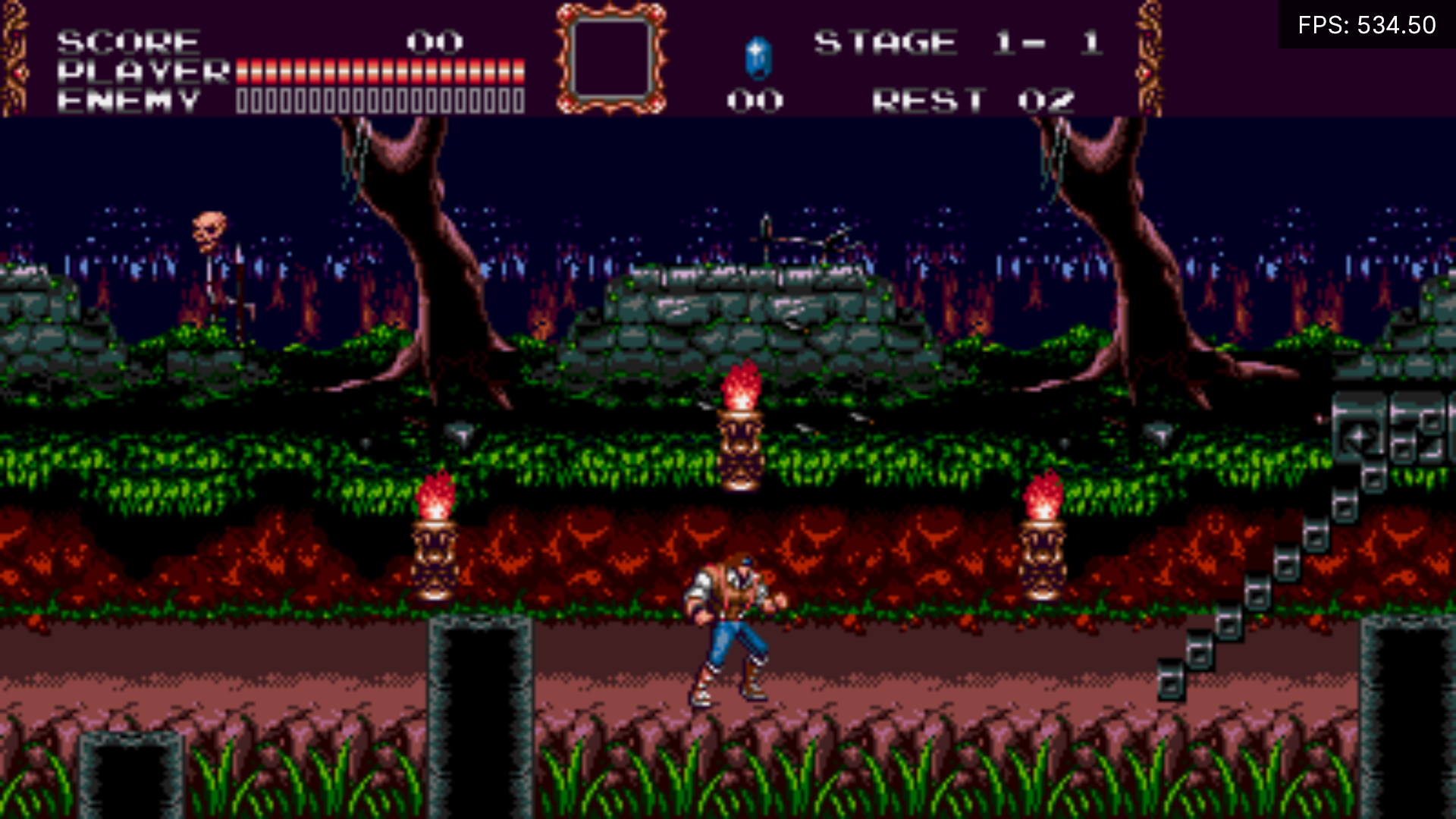
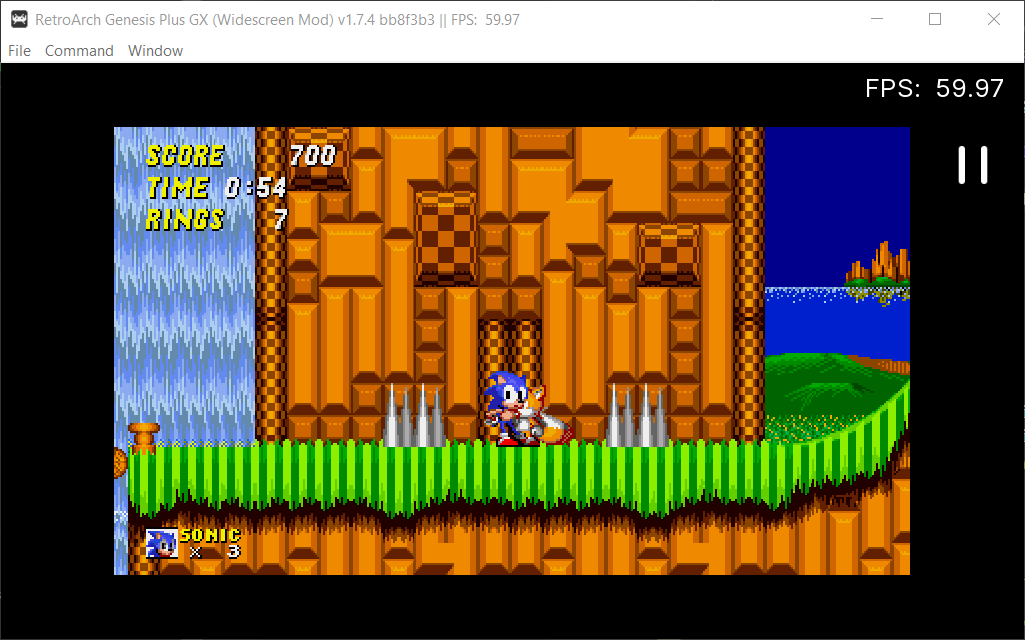
heyjoeway has made a custom fork of Genesis Plus GX with experimental widescreen (16:9) options, called ‘Genesis Plus GX Wide’. We now offer this version on our buildbot, and you can download/install it right now on RetroArch for most platforms!
Available for:
First, make sure you update the Core info files. To do this, go to Online Updater, and select ‘Update Core Info Files’.
There are two ways to install and/or update the Genesis Plus GX Wide core:
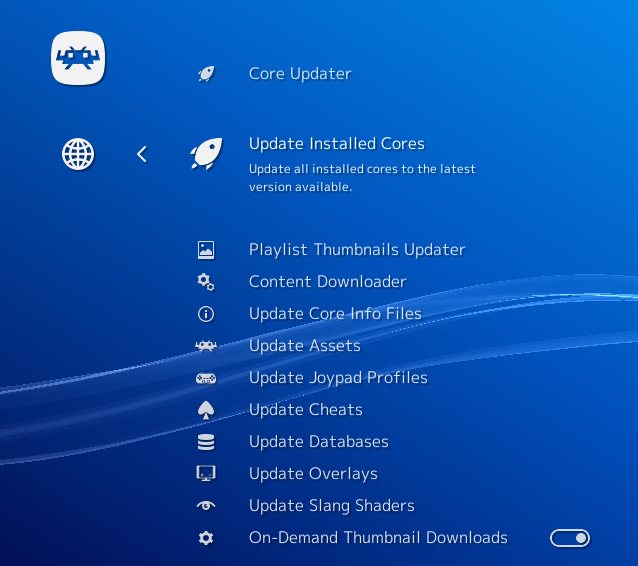
a – If you have already installed the core before, you can go to Online Updater and select ‘Update Installed Cores’.

b – If you haven’t installed the core yet, go to Online Updater, ‘Core Updater’, and select ‘Sega – MS/GG/MD/CD (Genesis Plus GX)’ from the list. It will then download and install this core.
This is an experimental feature right now. Some games might already output nicely with widescreen, while others will likely require patches to display properly.
It works only on Sega Genesis/Mega Drive games, and not Sega CD/Mega CD games.