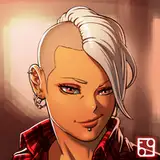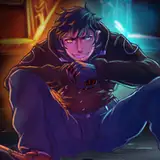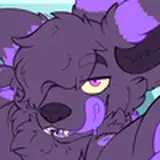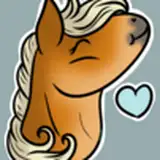
I tried use multiple layer to handling hair this time,
and it work out pretty well so I thought I might able to make a hair tutorial this time,
you can get the CSP or PSD for 5usd tiers to see the layer construction later.
I used 14 layer for drawing hair to handling some detail easier,
tho I wanted to type words on the image but it didn't really need too much word to explain,
so I thought I might just type on here.
TIPS:
in the step 4 I actually add a little lighter color on the front hair since the light come from the left.
in the step 5 I use single layer on top to draw the shadow that causing by other hair layer,
and use other layer below it to draw other details, that make works easier.
I also use on skin or any other part in the same way, and I can easily drawing details without erase the shadow.
in the step 9 I use another layer to draw the lighting, also use airbrush to erase on the tail,
so it will be stronger on the left and lighter on the left
and I use another layer to strengthen the lighting in the step10 so if I regret what I done,
I can easily erase this layer without erase the lighting base I done in the previous layer.
also here's some hotkey I use that I can work more convenience
E for switch color from main color to transparent color, that way I can use any brush (ex: airbrush or the brush I use on coloring) to erasing.
and the eraser I set on V because that way I can switch between brush (brush is B) and eraser quickly.
S for turn off/turn on the brush size pressure sensing
A for turn off/turn on the opacity pressure sensing
肌肉土猫
2020-08-17 12:15:01 +0000 UTC