The universal boop counter for VRChat!
Not usable on standalone Quest
Includes
Testimonials
We've compiled tutorials that cover the prefab setup and the software! There are 6 tutorials in total. You can find all of them in the description of the videos below.
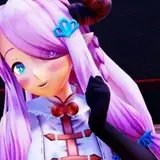
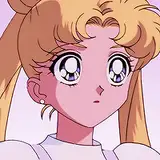
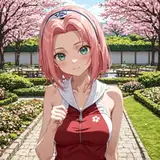
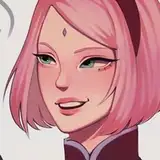
The boop counter is universal, but to help with performance ratings and setup we have presets for the following avatars.
If your avatar is not on the list, you can still use the boop counter! All you have to do is set up the 'Generic Parent Constrained' prefab included in the unity package. We have a tutorial on that in our tutorials list.
YOU CAN:
YOU CANNOT:
This product requires a valid license in order to work. You activate your license by activating a valid license key. A license and its key cannot be transferred and can only be used by the person who has purchased the product.
Your license may be revoked at any point for violating the terms of use.
If there's anything unclear about the terms, please contact me:
If you have any questions or concerns, please don't hesitate to reach out: https://discord.shader.gay
Ratings help out and are very appreciated 💚
This file is compatible with both Unity 2019 and Unity 2022!
If windows defender is giving you a headache about the boop counter/router apps, use 1.0.2 version of the apps:
Added a Nardoragon 3.0 prefab.
Fixed a crash that occured when multiple OSC user folders were present and any one of them did not have a 'Avatars' folder (thanks, Mocha Latte!)
When using the boop counter with a local 'build and test' avatar, a warning will show saying that the boop counter cannot be used with this avatar.
Added a few new special number messages.
Updated VRCRouter to 1.0.3:
Added a route preset for VRCFaceTracking 5.2.3.0
Updated the notes for VRCFaceTracking preset usage.
Added instructions to enable OSC in VRChat in all documentation files.
Updated tutorial links.
Added CHANGELOG.txt