FREE Disco Ball [VRCHAT]
Added 2025-08-14 22:43:25 +0000 UTC
Disco Ball Unity Package
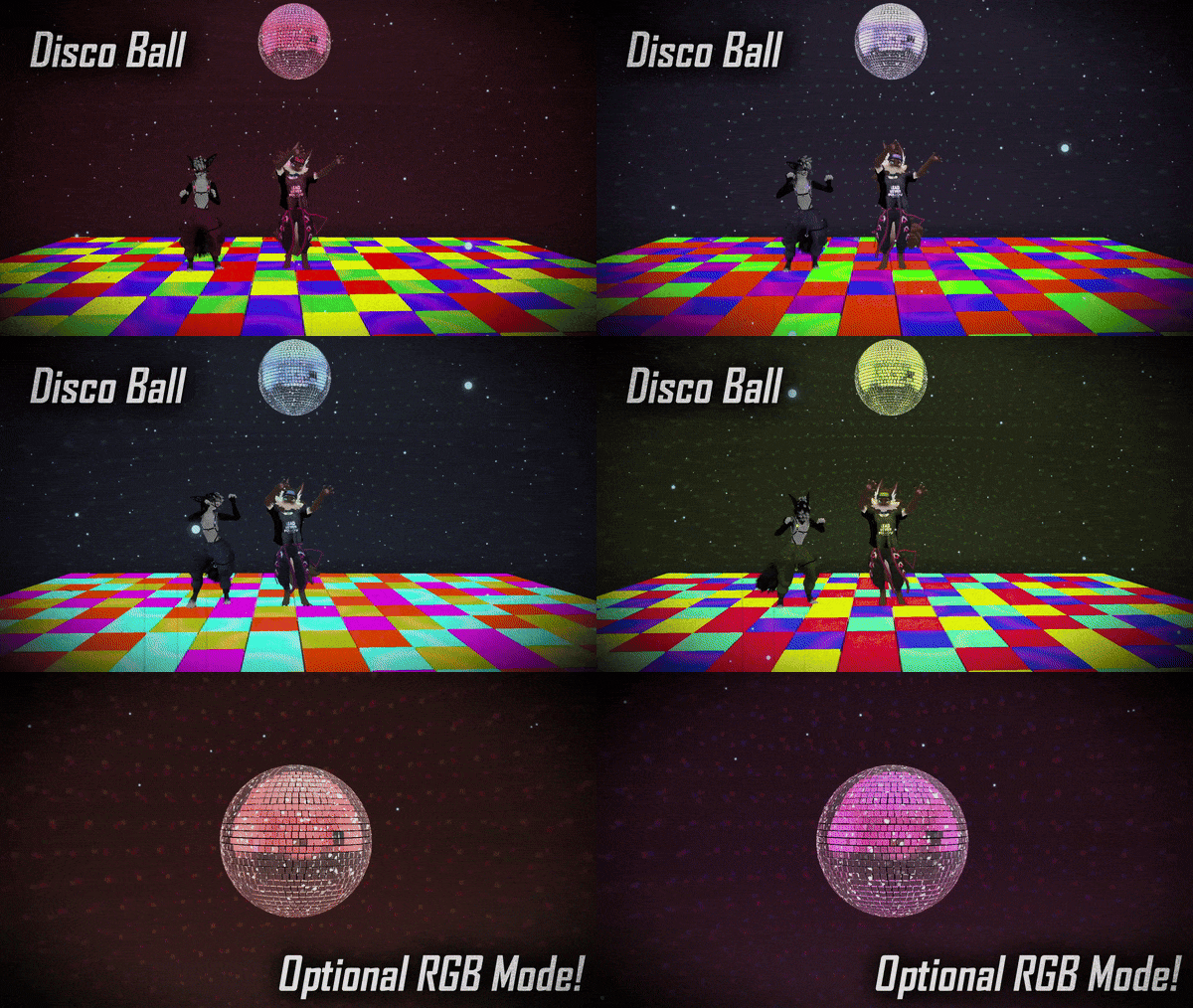
⭐ The Disco Ball for VrChat Includes: ⭐
- Custom 3D model of a Disco Ball & Dance Floor.
-
VRCFury Prefabs & FX Controllers.
- Custom Textures & Materials.
- Place the disco ball & dance floor in ANY world!
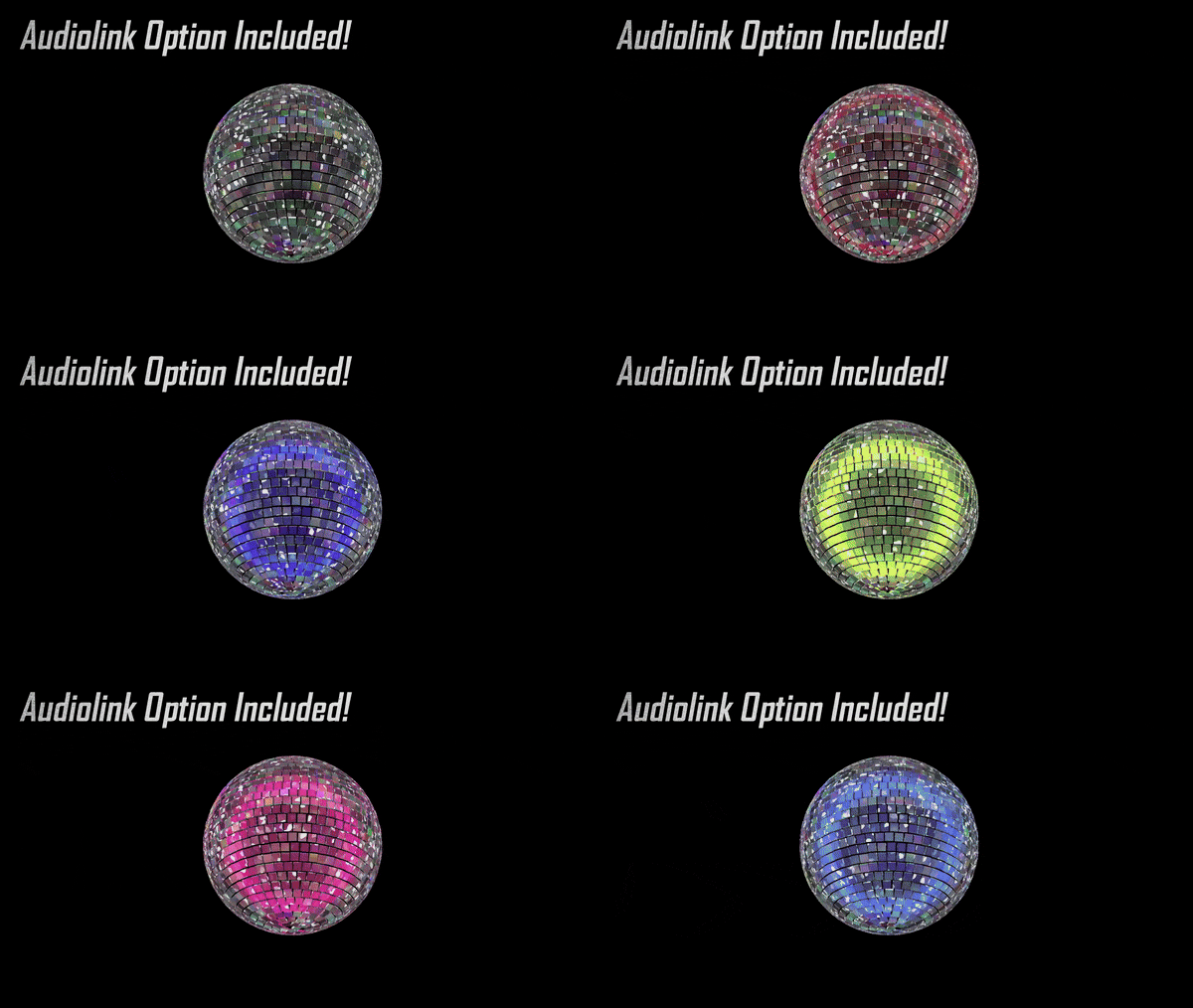
- Optional RGB mode & Audiolink!
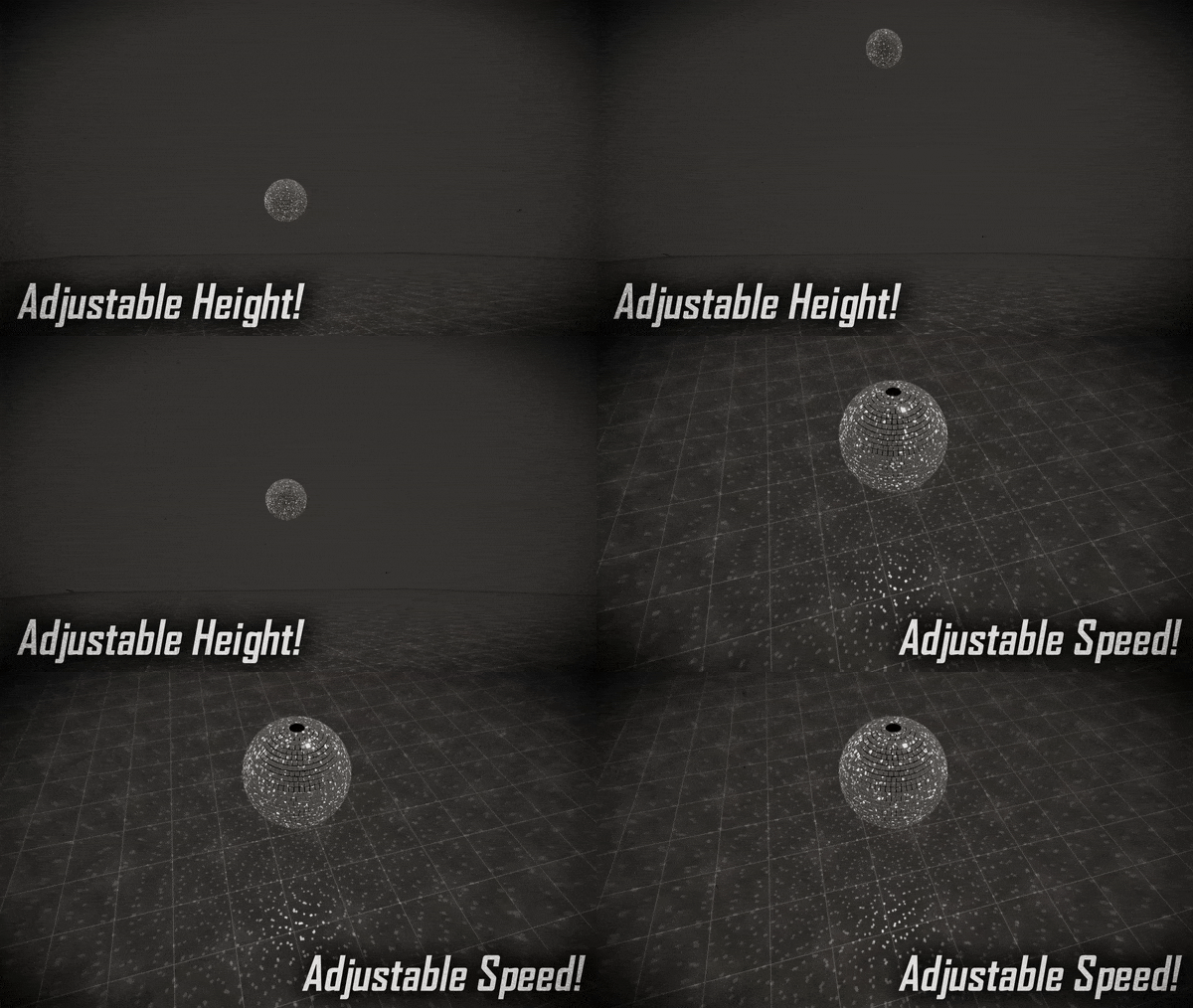
- Adjustable Disco Ball height & speed!
- Disco music toggles included!
- Quest compatible (No Lights, Audio Link, or Audio Sources).
🌟 Extras: 🌟
- Music can be swapped for ANY audio of your choice!
- Can be placed on ANY avatar including the rexouium, nardoragon, novabeast, mayu, protogen, and more!
📸 Preview the models before you buy! 📸
📥 Dependencies: 📥
Poiyomi Toon Shader 9.2.67 or Latest.VRCFury PackageVrChat Creator Companion AVATAR SDK 3.8.0+📌 Rights & Terms of Service: 📌
- ✅ Use on public avatars is allowed.
- ✅ Use on commissioned avatars is allowed if both parties own the asset.
- ✅ Modify the asset in anyway that does not harm others for personal use.
-
❌ NO Commercial License. DO NOT REDISTRIBUTE.
-
❌ Do not share or redistribute the asset files to anyone who has not bought the asset from this page.
- ❌ Do not include the files on a purchasable or downloadable avatar.
📝 Credits: 📝
❤️ Social Links: ❤️
⭐⭐⭐⭐⭐️ Please Leave A Rating and Review! ⭐⭐⭐⭐⭐
Suggestions and feedback always welcome in my discord server!
-> Disco Ball
⭐️ Please leave a Rating & a Review! ⭐️

Drag the Asset Prefab onto your Avatar's Hierarchy and resize as desired.

Reposition Reset Transform as desired, if necessary.

Do NOT scale the prefab, or more specifically, the disco ball down. This will cause issues with lighting due to unity's light sources.
-> 🛠️ Manual Installation 🛠️
Drag the Prefab onto your Avatar's Hierarchy and unpack completely.

Reposition Reset Transform as desired, if necessary.
Open Avatars 3.0 Manager via VrLabs. (Downloadable through VrChat Creator Companion under Manage Project).

Merge Disco Ball FX onto current FX.

Merge Disco Ball Parameters onto current Parameters.

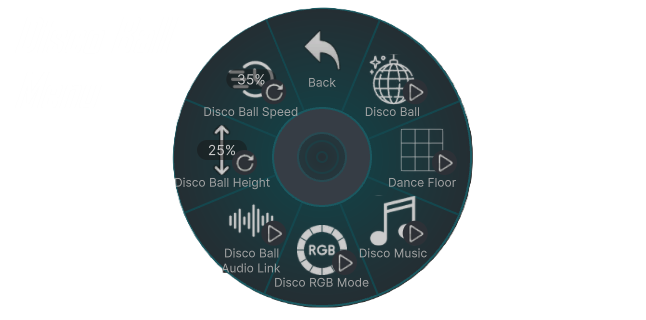
Add the toggle to your VrChat Menu. (Example Menu).

Need Help? Having Issues? Reach Out!
📩 Contact me in my Discord for assistance! 📩
Fill out this form to let me know about issues or suggestions you may have!
📝 Google Form: https://forms.gle/4sDoS7zjE2X46sYp8 📝
-> 📥 Dependencies 📥
![FREE Disco Ball [VRCHAT]](https://img10.xaiju.com/storage/5/ui/ih/d38796-019e8d39-bb18-71f3-8528-2728c1717e7f.gif)