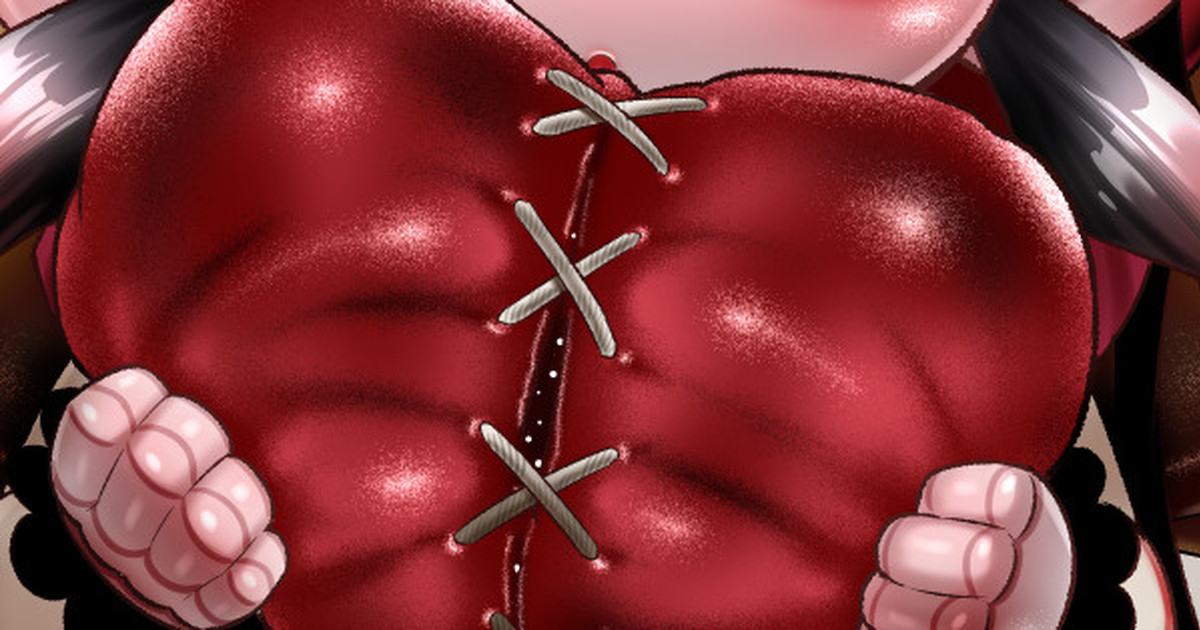
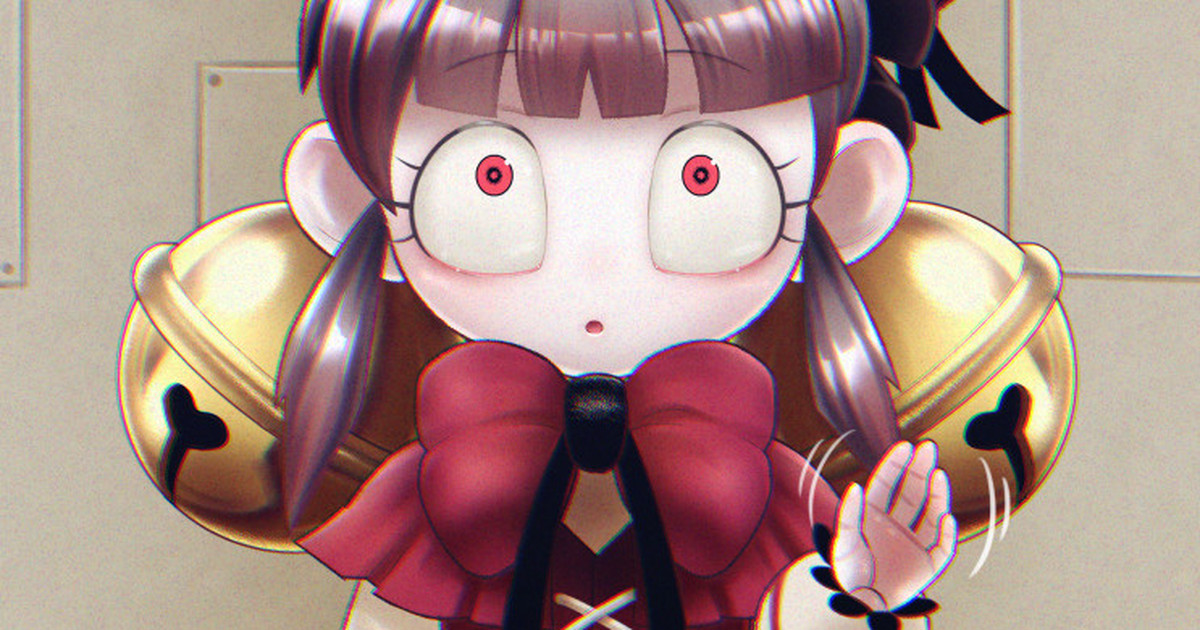
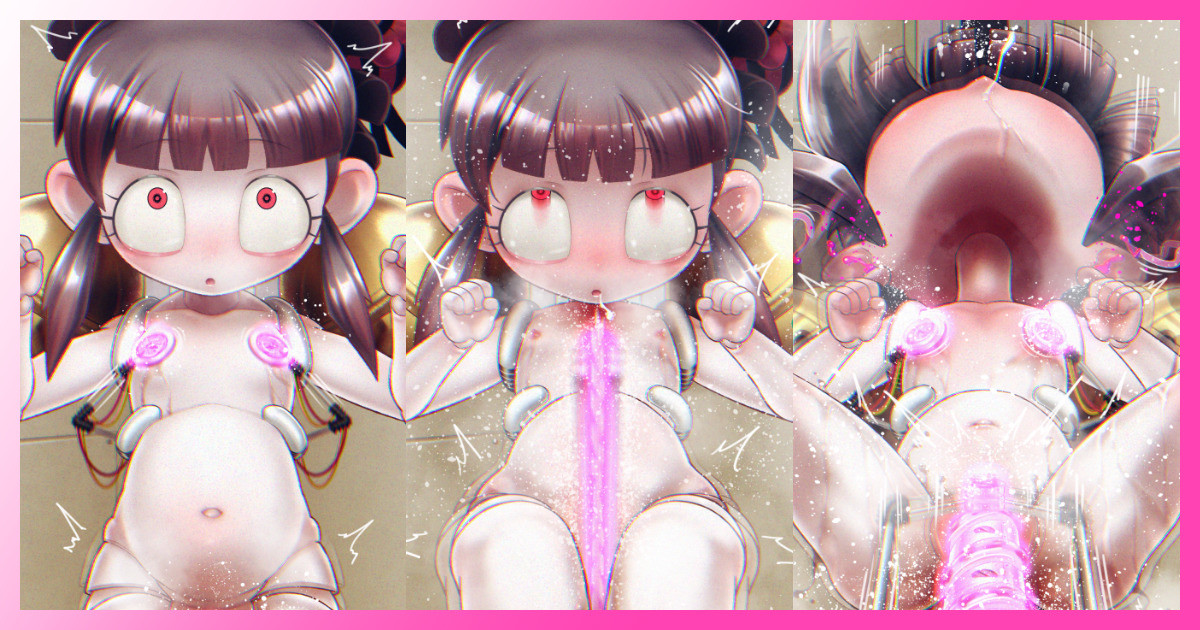
Skebでリクエストいただいたレティシアちゃんの制作過程です
興味があればぜひ、過去の記事や支援者限定記事もごらんください
制作意図や世界観などのコメントのほか、pixivやtwitterで公開したものとは違う絵も見れますよ
This is the production process of Lobotomy Corporation's "Laetitia",
which was requested by Skeb.
If you are interested, please read the past articles and limited articles.
You can also see his comments on his production intentions and worldview, as well as pictures that are different from those published on pixiv and twitter.
ーーーーーーーーーーーーーーーーーーーーーーーーーーーーーーーーーーー
1.案出し Ideas
今回はゲームの設定が深く関わるものだったので
クライアントさんの要望とゲーム内の設定をすりあわせるために
どんな話の構成にするか どんなエッチなシチュエーションにするか
アイデアをいろいろ出しました
(文字はリビドーが溢れすぎていてちょっとはずかしいのでぼかしました)
This time, the game's setting was deeply involved, so in order to reconcile the client's requests with the game's setting, I provided various ideas for the story structure and the erotic situations.
(I blurred the text because it was a bit embarrassing because it was overflowing with libido)
ーーーーーーーーーーーーーーーーーーーーーーーーーーー
2.下描き rough sketch
今回は様々なシーンがあったので 細かく動くように
このあと細かくパーツを分けて 別々のレイヤーにします
(鈴・表情・頭・胴体・腕・手・脚・機械)
In this case, there were various scenes, so we wanted to make it move in detail.
After this, the parts are divided into separate layers.
(bell, facial expression, head, torso, arms, hands, legs, machine)
ーーーーーーーーーーーーーーーーーーーーーーーーーーー
3.線画 line drawing
別々にレイヤーに分けて描いた線画です
この他にもシーンごとに別の動きの線画も描きます
Line drawings drawn in separate layers.
In addition to this, I also draw line drawings of different movements for each scene.
ーーーーーーーーーーーーーーーーーーーーーーーーーーー
4.配色 color scheme
資料と照らし合わせてパーツごとにベースの色を乗せます
各レイヤーの上下関係を考慮します
鈴や関節は奥(レイヤー下)
両手や機械類は手前(レイヤー上)になります
表情のパーツ(眉毛やまつ毛・くち)も別レイヤーに描き入れます
Place a base color on each part in reference to the materials.
Consider the top and bottom relationship of each layer.
Bells and joints are at the back (bottom of layer)
Hands and machinery will be in the front (on the top layer).
Facial parts (eyebrows, eyelashes, mouth) should be painted on a separate layer.
ーーーーーーーーーーーーーーーーーーーーーーーーーーー
5.影入れ cast a shadow
↓影入れ1段階目 Shadowing 1st stage
↓瞳・色線追加 Eyes and color line added
↓影入れ2段階目 Shadowing 2nd stage
光源の強さ・位置・種類(普通・頭上・蛍光灯)や
どんな環境にいるのか(部屋の中)
対象の質感(人形・鈴・関節は固い素材)
などを考えながら それらに合った影を2段階で置いていきます
瞳の中やおへそ、関節の線などを色で描きます
What is the intensity, position and type of light source? (normal, overhead, fluorescent)
What kind of environment is the subject in (inside a room)?
What is the texture of the object? (doll, bell, hard material for joints)
I place the shadows in two stages while considering these factors.
Paint the eyes, navel, joint lines, etc. in colors.
ーーーーーーーーーーーーーーーーーーーーーーーーーーー
6.赤み・ハイライト Reddish/Highlight
柔らかそうなところや関節に赤みを入れます
髪の毛や鈴のハイライトは人工物っぽく固めに
肌や瞳も人間のものとは違うちょっと硬い素材感
を演出するようなハイライトを入れます
Add reddish color to soft areas and joints.
The highlights in the hair and bells are hardened to look artificial.
Highlight the skin and eyes to give the impression of a hard material that is different from human skin and eyes.
ーーーーーーーーーーーーーーーーーーーーーーーーーーー
7.機械を統合 Machine Pictures and Integration
同様の塗り方なので省略しますが
別で塗っておいた機械を上のレイヤーに乗せます
ブレの効果はClipStudioのフィルター機能を使ったり
震わせたい部分をコピーして 不透明度を下げたものを
いくつか貼り合わせたりして表現しています
The same painting method is used, but a machine that has been painted separately is placed on the top layer.
The shaking effect is achieved by using ClipStudio's filter function, or by copying and pasting together several copies of the part to be shaken with reduced opacity.
ーーーーーーーーーーーーーーーーーーーーーーーーーーー
8.背景 Background
↓下描き rough sketch
↓線画 line drawing
↓色塗り coloring
背景は案出しのときに描いたものを 拡大して下描きにしました
直線ツールで線を引くのではなく 定規ツールを使って線を引いて
原作のアナログっぽい背景を表現しました
原作の雰囲気を出すために 彩度の低い色で塗ります
The background is an enlarged draft of the drawing I did when I was working on the idea.
Instead of drawing lines with the straight line tool, I used the ruler tool to draw lines to express the analog-like background of the original work.
To create the atmosphere of the original work, the background is painted with low saturation colors.
いろんな機械が登場するシーンがあるので
ここだけ別パーツとして描いて開閉できるようになっています
Since there are scenes in which various machines appear, this hatch is depicted as a separate part and can be opened and closed.
ーーーーーーーーーーーーーーーーーーーーーーーーーーー
9.環境効果 Environmental effects
↓背景統合 background integration
↓照明による落ち影の追加 Adding falling shadows by lighting
↓環境光を追加・調整 Add and adjust ambient light
背景と統合してこの環境の光の効果を追加します
影を落とし 少し赤みのある色を全体の上に別レイヤーで乗せて
背景となじませたり 色味や強さを調整して原作の雰囲気に近づけたりします
Add the light effects of this environment to the person integrated with the background.
Drop the shadows and put a slightly reddish color on a separate layer over the entire image to blend it with the background.
Adjust the color and intensity to get closer to the atmosphere of the original work.
ーーーーーーーーーーーーーーーーーーーーーーーーーーー
以上です
最後まで見ていただきありがとうございました
That's all.
Thank you for watching until the end.
ーーーーーーーーーーーーーーーーーーーーーーーーーーーーーーーーーーー
関連リンク
↓この作品のpixivページ pixiv page for this work
https://www.pixiv.net/artworks/108060659
↓この作品のSkebページ Skeb page
https://skeb.jp/@spicepats/works/18
ーーーーーーーーーーーーーーーーーーーーーーーーーーーーーーーーーーー
関連記事 Related Articles
今月に募集したSkebリクエストのスケジュールです たくさんのご応募ありがとうございました! 手数料無料のキャンペーンに加え、初めての方も多かったため スケジュールを詰め込んでしまいました 受領できなかった方々すみません😔 気を落とさないでくださいね 次回は6月中の募集を予定しています Here is the schedule ...
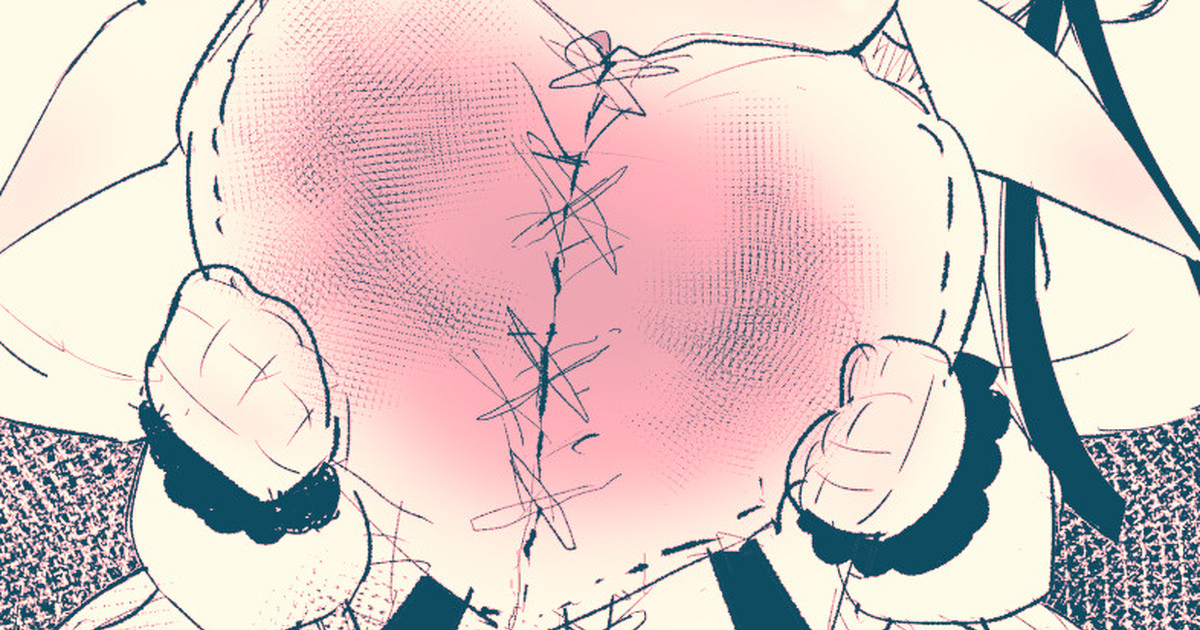
Skebのリクエストをいただきました Lobotomy Corporation というゲームのアブノーマリティ 「レティシア」ちゃんを制作中です! I received a request for Skeb I am working on a character named "Laetitia" for a game called "Lobotomy Corporation" ふぅ・・・今回のタスクは良くも悪くもないけど・・・一応ノルマ...
O-01-67の収容違反が発生し スケジュールに遅れが出ています もうしばらくお待ち下さい🙇
Skebでの依頼を納品しました リクエスト&ブーストありがとうございました! I've delivered the request on skeb! Thank you for your request and boost! このリクエストのskebページ↓ Page for this request↓ pixivに投稿したページ↓ The page I posted on pixiv↓ https://www.pixiv.net/artworks/108060659 -----...
Skebでリクエストいただいたレティシアちゃんの未公開差分の一部です ※本来の納品データの解像度ではありません 納品されるデータはリクエストしていただいた方にいろいろ加工していただけるようにできるだけ大きな解像度でお渡ししています Some of “Letitia” unpublished diffs requested on Skeb. ※This is not the o...
味噌ようかん
2024-09-16 19:10:10 +0000 UTC