A pretty huge update for MilkDrop:
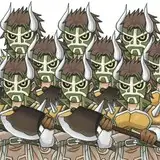
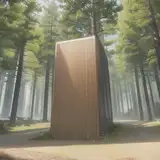
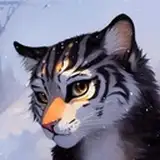
- Save any images directly in the .milk or .milk2 file! Just drag 'n' drop any images (jpg, png, bmp, jfif) on the window and move it with your right click and resize it with your mouse-wheel.
- New sprite menu, a lot smarter: it won't be activated if no sprite is loaded, the settings are checked or disable if not available. New effects too.
- You can now see only the devices available to use in the audio menu (so you won't see any microphones, use a virtual audio cable for those, see my previous post on how to).
- Compatible with 96KHZ
- Press 'ESC' to exit fullscreen (this can be disable in the panel)
- Lot's of bug fixed and code cleaned, it's a lot more stable than previous versions. I've updated the code from visual studio 2019 to 2022.
- New names for files : settings.ini / sprites.ini / messages.ini to replace the milk3xxx.ini
At the moment if you load a preset with a sprite saved in the .milk file, you can't change the sprite settings. I'll probably enable this option in the next update. You can't save 2 sprites in 1 preset. Avoid using big images, it's slow, keep the size of the file below 500kb if possible (resize your image with paint.net). If you drag 'n' drop an image and save a preset, the image will be automatically copied in the folder sprites if nothing is found in textures or sprites! Those 2 folders are the same for MilkDrop3, it scan both. Sprites can be arranged in sub folders. The default ColorKey is black.
I'll be making tones of new presets in the following weeks, enjoy :)