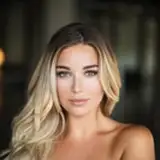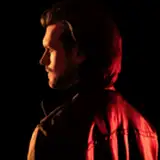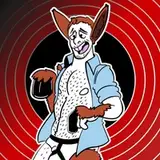
Almost always, a TF manip that I create starts out with me being inspired by the stock. The model, the pose, the face, and the background all play a part in what TF I choose. Most stock, like this guy, are found on free websites such as Tumblr. In fact, the majority of my TF "victims" are pulled from Tumblr and my stock blog there ( http://geekygreekfrat.tumblr.com/tagged/nsfw ). With this guy's post, facial expression, and bland background, he's pretty much prepped to become and four-legged animal, but in this case, I decided to go with Donkey and to make a sequence out of the image (multiple Manips using a single image).
A quick Google image search for a suitable background and utilizing some of my animal stock and I get to work. I start out by making rough outlines of both the animal stock parts and the model, so I can quickly get a good idea of what things will look like. I later go in and trim up the images once I'm satisfied with general placement.
For the later stages in the sequence, the model will be higher up with longer legs, and to achieve that standing pose, I had to move his arms as well as detach his lower half to make him look longer and taller. Moving his legs is fairly easy, but changing the angle of his arms requires me to create parts of his shirt that aren't visible in the original image.
After moving his arms where I want them, I copy part of his shirt and mirror it so that it continues the patterns and folds more naturally, reforming it to match its new position.
With that done, the next steps are to clean up the animal limbs and make them look like they're actually coming out of his shirt and pants. Once I'm satisfied with this step of the TF, I'll move onto the other stages in the sequence until every image is complete.