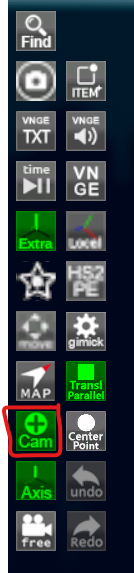
Hey guys, so I've had a few messages about the depth of field in my scenes and how things can get blurry sometimes, so I just wanted to clarify a few things. So in my presets, I always use auto focus. This means that wherever your point of view is, it should always focus in on your cursor. So move your cursor to where you want to focus on. You can turn the cursor on by pressing the highlighted button here:
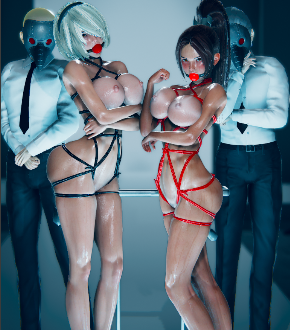
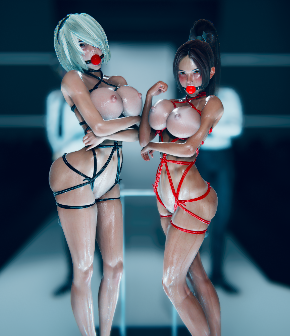
You can also increase the field of view by pressing ] or decrease it by pressing ; and the more field of view you have, the stronger the depth of field it will seeem to have. You can reset the field of view by pressing : if you wanted to. To show you an example of how field of view affects depth of field, here's an example:
The first picture has the default field of view, and the second has maximum field of view and I zoomed in using right mouse key to get a similar view of the 2 girls. But the guys in the back are very blurry compared to the first picture because of the depth of field.
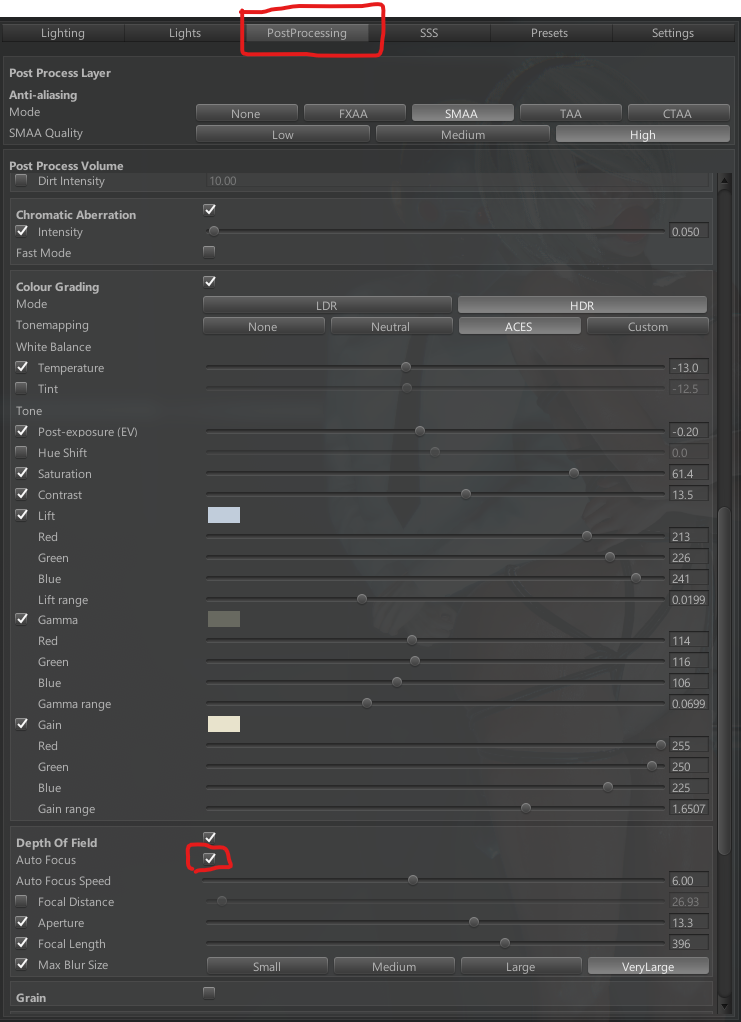
However, unfortunately I think there is a bug with the auto focus. Whenever you open up studio and load up one of my scenes, it works fine. But if you were to load up another scene after this, auto focus doesn't work anymore. I've tried many things to resolve this but the only thing that seems to fix it is to restart studio. You can also just turn off auto focus as well, but then most of my cameras and the moving cameras will not work as intended. Also, most of my moving cameras need to be watched while the still cameras are at 1, 2 or 3. You can toggle through the moving cameras by pressing H. You can turn of auto focus here:
So as far as I know, if you experience this, the only solution is to restart. Please let me know if this is just me!