Introducing FLUX: Your Ultimate Creative Companion
Experience the future of AI image creation with FLUX, now available on all Graydient apps! Developed by the innovative minds at Black Forest Labs, a team of ex-Stability employees, FLUX is redefining what’s possible in the world of digital art.
Why FLUX Stands Out:
Versatile Mastery: From text generation and rich, vibrant colors to lifelike realism, intricate cartoons, and even those notoriously tricky hands—FLUX handles it all with ease.
Beginner-Friendly: Simple to use and perfect for newcomers, FLUX will have you creating stunning images in no time.
Unlimited Creativity: Enjoy limitless usage with no per-image fees. Dive into endless possibilities without worrying about costs.
Seamless Integration:
Switch effortlessly between our SD3 and FLUX workflows, allowing you to compare and blend the best of both worlds. We’re excited for you to discover the unique strengths of each model.
Get Started with FLUX Today:
Explore Graydient Apps: Dive into our intuitive platform and start creating with FLUX instantly.
Join the Revolution: Be part of a community that’s pushing the boundaries of AI-generated art.
Don’t miss out on the future of digital creativity—experience FLUX now and watch your imagination come to life!

If you don't have an account yet, start a free trial at https://graydient.ai
1. Login to My Graydient
2. In the tasks menu, choose Workflows > FLUX
We've also added SD3 and 2K Realvis workflows to our web ui as well, tons of cool stuff there. (Please note that some of the other workflows are user-created and may be works in progress)

For a more social experience, join us on Telegram and create alongside others with our bot
1. Click on your @piratediffusion_bot
2. Type /workflow /run:flux followed by your prompt
Optional - add resolution and aspect ratio like this:
/size:1024x1024
See more examples on our subreddit: https://reddit.com/r/piratediffusion
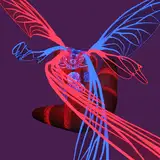
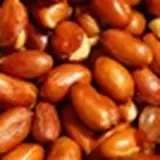
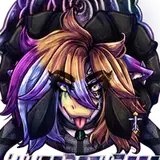
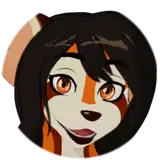
50 example images attached. Can you guess the prompt?
Happy FLUXing!