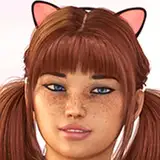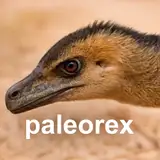
I've just uploaded a complete set of skin texture overlays that I personally use in Photoshop to bring realistic surface detail to my creature illustrations. These are powerful, time-saving tools that let you achieve lifelike skin—wrinkles, pores, bumps and all—without having to draw every detail by hand.
To get the most natural results, I recommend applying the textures using blending modes like "Soft Light", "Overlay" or "Intense Light". You can freely warp, scale and mask them to fit your subject, or even turn them into custom brushes for faster, more dynamic application. Each texture is fully editable, so you can adjust contrast, sharpness, or blending to match your style and lighting conditions.
I hope these overlays speed up your workflow and bring added realism to your artwork. Enjoy—and stay tuned for more! Feathers, protofeather, horn textures and more are on the way!