![[Tutorial] How to color like Pixie!](https://xaiju.com/storager//94/3c/943c911798cfe31f2504a26b5717d56a6bc030bd37b5f721a743031428b01f21.png)
Hey inkventurers,
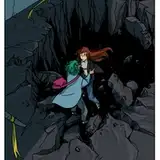
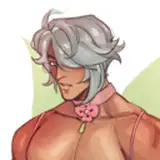
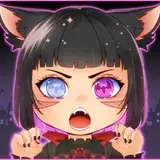
I used my newest illustration to make a tutorial on how I color in my images. This does not cover any of the fundamentals of getting to the lineart, but I hope it will help you to get some pointers on how to color going forward!
If you have any questions, or if you have tried this way of coloring and want to show your results, make sure to reach out! If you post any images following this tutorial on social media, feel free to tag me to show off your good work!
The auto actions used:
Step 11:
Line Color: https://assets.clip-studio.com/de-de/detail?id=1784839
Step 16:
Anime-Effect: https://assets.clip-studio.com/de-de/detail?id=1765759
Anime-Effect 2: Attached to this post
Step 19:
Vibrance: Attached to this post
Brushes used:
I mostly use the soft airbrush and my own brush, which is a modification of the "real pencil" brush. You can download that one from this post as well!
All of the above only works in Clip Studio Paint!
I will make this available for ALL patrons, since this is the first time I am doing a proper tutorial. Should they become some kind of semi-regular/regular reward I will have to see how we handle this going forward!
X
2021-10-25 03:31:53 +0000 UTC