![[DL] Edge Stitcher](https://img10.xaiju.com/storage/6/bs/rd/d38796-019e82f2-38af-7a0f-a5e7-8b52266e991c.png)
![[DL] Edge Stitcher](https://img10.xaiju.com/storage/3/af/wi/d38796-019e82f2-38b1-727b-a610-43a8cd0d65d6.png)
![[DL] Edge Stitcher](https://img5.xaiju.com/storage/6/ro/js/d38796-019e82f2-38b8-72ca-8983-0d73a203a143.png)
![[DL] Edge Stitcher](https://img5.xaiju.com/storage/6/hi/xv/d38796-019e82f2-38b8-7b60-b531-193275326ba0.png)
![[DL] Edge Stitcher](https://img5.xaiju.com/storage/9/go/iw/d38796-019e82f2-38be-76e3-a81a-0f540e3606f5.jpg)

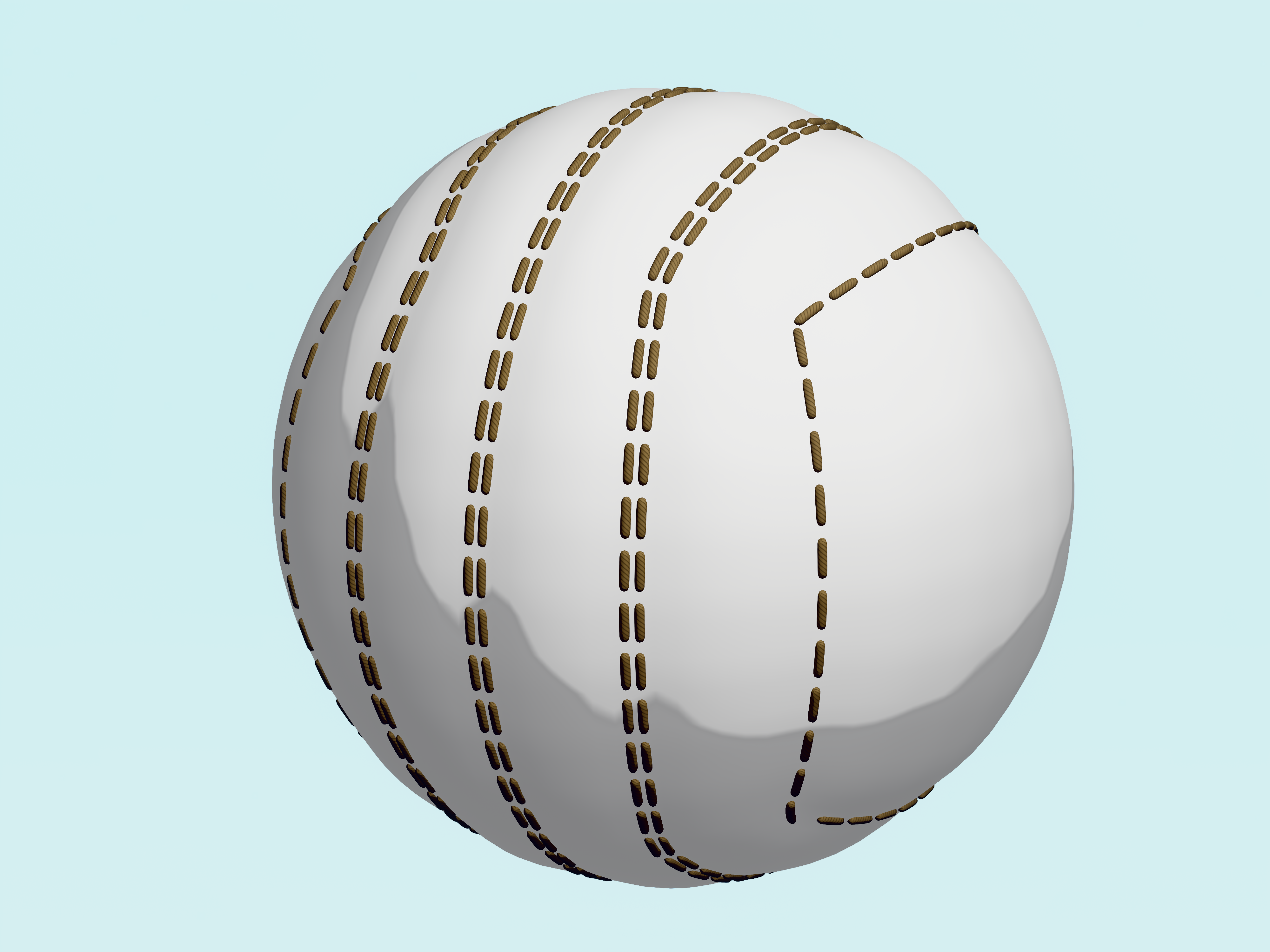
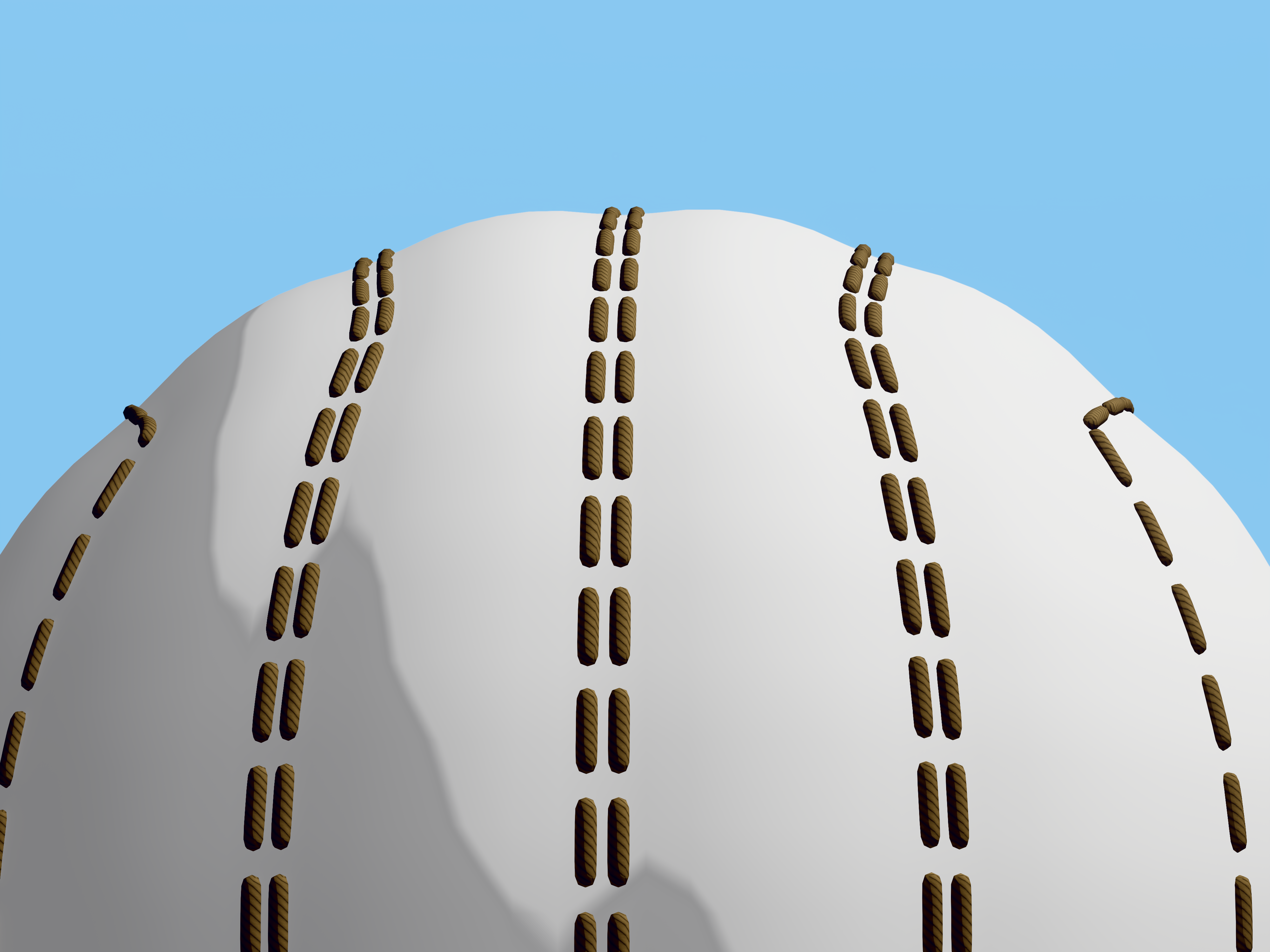
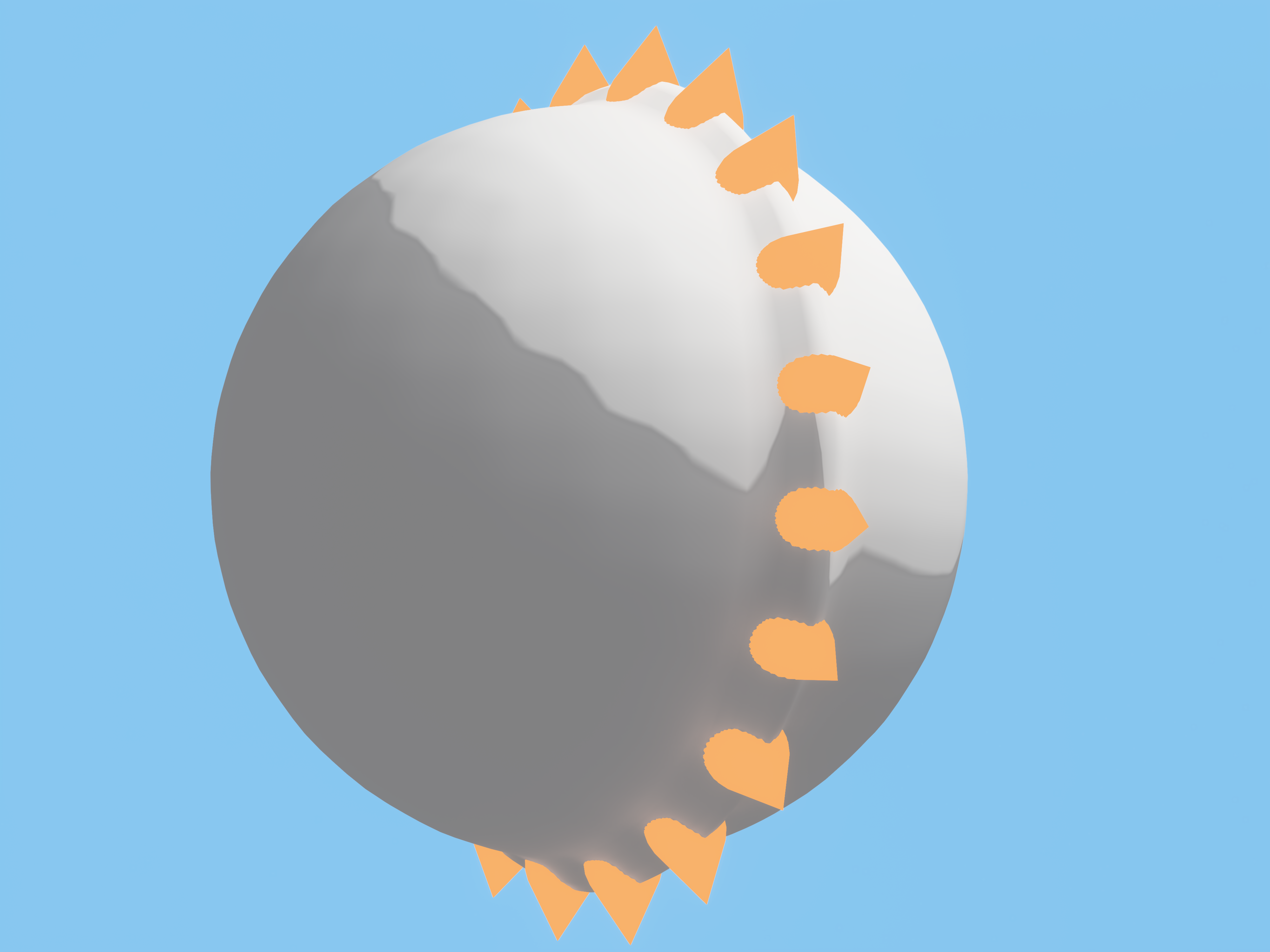
A geometry node modifier utility for easily adding stitches or any other object along mesh edges.
- Scale, rotation and location is derived from the custom stitch object along with the shader material and UV maps.
- Indenting the edges also available.
- Internally does a subdivision surface operation for getting smooth placement of the stitches. Using a subdivision surface modifier (set to thew same level) after this geometry nodes modifier is recommended for exact results.
- Stitches can bend around corners. (Slight inaccuracy when using a circular selection of edges at the start / end points of the selection.)
Instructions:
- Append Edge Stitcher node group to your project.
- Add this geometry nodes modifier to your object, optionally before a subdivision modifier.
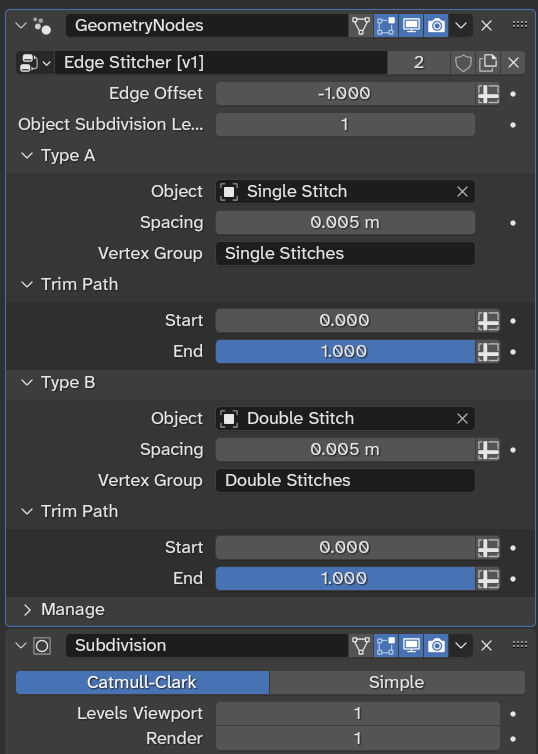
- Add Vertex Groups to your mesh with the same names as defined in the modifier's panel. (By default, 'Single Stitches' and 'Double Stitches'.)
- Switch to Edit Mode on your object and assign edges to your vertex groups.
- Play with the values in the modifier's panel.
- Make sure to use simple objects as your custom stitches or performance will suffer.
- You can apply the modifier to permanently add the stitches. You can select them again with the same vertex groups. (Use face selection mode.)
- Using individually named UV maps for applying the modifier is recommended so you can use a single shader material with separate UV maps later.
(Available in the Utilities folder in the cloud drive for Advanced tier members.)