


Hello everyone, I really appreciate your continued subscriptions and support :)
This is part 1 of a tutorial showing how to make this kind of logo animation you might see at the end of an advertisement.
Covered here is the geometry (SOP) portion, part 2 will cover lighting and shading.
The tutorial can be viewed using the link below.
https://youtu.be/Ek-mUOqSqtc
Some key aspects covered:
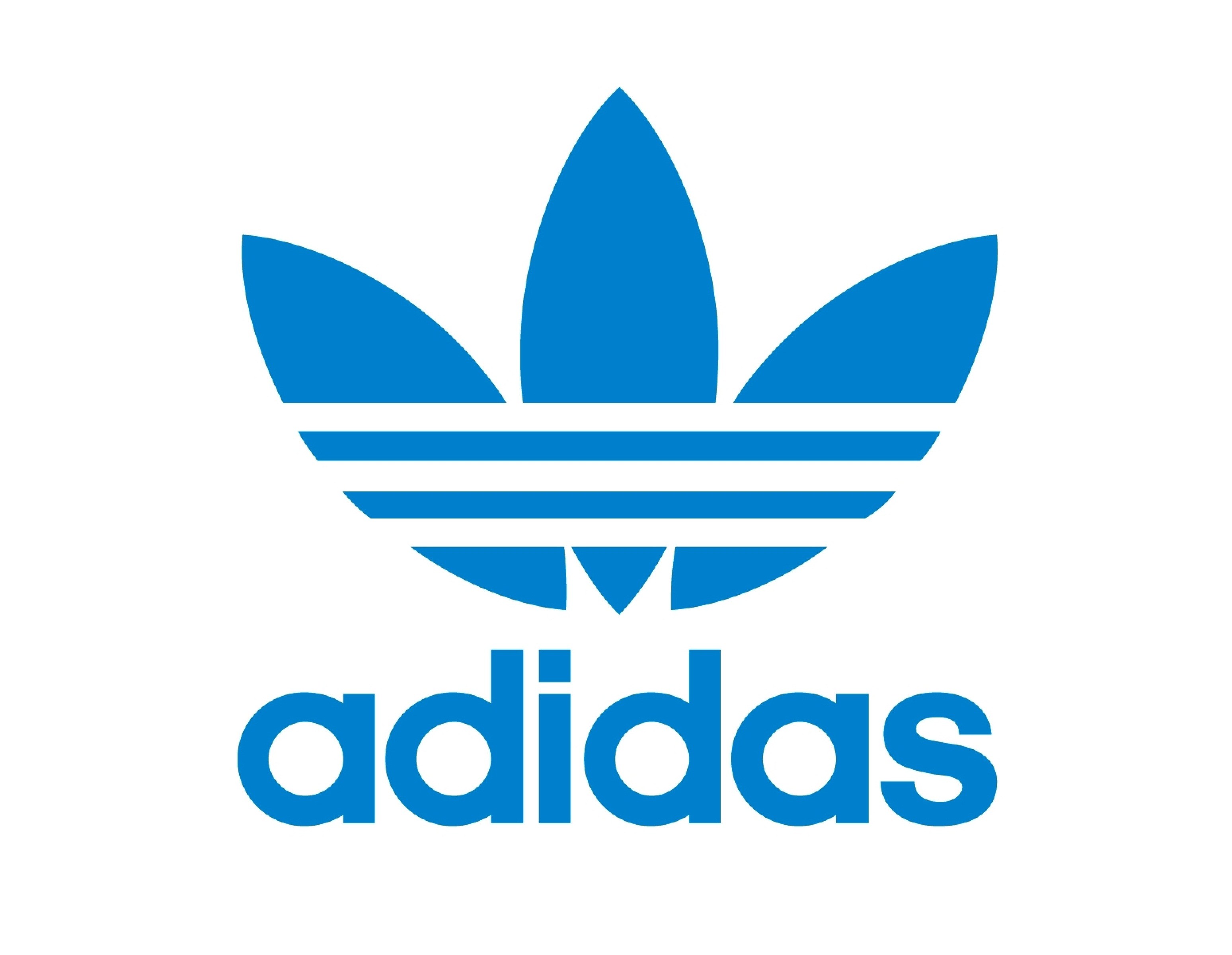
Taking a raster image of a logo (https://www.itl.cat/pngfile/big/28-282460_cool-adidas-wallpapers-adidas-original-logo-color.jpg) and converting it to vector (mesh) with clean topology. The logo image is also included with the scene files.
Calculating distance values using the ray SOP which can be used for all kinds of concentric ring designs and patterns.
Clipping geometry by an arbitrary attribute (distance) instead of position to cut the mesh producing cleaner edges.
Manipulating the distance values in VOPs to achieve greater control over the final pattern of the cut edges as well as animating these values.
Using a for loop and compiling it to allow for multi-threading optimization of a single-threaded node such as the clip SOP. For further information on compiling portions of your scenes, this is helpful to refer to https://www.sidefx.com/docs/houdini/model/compile.html
Ryan game
2022-09-27 18:54:42 +0000 UTCabsorbentghost
2022-09-20 03:22:47 +0000 UTC































)