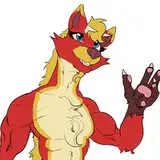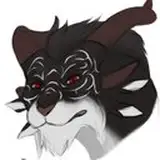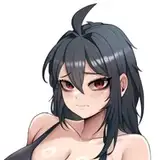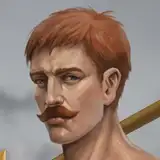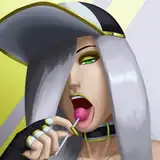
After a lot of time wasted just trying to get this poorly coded colab notebook to work, I got a style AI to do a little work. The first pic is the base flat image. This was 'styled' by a second shaded pic I had done by the artist of a different character, the result was pic 2 (the very dark/contrasted pic). The second rough pic was layered into the first, cut out the black background and did a couple tricks... Reduced second pic's opacity to like 25% and set that layer to darken. The result is the third pic.
The shading is pretty subtle and of course it's not accurate. It does look somewhat convincing, at least if you don't look too hard. I would've liked it to try some cel-shading in the arms or something but it seems to prefer spitting out soft shading if anything.
If I were to try this again soon, I would try to generate the rough layer multiple times and see if I can get a best result. Maybe try a styling pic that has stronger use of cel shading, like really exaggerated darks. Anyway, I really doubt I could get my 'best outcome', but my best outcome for this trick would be getting multiple versions of a given sprite with different lighting sources, thus allowing the lighting on the battlefield to be consistent across different sprites. This isn't very likely to happen. My other 'best outcome' would be a convincing-enough shading method which would allow me to forego commissioning full shading/color for pics, allowing me to just get flat colors.
EDIT: I also included 2 more pics done with 'autoshade', the result is slighly different each time.