A man walks into the library and asks the librarian for books about paranoia. She whispers, "They're right behind you!"
_____
Drawing a Blank
Our favorite game has some obscure commands for inserting blanks in between spells in the Knowledge book, and also for swapping around entire pages. The commands will work in any tab in the Knowledge book although I've wasted lots of time on the Ascension tab in the past, laboriously flipping back and forth through the pages, drag-dropping my current Ascension class spells one by one to the front page. Using these commands it's possible to reorganize pages of spells, combat arts, abilities, tradeskills and Ascensions with almost no effort.
If you expand the Knowledge Sort popup (see image #1 above) you'll see two new UI panels: Insert/Remove Blank Pages and Swap Pages. Using the new controls is very intuitive, with one odd exception (there's always an exception, isn't there?) The first nine commands on the Abilities tab cannot be moved or swapped around. You can move and swap any pages on any of the tabs, but the first Ability page containing those nine special slots won't budge.
Mirror, Mirror...
Vanity thy name is Darq. Well, not really. But recently I visited the guild barber to change up my beard a bit, and I remembered a small annoyance from when the window was in the process of being scaled up a couple of summers ago. Unlike the default Character Customization window, the DarqUI version can be resized to enlarge the tiny character "paperdoll" model. But depending on your screen resolution the paperdoll wasn't making the best possible use of the extra space available.
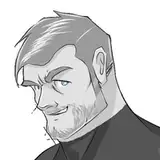
Normal and Large sizes of this window have been tweaked to scoot the controls over to the left and out of the way when possible, resulting in a much larger and more detailed view of the character model with a more efficient overall footprint than before. Bigger is always better, especially with my handsome mug (see image #2 above.)
Why didn't we tweak the XL size? There are some pixel size limitations with the paperdoll widget beyond which things start to get very distorted. The resizable XL window is large enough that it's already bumping into those limits.
Perfect Mismatch
Darq Side members Arderath and Fiora both reported an interesting Shutdown (Camp window) bug that received some attention this month. With the Camp Next or Camp Next Favorite feature configured, interrupting camp resulted in a red Server Mismatch message. Any attempts to switch characters from the Camp window after that would fail until a restart, no matter which character you tried to camp to.
Now that this is corrected, the only time you should receive a Server Mismatch message is when attempting to camp directly between two incompatible server types, such as between Thurgadin, Anashti Sul, Test or Beta, and any other server. As you know, in those cases you must log all the way out and choose the correct server type in the Daybreak LaunchPad.
The End of OK?
You all know I'm usually low-key when it comes to new and updated features in DarqUI that come from me, but in this case I'm actually pretty stoked to tell you about an internal change that's being developed and tested right now. If implemented, it will broadly affect the premium UI and simplify an aspect that has historically been a point of confusion and an annoyance for everyone who uses DarqUI, including me.
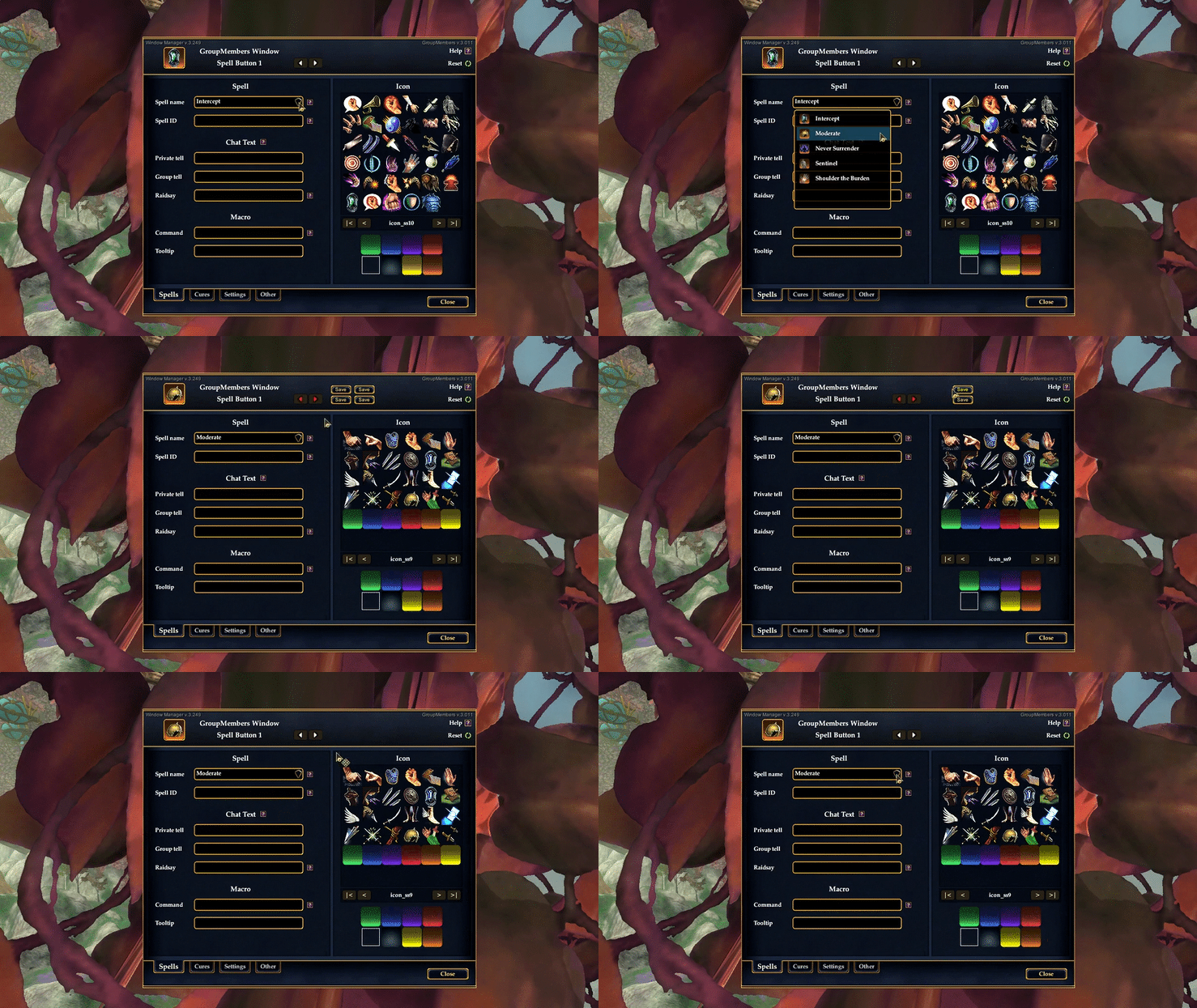
Back in 2016 or so, when DarqUI and DarqUI Live were combined into DarqUI Unified, the decision was made to use the points-of-interest (POI) mapping system for saving and loading custom UI configurations. Every little micro-setting that you make in DarqUI is actually saved as a POI on a hidden map. The ubiquitous OK Confirmation dialog is actually the Add POI window camouflaged to look like a simple dialog box.

If you've ever taken a look inside the UI files, you know there's an excessive amount of prickly code that goes into making that work, even when saving something as simple as a checkbox setting. This new method still uses the POI system but since it does not manipulate the Add POI window, the code required and the impact on the rest of the UI are virtually eliminated. So the benefit is two-fold: Easier, more intuitive configuration and dramatically less XML code in dozens of places throughout the UI. That's a win for all of us.
Working through the code changes, I'm very optimistic that this is a viable and publishable improvement. I've gotten several files converted in a test environment in the normal size, and I can safely say, so far so good. Once everything is running smoothly I'll begin converting Large and X-Large sizes. Picking through all that code by hand is time-consuming, but I have to admit that I'm very impatient to get these updates in front of you.
Thank You
...for giving me the lucky job of bringing amazing new crowdsourced features, quality-of-life improvements (and bug fixes) to your game window every month. I hope you're enjoying all the benefits of your Darq Side membership! If you installed DarqUI for the 2K- or 4K-friendly UI, I recommend browsing through the dozens of exclusive premium features and upgrades that are in your game right now. If you have an idea to make something even better, hop into the Darq Side Discord server with hundreds of other EverQuest II players and tell us about it! We'd love to hear from you.
An extra thank you for mentioning the Darq Side to your guildmates and fellow players. Have fun, and we'll see you in-game!