Most of the time you need the Onscreen Message to remain up and visible for a reasonable amount of time. Certain raid scripts, quest updates and NPCs display text in this area that doesn't also go into the Chat window. If your delay timer is set too short, you won't have enough time to read those ephemeral messages. We've all been there.
On the other hand whenever you respec your AAs or create a Heroic character, those messages seem to go on and on. You can go into Options and shorten the delay to speed things up, but 1) you have to find that setting among the hundreds of sliders and checkboxes, and 2) you have to remember to set it back to something sensible.
The Onscreen Message window has a new control that will temporarily speed through all the spam and then reset the message delay back to your preferred setting. Using it is very easy: mouse over a message and click the icon, which will flush as many backed-up messages as possible for five seconds and then reset your preferred delay. If you still have messages in the queue, you can click it again as needed.
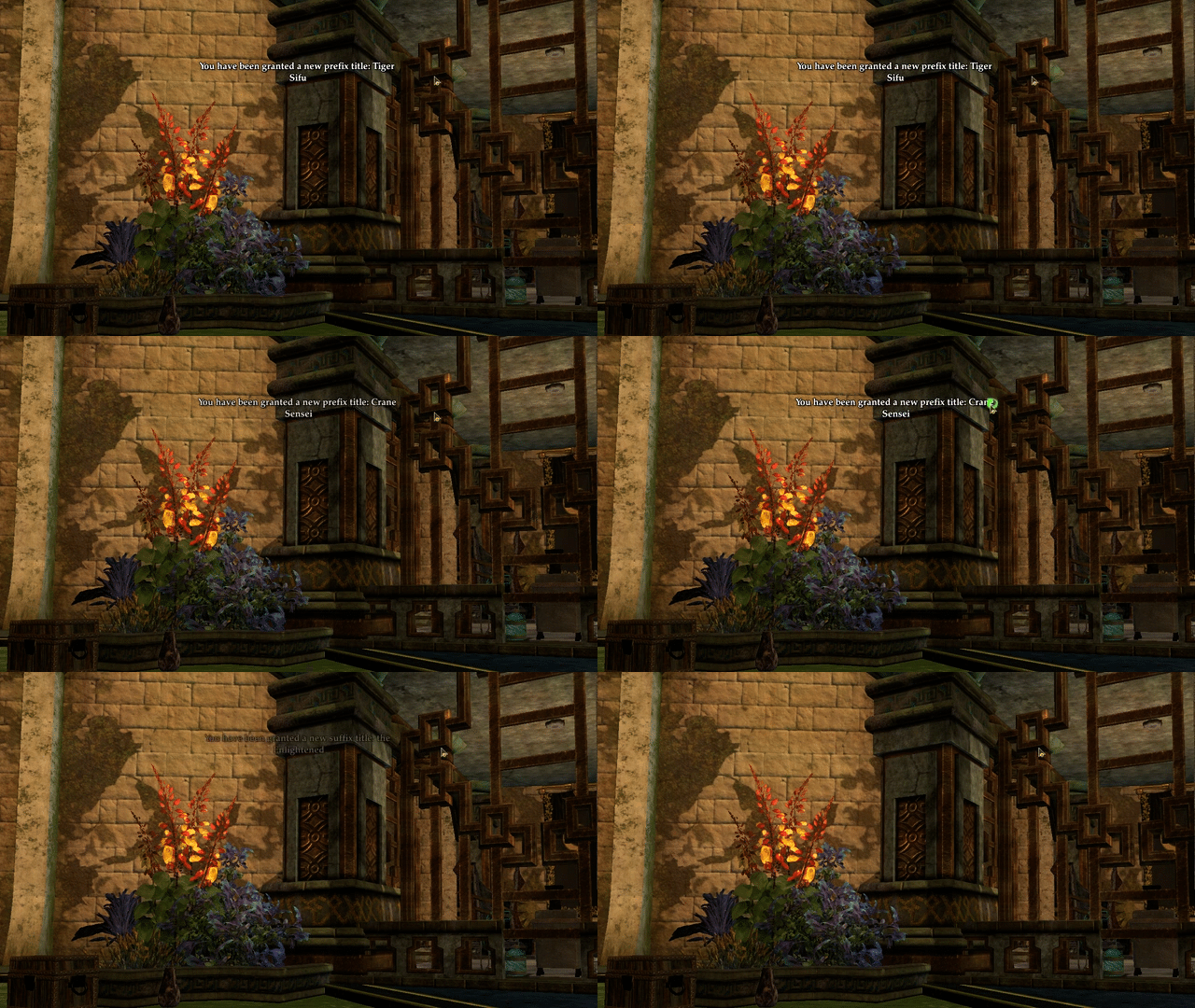
Even though you probably won't use this mod every day, I think you'll enjoy having it at your fingertips. But if you decide you don't want the icon to appear at all, here's how to make it go away. Check for updates, then right-click Onscreen Message and choose Open in Notepad. Change ShowFlushButton from true to false and save the file.

Tim Jones
2022-05-23 21:00:33 +0000 UTC