Update: For now we're going to revert these two components back to their earlier versions. According to reports from players, this feature may be the source of game crashes. We'll investigate and see if it can be rolled out in a different way. Thank you for your patience.
One of the strengths of DarqUI is that it doesn't try to reinvent the wheel over the default interface. When players load up DarqUI for the first time, it looks and feels for the most part like something they are already familiar with. Although it's never a conscious decision to omit features that are present in the base game, sometimes in the effort to improve things a basic UI behavior can get lost.
Recently Wonderdrug pointed out that his 4K Player window was missing a detail that he was used to seeing: In melee combat with the default UI, the character's name flashes red, and when you switch to ranged combat the name changes to an orange color. Not a game-breaking detail, but it's a helpful indicator for which attack type you are using. (DarqUI has a somewhat more conspicuous melee/ranged indicator on the Threat window for those who want to use it -- see images above.)
The flashing red player name has been the subject of interesting theories in the past. Here are some entertaining forum threads on the subject:
dont understand why character's name in red
character name solid red in UI??
As you can see, the default behavior has always been a bit glitchy and confusing, since the player's name can stay red, orange or pink even after combat ends. If you're using the normal size Player window you're already getting the default behavior. But Large and X-Large sizes, and all sizes of the custom Extended Player window, have been missing it.
An update to these components restores the default behavior, and the name should now always return to its normal color when combat ends in both places. If you see a case where it stays red or orange, please let me know about it.
If you decide you really don't like this and want to go back to the previous way, you can do it. Open eq2ui_mainhud_player.xml in Notepad, and find NameCombatColor near the top. Change it to false and you'll be good to go for both components.
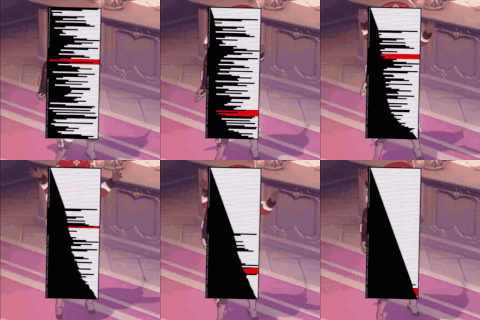
And one last note: Did you know you can extend the standard Player window? If you prefer not to use the Extended Player window but like the idea of a Self > Target > Implied layout, give it a try! Image #3 above shows you what that looks like. Check the first checkbox in Window Manager or the utility.