This section describes how to change the model's costume and pose.
The file “Shiranui_v1_250308” is used for the explanation.
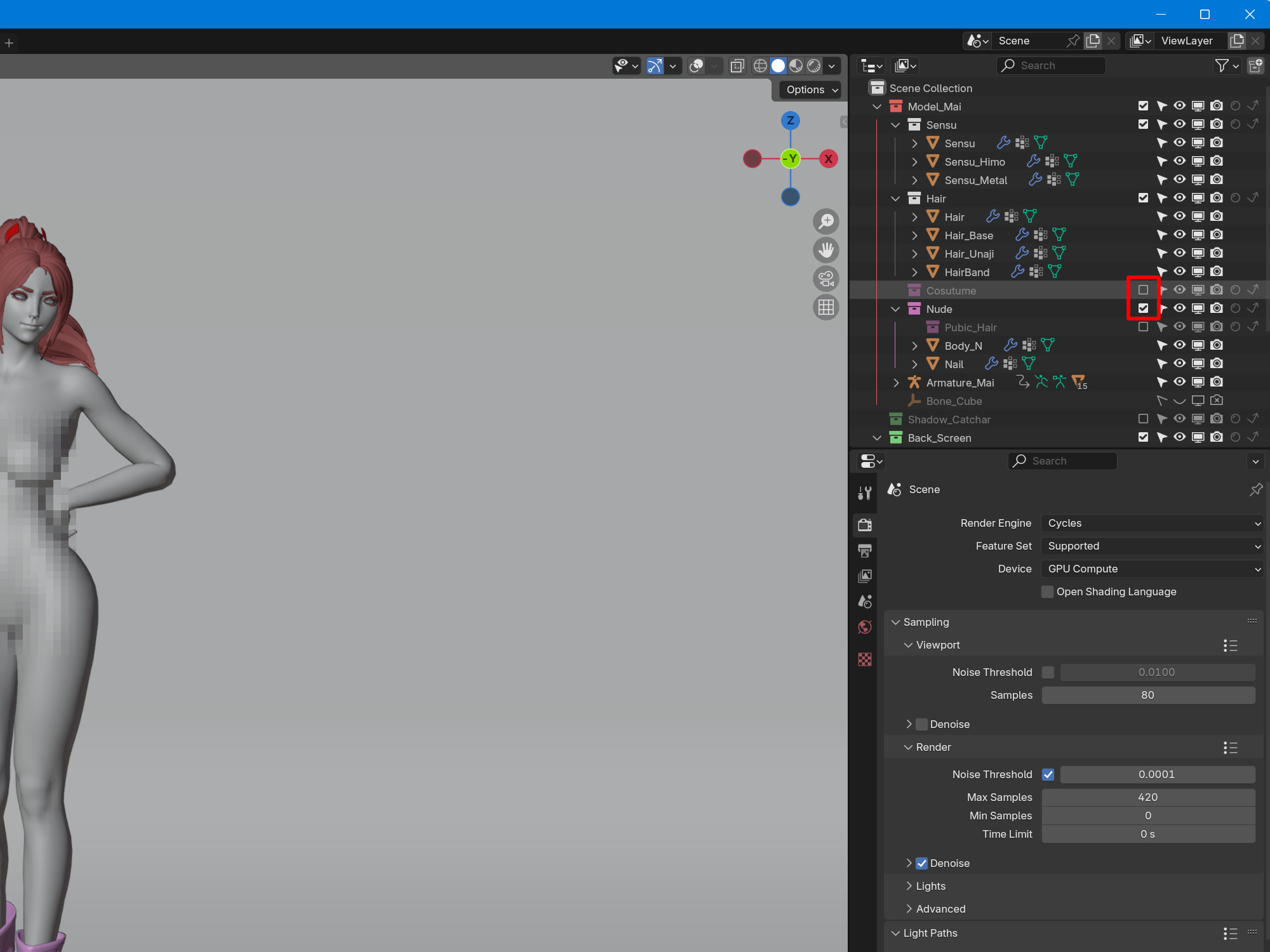
The costumes can be shown and hidden in the Outliner.
Check the pink boxes “Cosutume” and “Nude” to show them, and uncheck them to hide them.
Check the boxes in the Outliner > Check to switch between them
To change the pose.
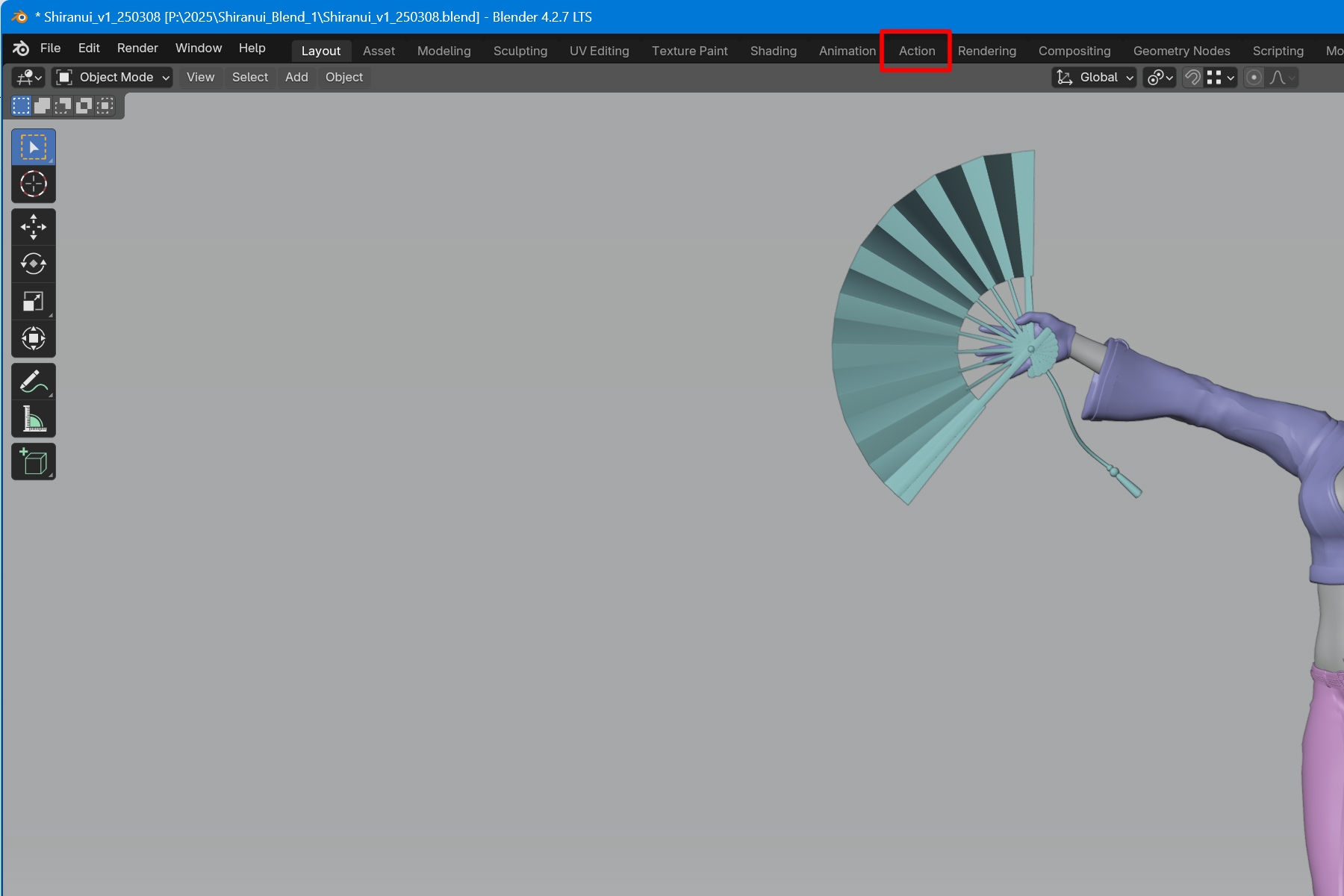
Click Action from the top bar to switch screens.
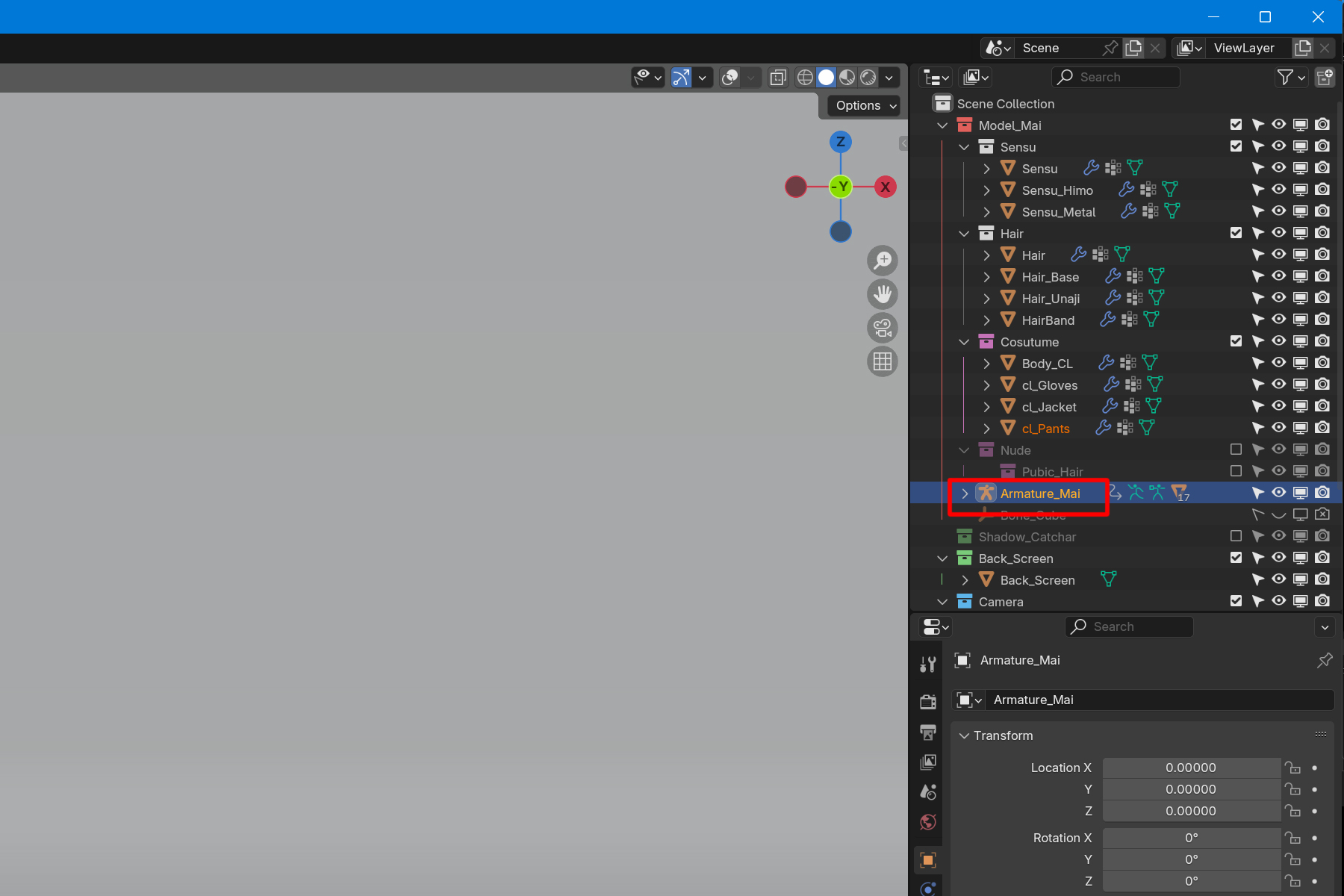
Select “Armature_Mai” from the Outliner.
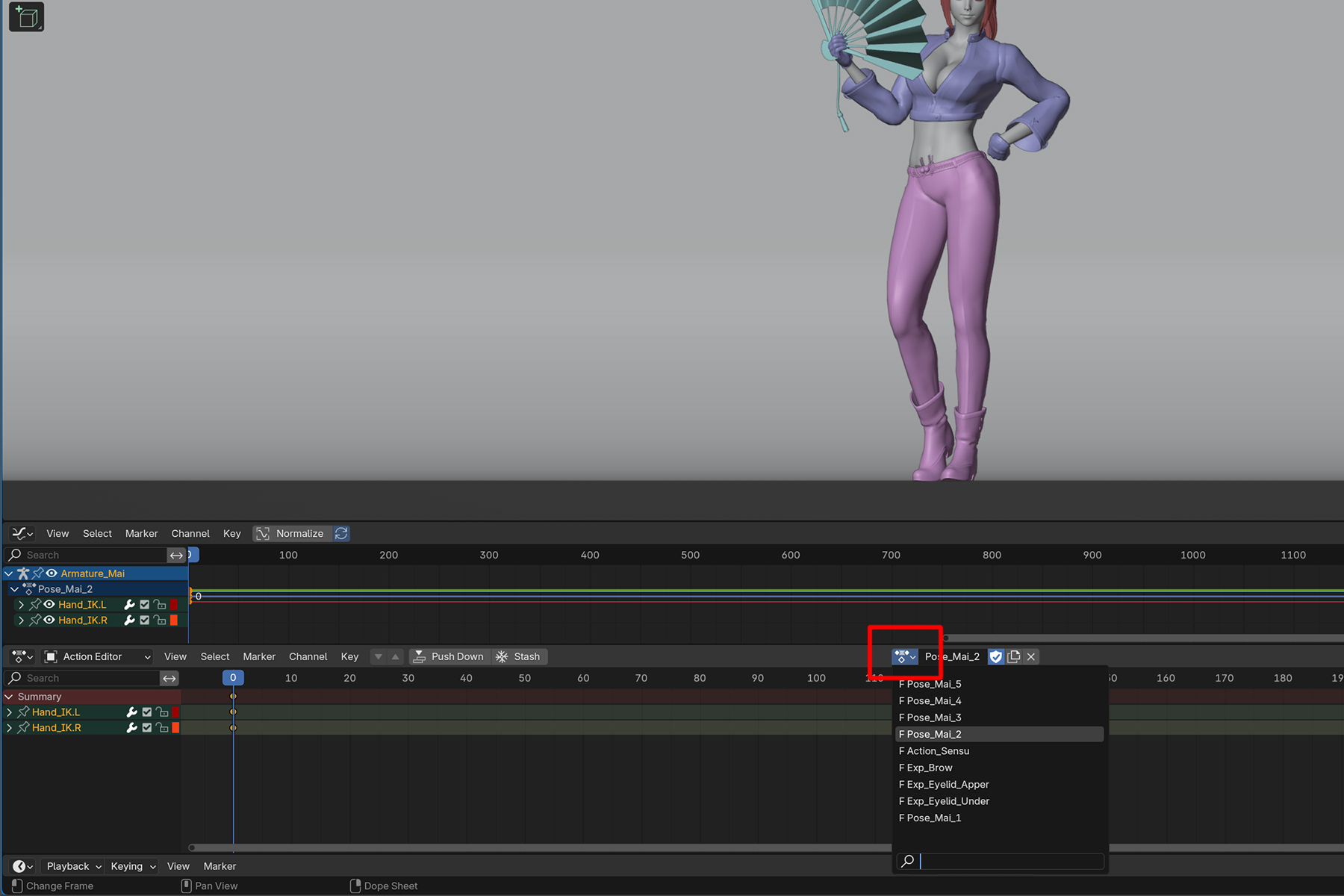
Click on the bar symbol in the bottom center.
A pull-down menu will appear, and you can select one of the “Pose_Mai_1-5” to switch poses.
the bar symbol in the bottom center > pull-down menu > select Pose.
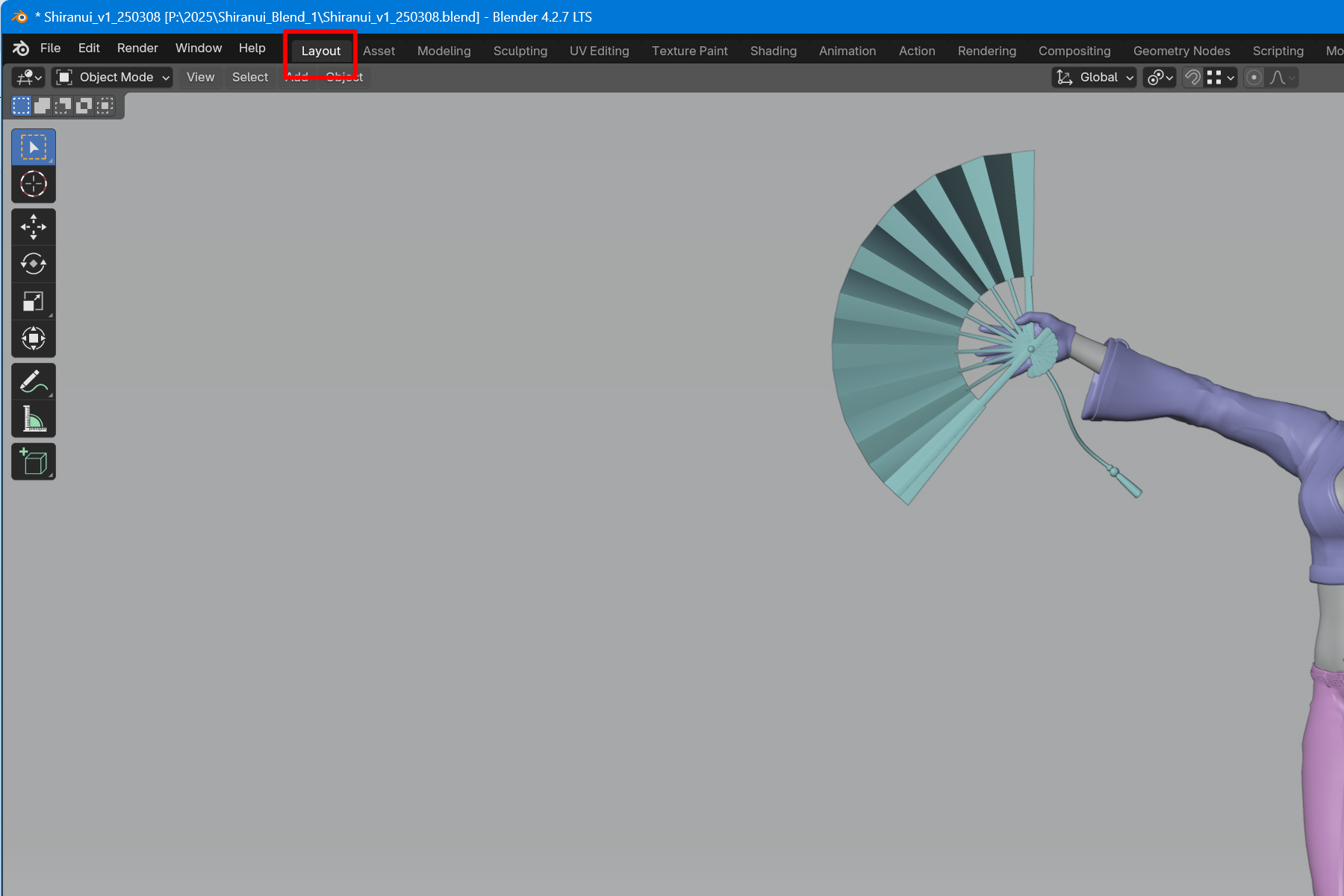
To return to the original work screen, click Layout from the top bar.
Next, camera operation is explained.
This section describes the operation of the camera. The file “Shiranui_v1_250308” is used for the explanation. First, press “0” or the camera symbol in the 3D view to switch to the camera viewpoint 3D View > 0 key Camera Rotation Select “Camera_Roll” from the Outliner. Click on the square box in ...