This section explains how to install the Blender LTS version.
Access the official Blender page from the link above.
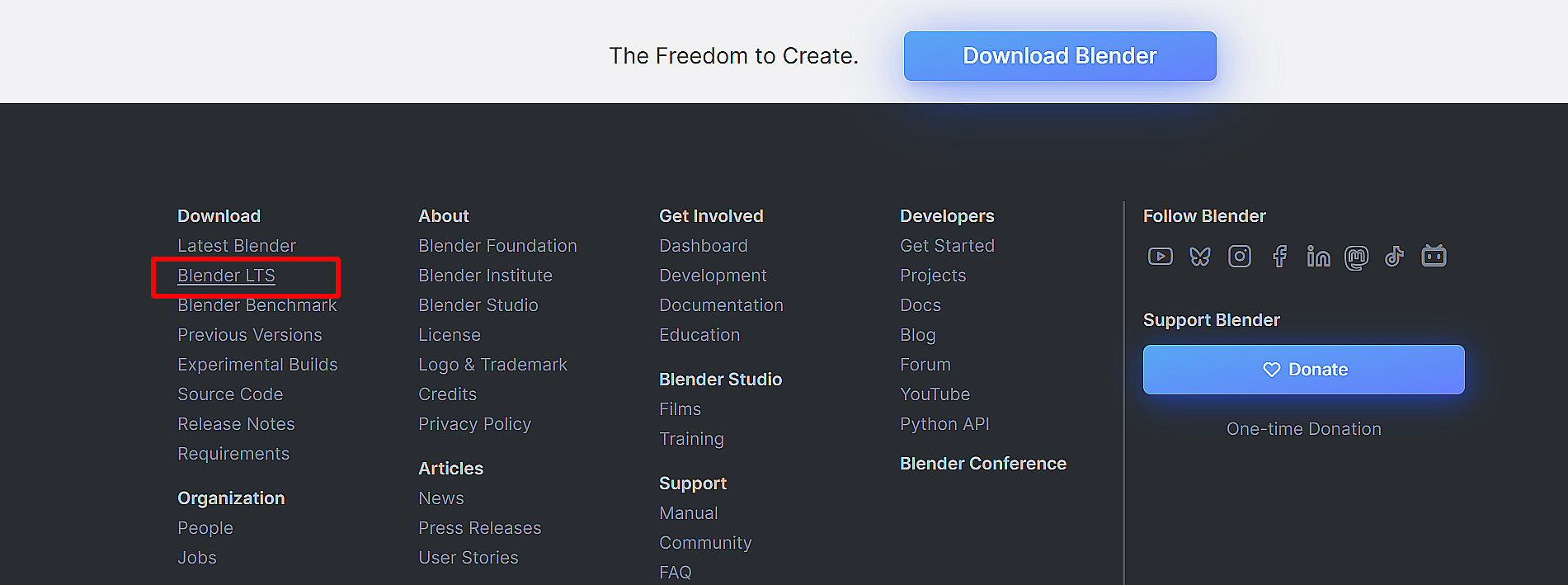
Click on “Blender LTS” from the downlord at the bottom of the page.
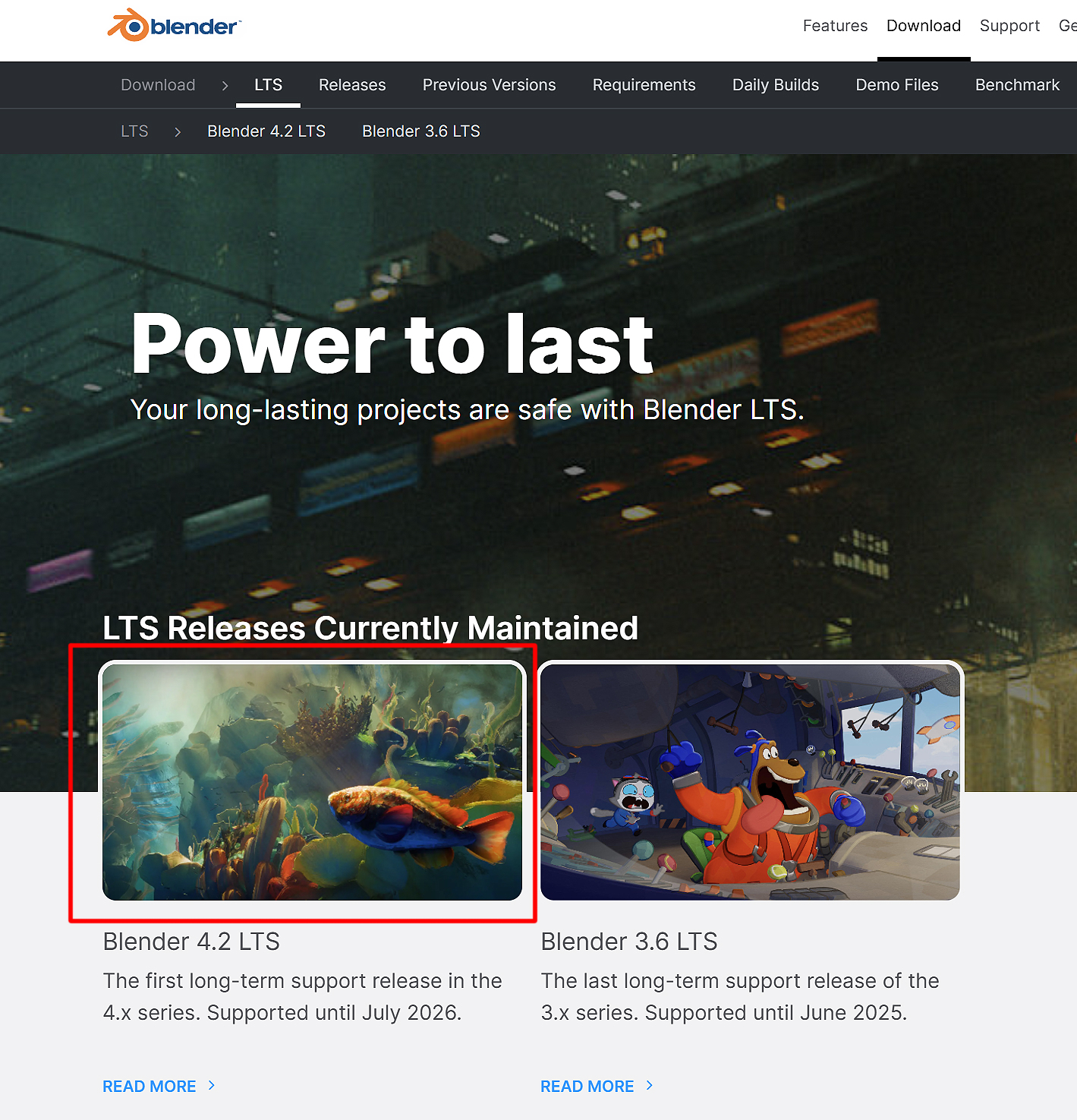
Select “Blender 4.2LTS” and click “Downlord”.
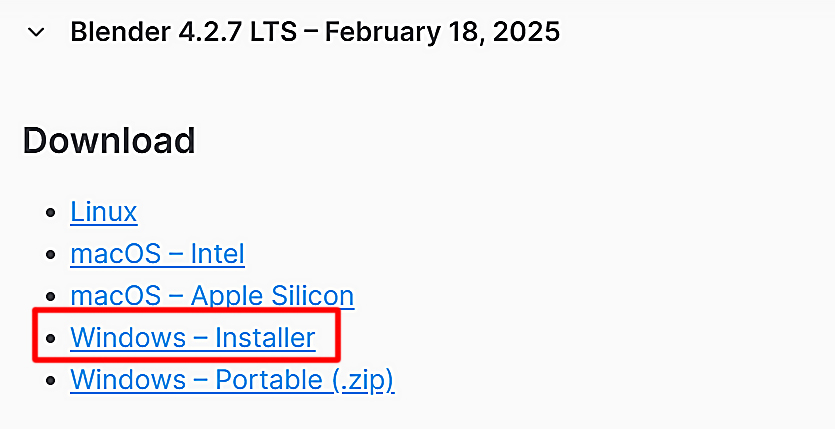
Download the installer for the OS you are using.
There will be a donation announcement, but you can close it after downloading.
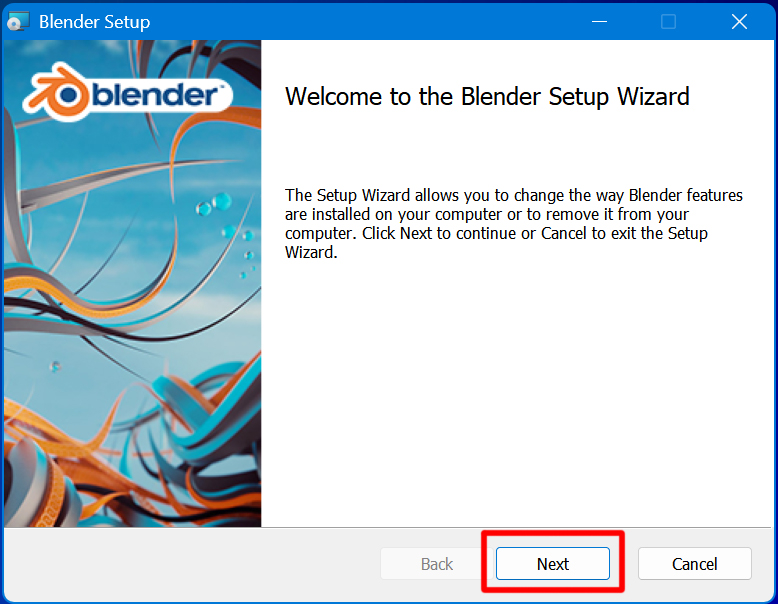
Open the downloaded installer.
Click “Next” to start the setup wizard.
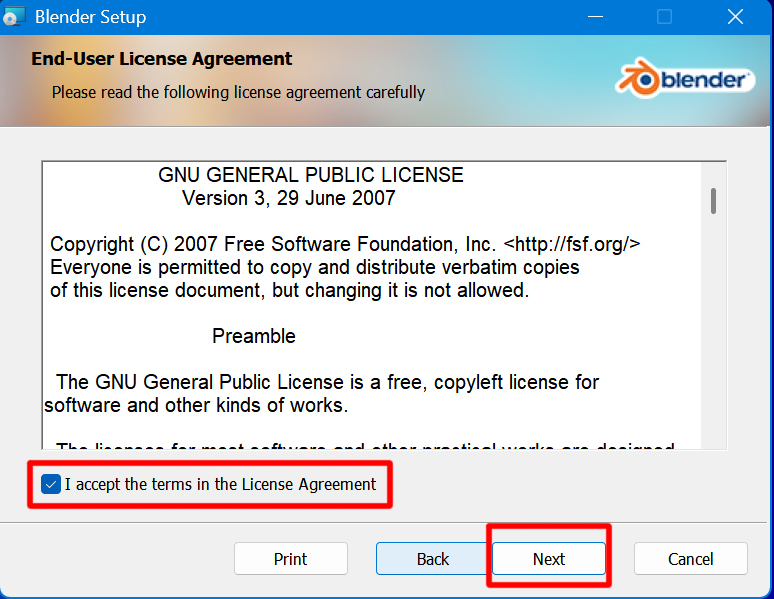
The License Agreement screen will open.
After confirming the contents, check the “I accept the terms” checkbox and click “Next.
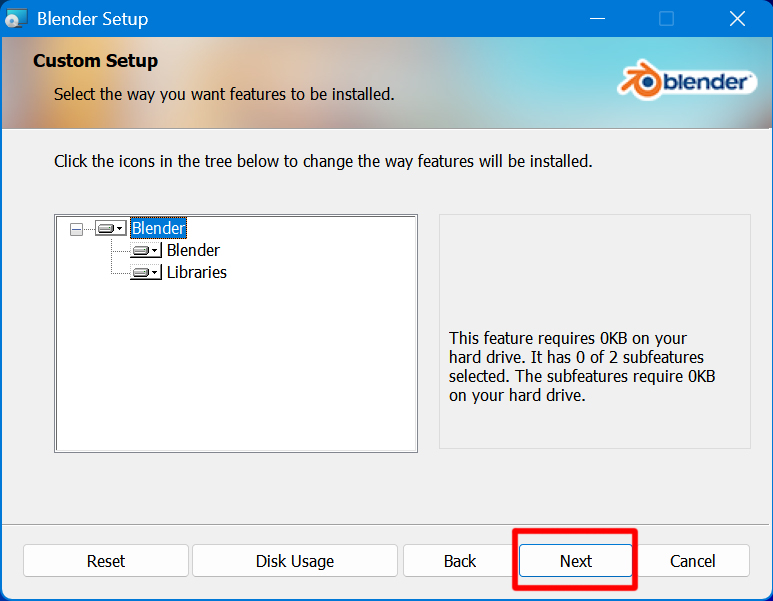
The setup screen for the installation save location will open.
The file size is about 900 MB. If all is well, click “Next.
Then click “Install” to start the installation.
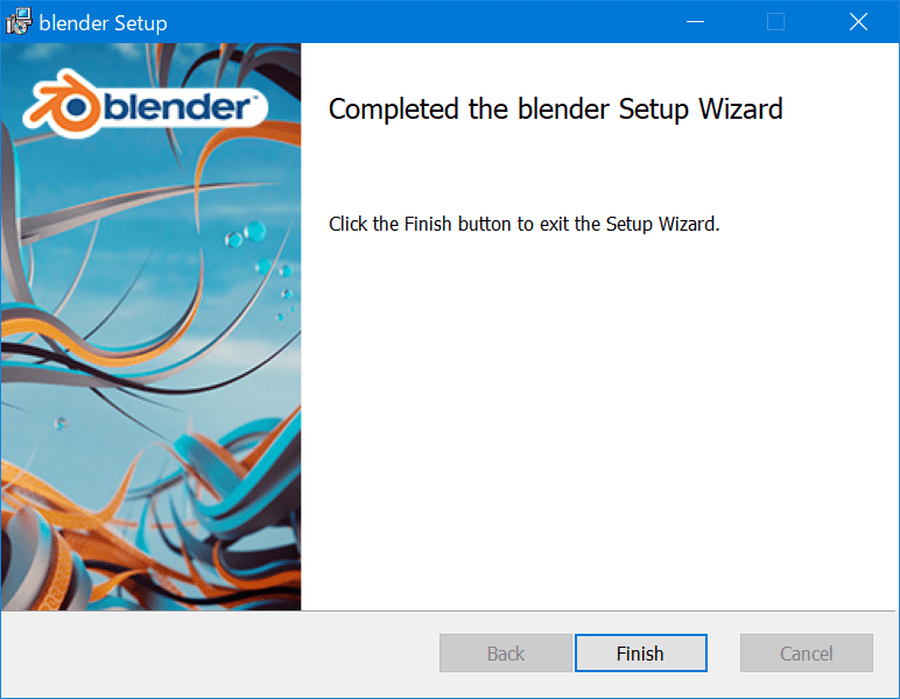
If the message “Completed” is displayed, the wizard is successful.
Click “Finish” to close the wizard.
The next section describes Blender settings.
Here is a description of the blender settings. Start the “blender” file “Blender4.2” from “All apps” in “Start” of Windows. Open Preferences from Edit on the top bar. If you do not have a numeric keypad on your keyboard, check the Emulate Numpad for Input checkbox. If you have a numeric keypad, t...