It's been a while since I posted an update.
However, I DID get A LOT of progress on the game (or maybe it just feels like that...).
Last update: https://lerra.fanbox.cc/manage/posts/3201472
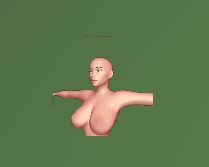
I ended that update talking about the icon generator I was building for the game. Since this was something I was not familiar with I first built a prototype:
That was the result... Try again?
The small edge above her head? (the image was set to repeat...).
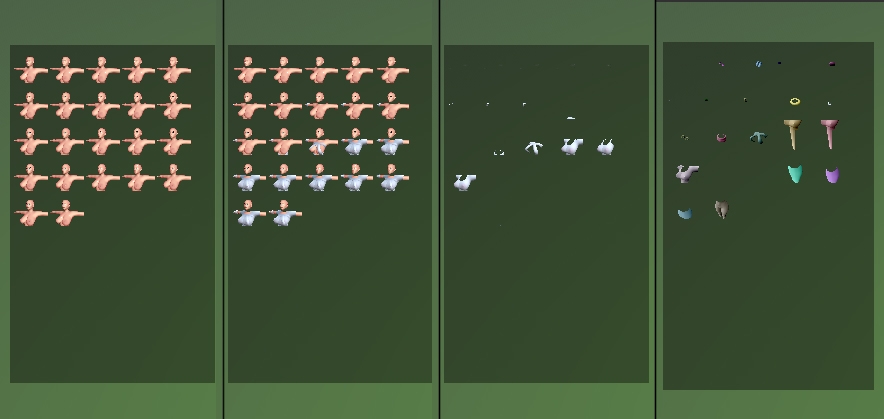
So now I needed to apply this for all the items in an inventory. It took a few tries but in the end I managed to create all the objects with random colors and create icons at runtime each time the inventory was opened:
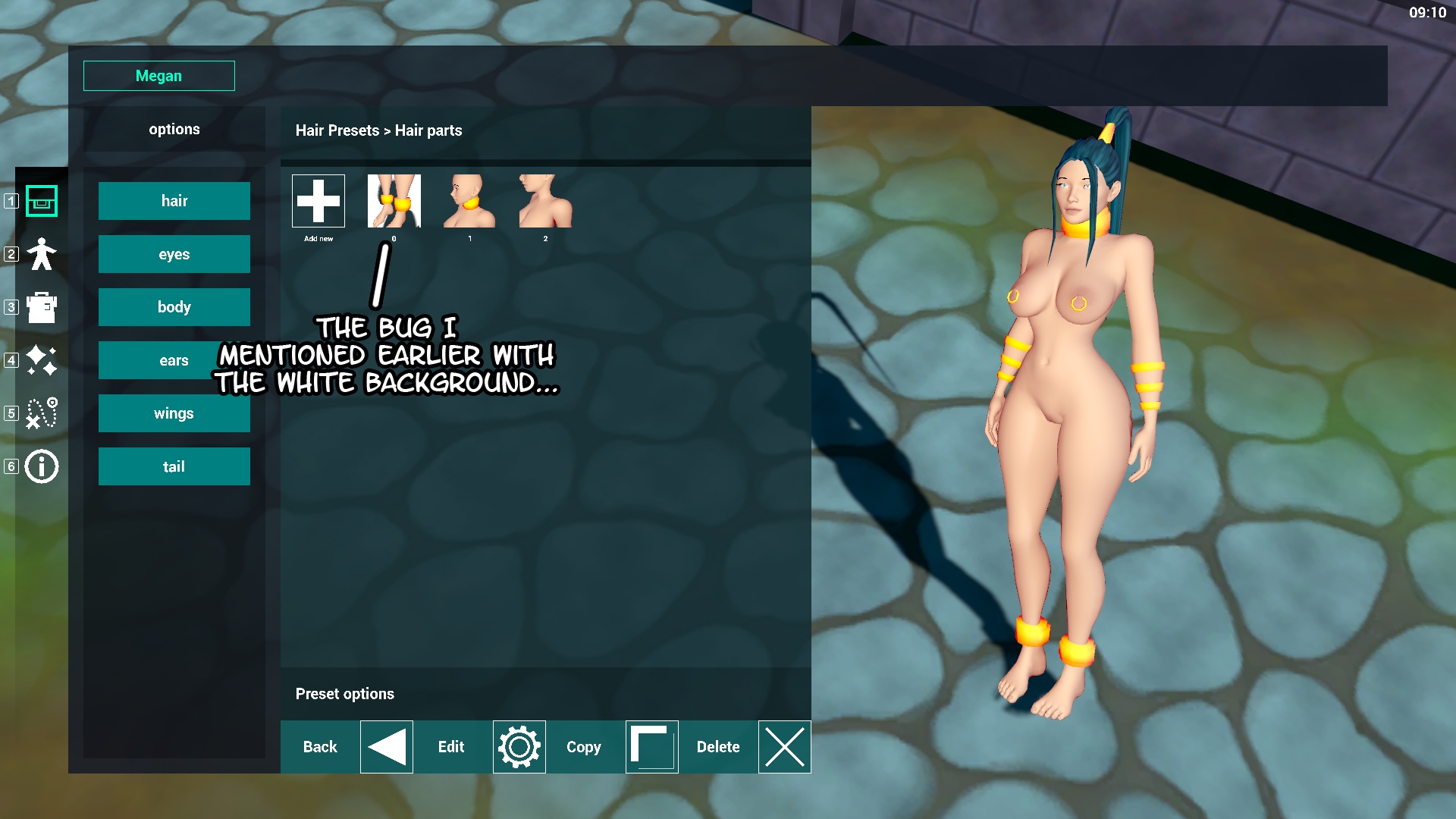
As I write this update I found 1 small bug during playtime/running the game: At random times one icon seems to borrow artifacts from other images causing white parts to be visible behind the object on the icon. I'm not sure what's going on there but I think its because the process is quite intense with all the other stuff added that it simply needs a bit more time to render/create all icons without flaws. Nonetheless, not a gamebreaking bug so I don't see any big problems (yet...).
I booted the main project back up and continued working on the character creator. Immediately on opening the project I realized the old UI was anything but logical plus the color editor window I downloaded was cool and all... but it also caused random lag spikes up to 2 seconds to happen mid game. Therefore, I discarded the UI and tried to come up with something that was simply... simple. I realized a UI layout like a website wasn't the most beautiful User Interface for a game but it was easy to use and required little explanation. And so...
I went from this:
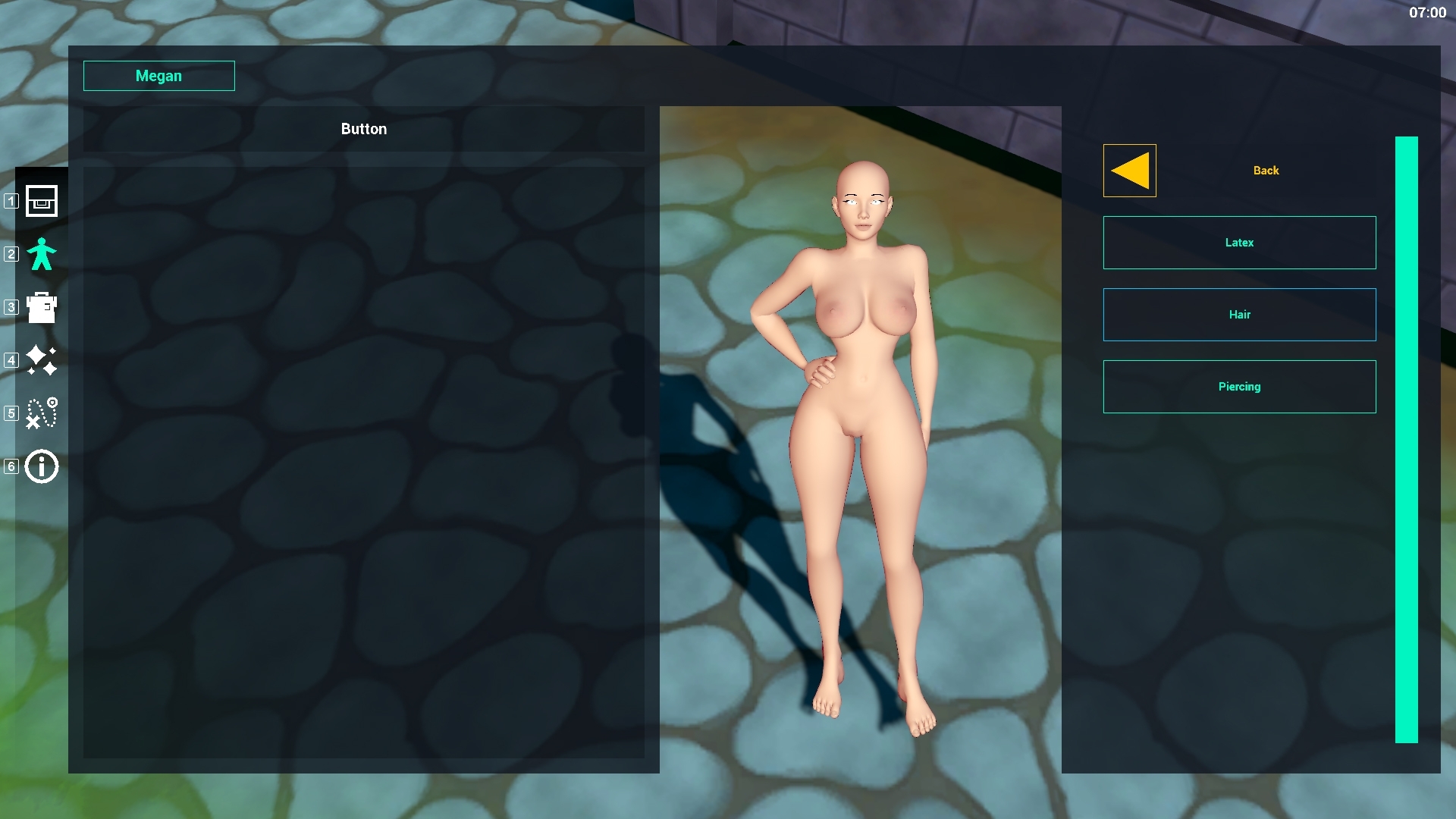
To this:
Just like a lot of websites: everything you need can be found on the left. The right side of the screen shows your character (and you can spin her around when click/dragging your mouse on that part)
Now I can go on about everything that is under the hood of this system but trust me, its too much. In very rough lines, when the player selects a model, the code checks if this model needs a rig and if this rig is not attached already to the player it will get it from the object pool and attach it to the character.
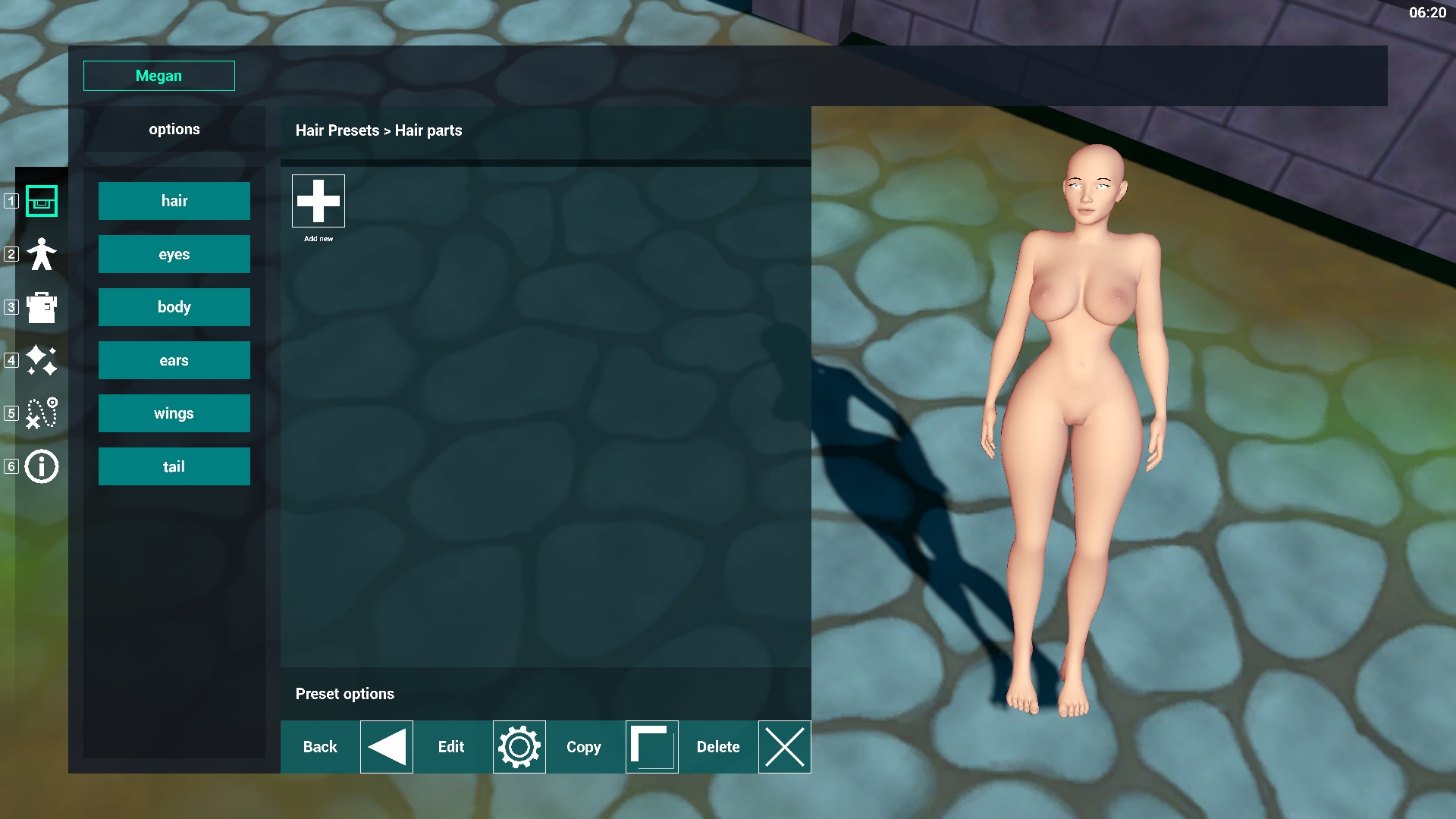
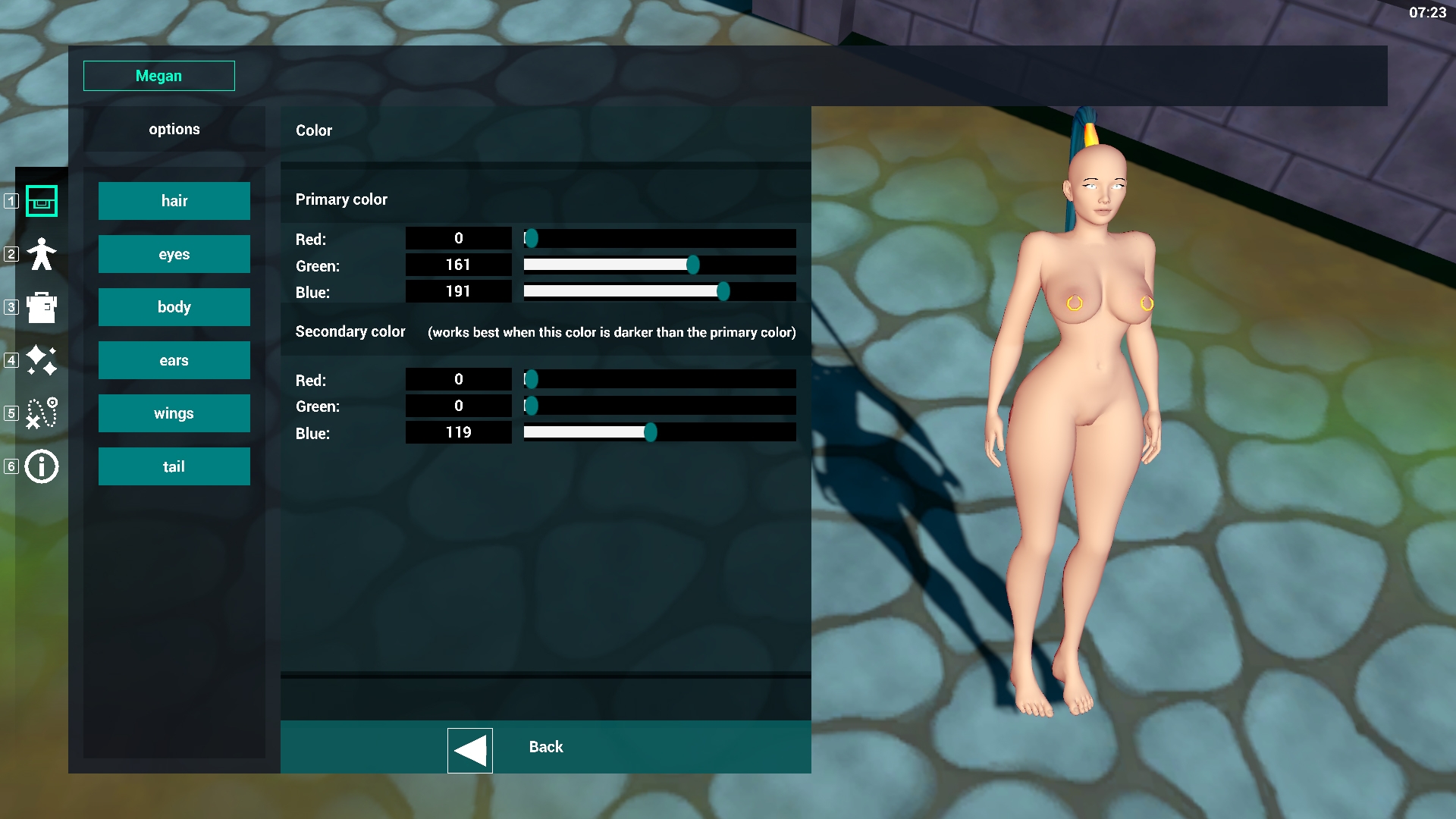
Example below: The hair attached to the character below uses a seperate bone structure but its attached through the code and now moves with it no matter what she does. I also mentioned the color editor earlier, since I didn't want to lose performance and didn't know how to tackle the problem quickly I simply went with color sliders for now. the top rgb is for the main color of the object while the secondary color controls the edge color of the object. (more about that later in this post.
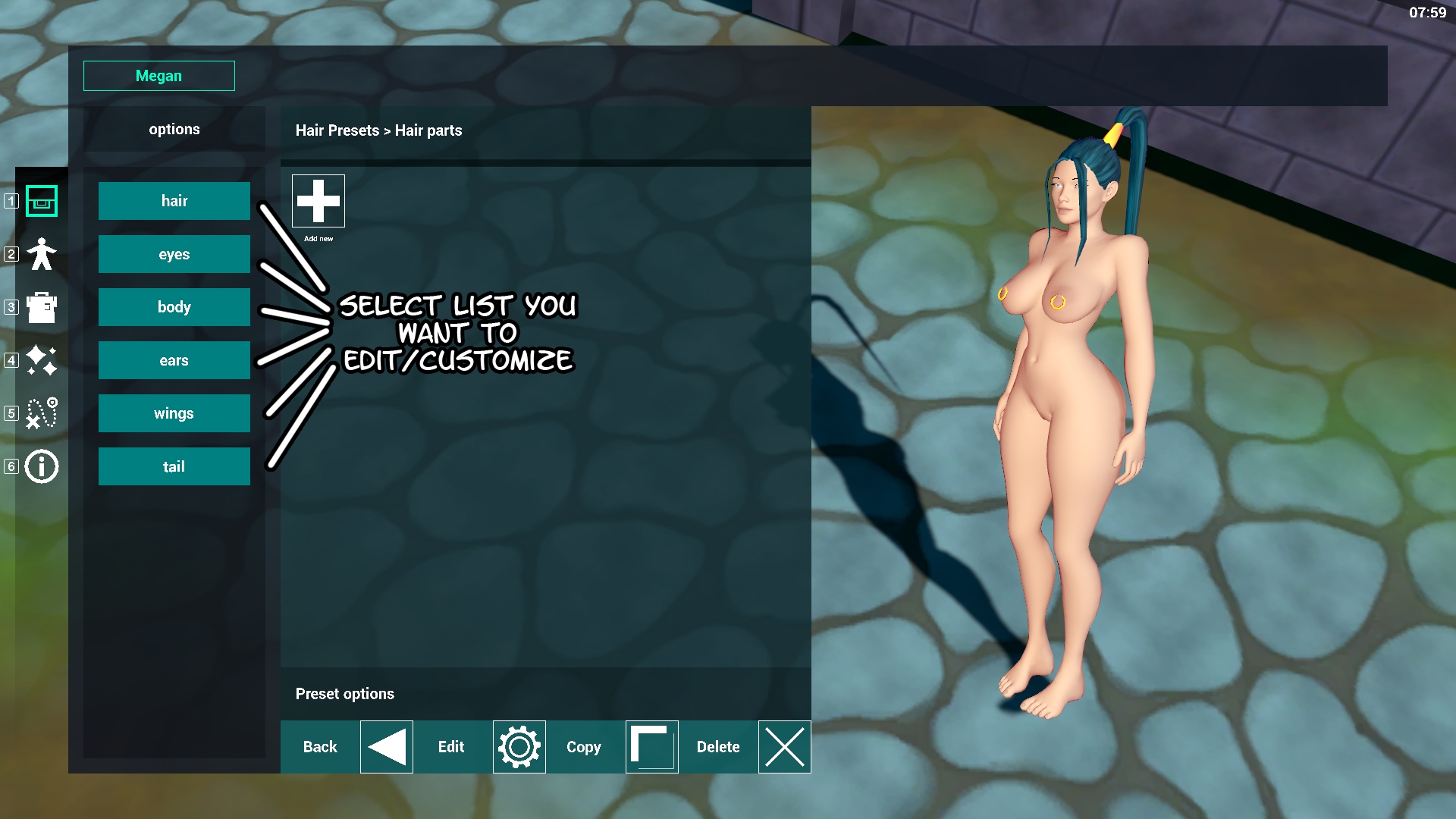
There are still a lot of things I want to add to this system. You can find some options on the image below and the menu button names. (Notice that the icon manager is not working in this part of the editor due to the nested data classes).
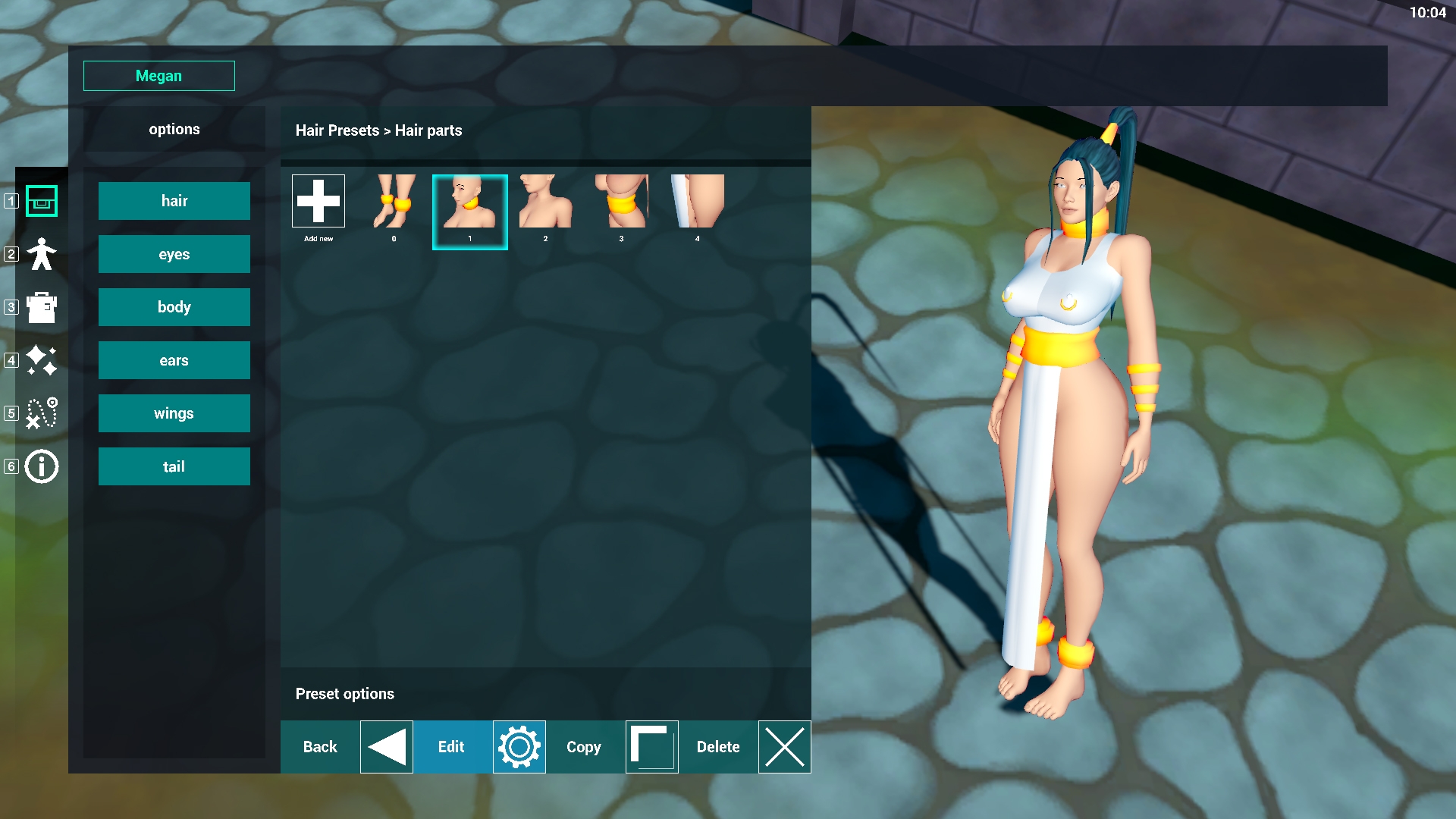
After you're done editing the body features you can select the clothing menu on the left and start adding clothes to your character.
While creating this tutorial the icon bug I mentioned earlier actually presented itself... Brrr... Also, the bracelets aren't showing yet because I need to position the camera properly. This was a minor flaw however so I ignored it... hoping I could finish this part before the end of this month. Anyway moving on and finishing the outfit >
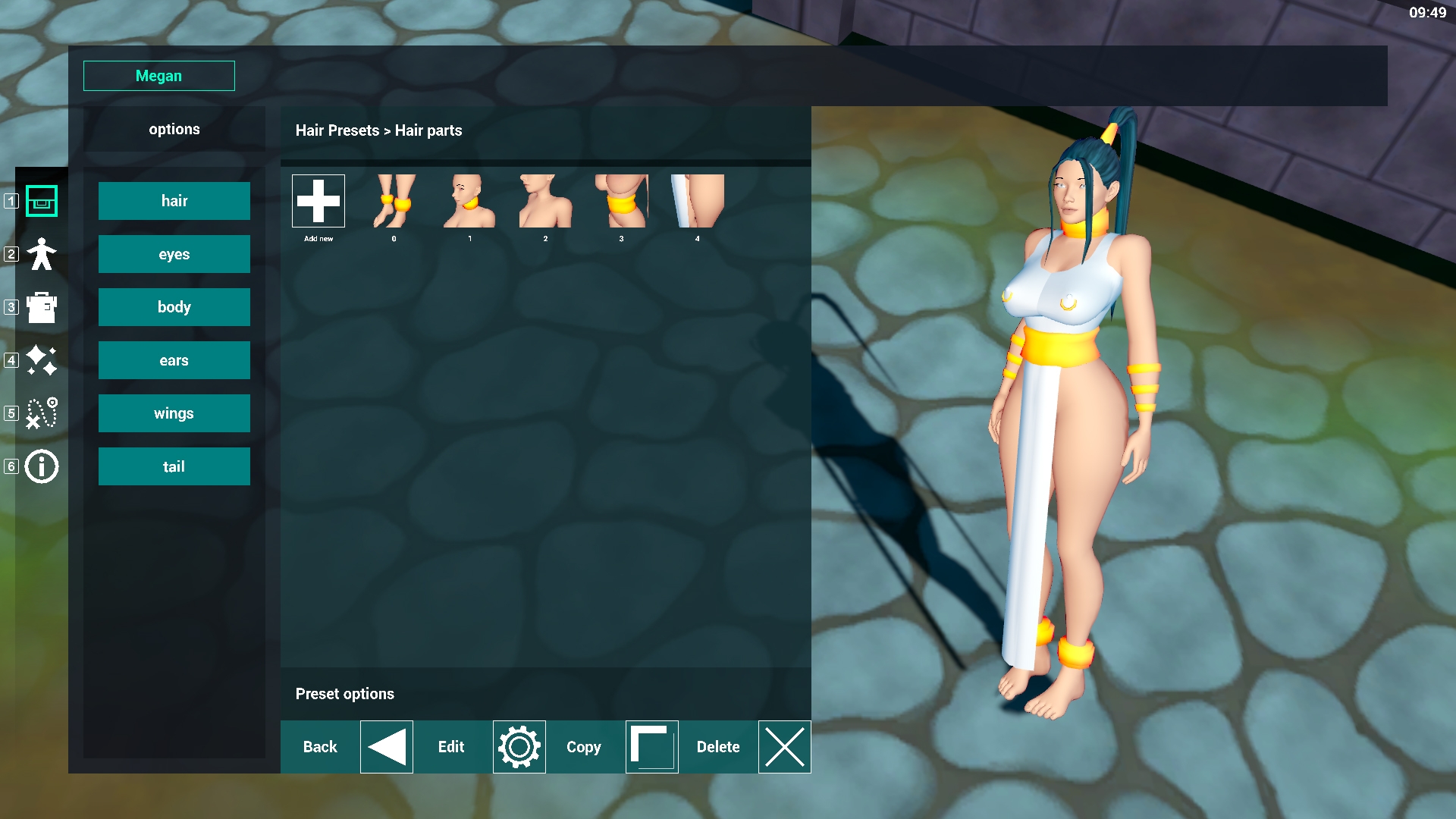
The outfit is done (... for this tutorial). Notice how the piercings of her nipple are still showing? I'm not sure how to handle the situation since players could use these little quirks in order to add to their outfits/imagination. However I can also imagine players finding it less appealing when stuff like that sticks through the clothing. (I figured people would be creative enough to play around with that themselves and come up with the setup they like best so I'm not eager to fix this.)
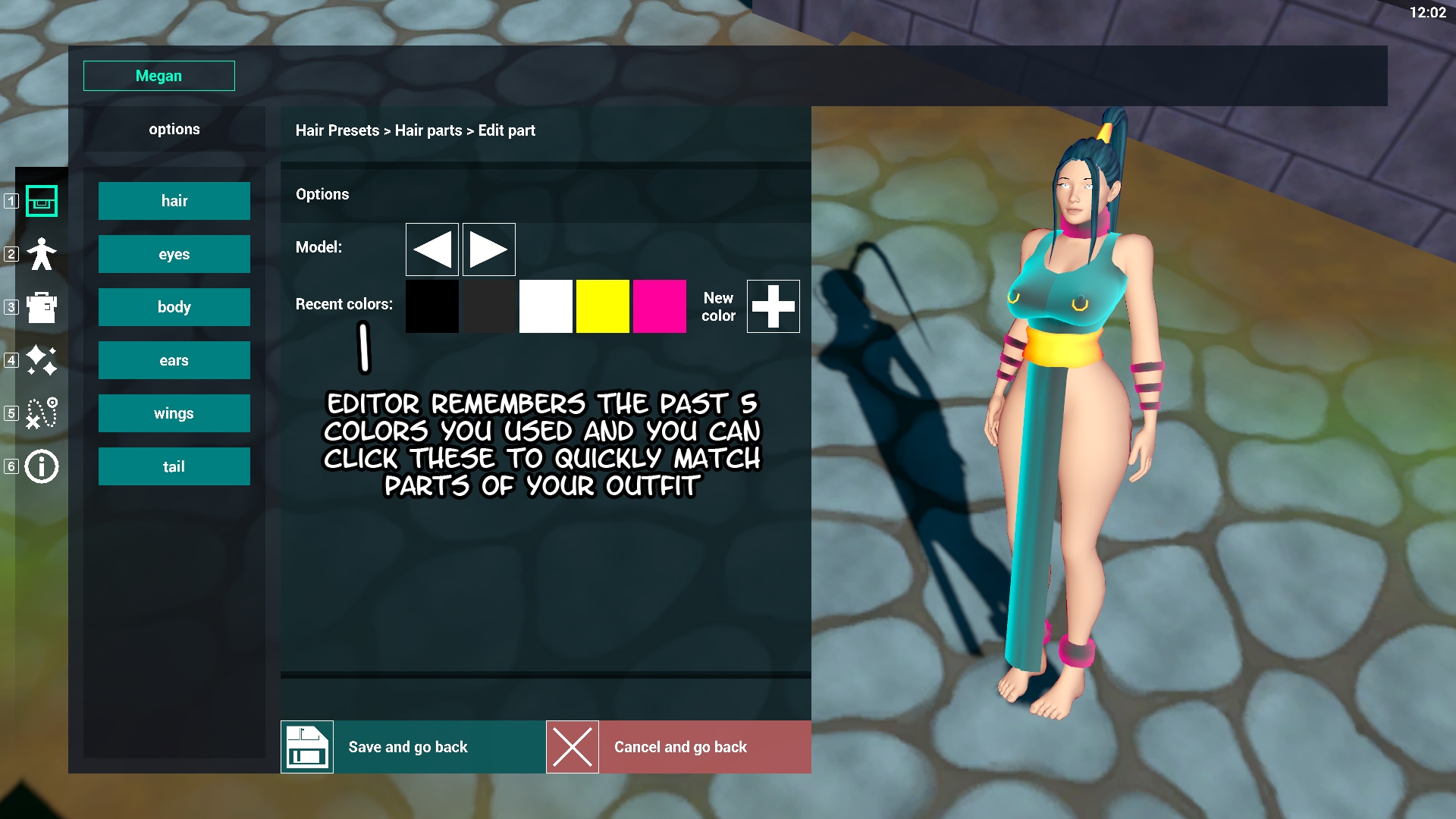
I can imagine however that some people don't like the colors so for you people: there's an edit button at the bottom of the screen that you can use after selecting an item/icon.
Maybe something a bit more dark and magical?
Now her cuffs and bracelets look like they're glowing purple and her dress equally emits a blue glow.
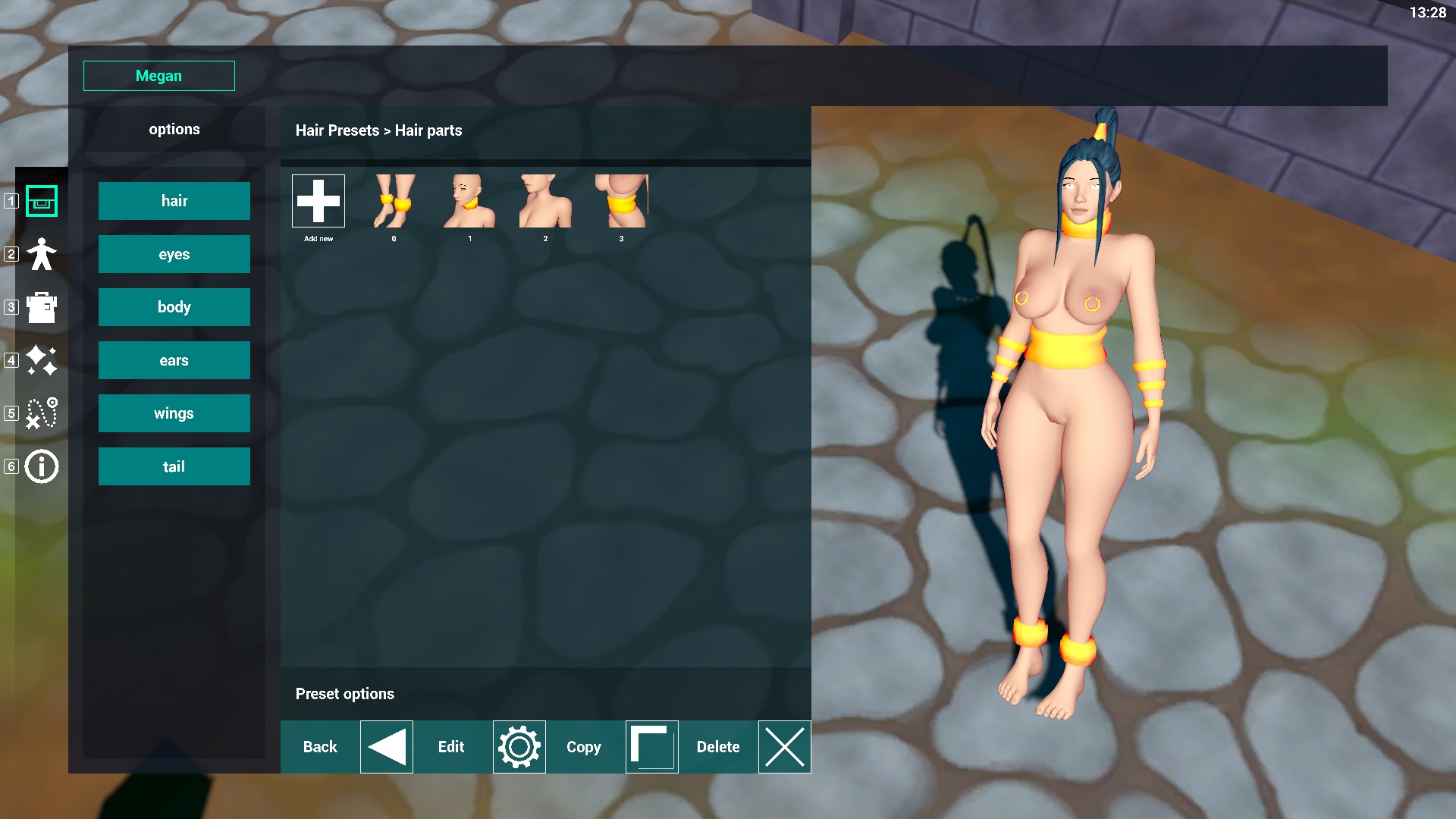
Last but not least: the delete function. Which we all use to show off the goods...
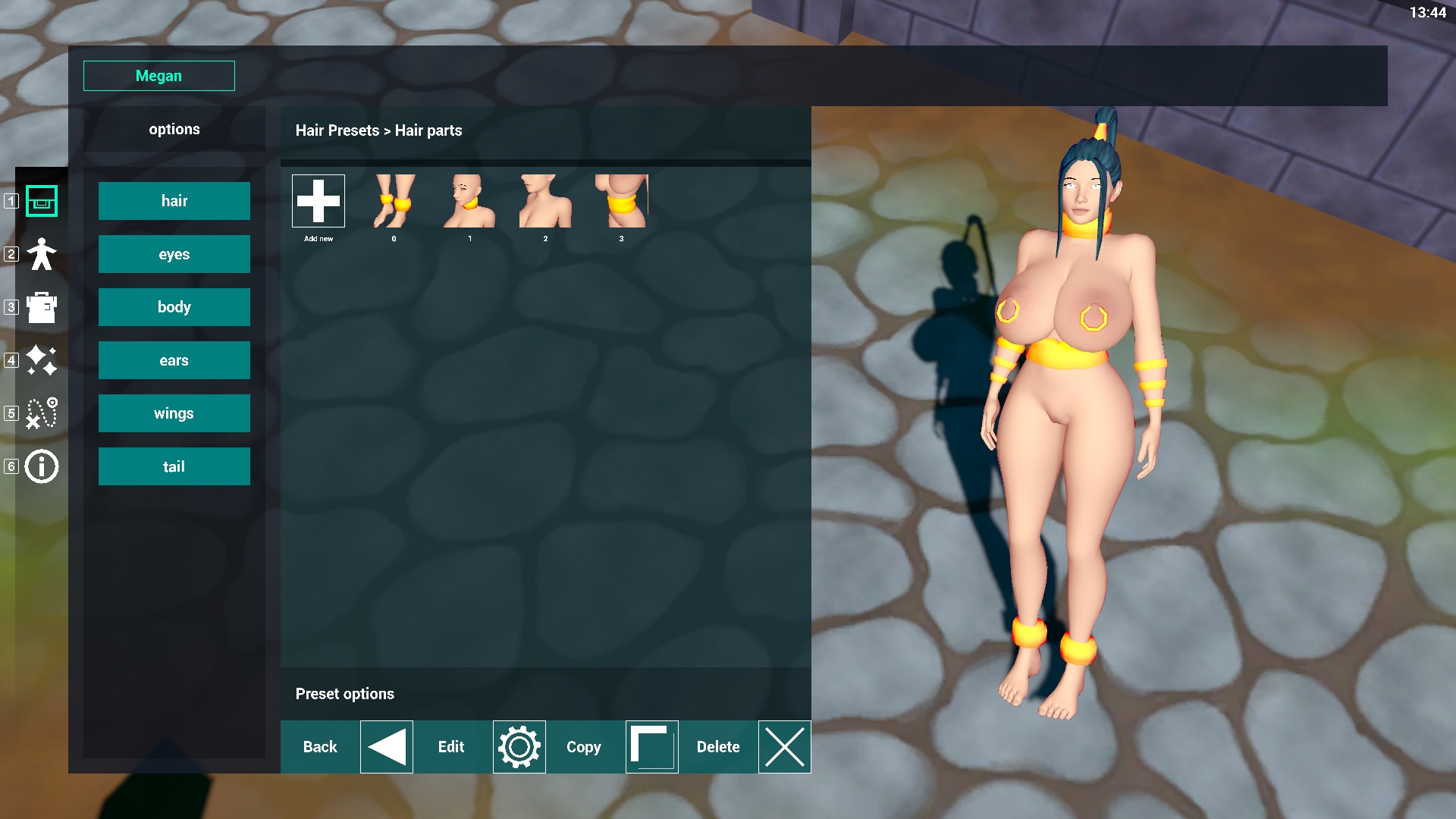
Only to pull it completely out of proportion... (MAMA-MIA!)
This feature is still coming... BUT IT ALREADY WORKS? LERRA WHY WOULD YOU CREATE SOMETHING LIKE THIS WHEN THERE ARE MORE IMPORTANT THINGS YOU COULD-
-and that's all folks!
Like I said, There was a lot of progress under the hood but its not really visible in the game. Nontheless, having this system working mixed with the icon generator creating icons at runtime and creating scripts/reading data scripts that are ready for saving/loading the game warms my heart. Using what I've learned and this first setup I'm hoping progress on some of the other parts goes a lot quicker while at the same time finding and fixing some of the small bugs that you have seen.
There are some other parts I worked on but haven't mentioned, but right now, I need to run or I'm gonna be late! I hope you enjoyed this update! Thank you all for reading! I hope you're as eager as I am when it comes to finally playing this game (I'm so proud of my baby :'D)
Bye all!