
Core Updater Improvements Planned for RetroArch 1.8.9
Added 2020-05-29 00:16:29 +0000 UTCFor RetroArch 1.8.9, we're finally going to be improving the Core Updater. It will now show licenses, you will be able to filter 'experimental cores', it will show which cores are already installed, and you can easily delete cores now from Core Updater.
More details -
- Installed cores are now highlighted via a [#] symbol:
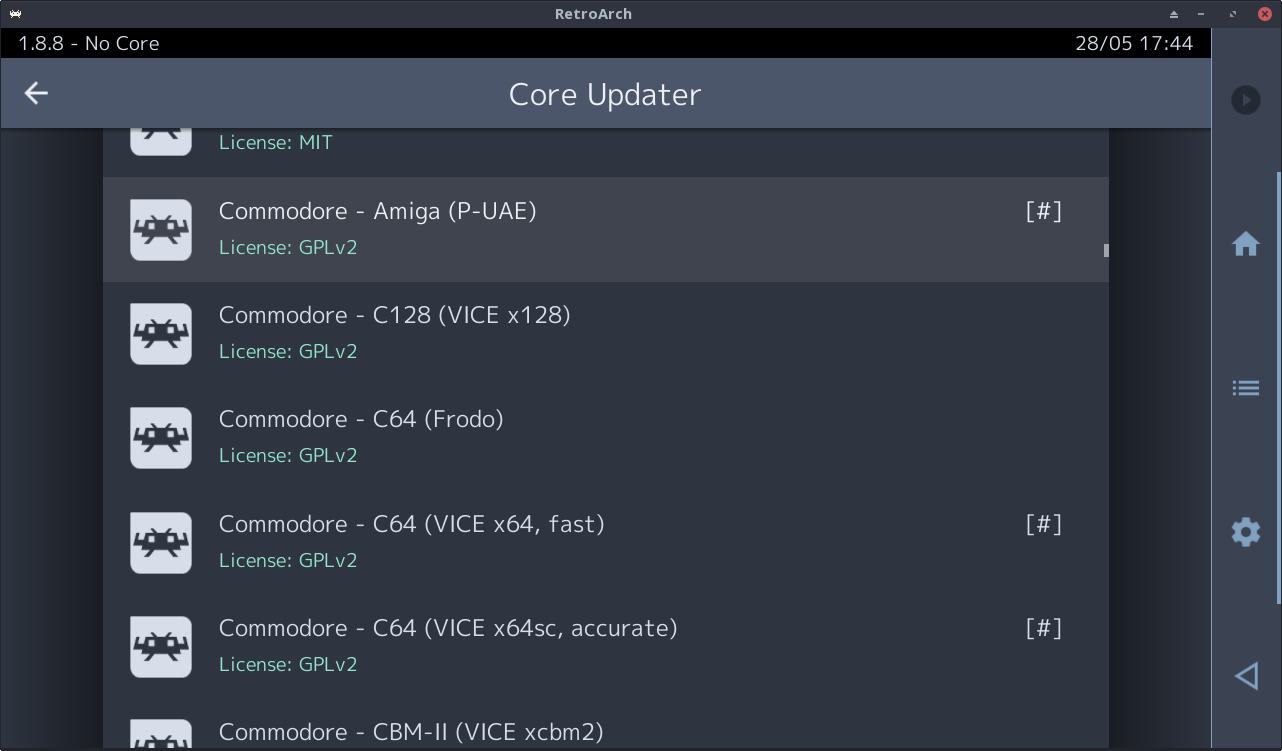
- A new Show Experimental Cores option has been added under Settings > Network > Updater. When disabled (default setting), any core flagged as experimental (is_experimental = "true") in its info file will be hidden when viewing the Core Updater menu unless the user has already installed it. This should help to reduce clutter, and prevent new users from downloading inappropriate cores.
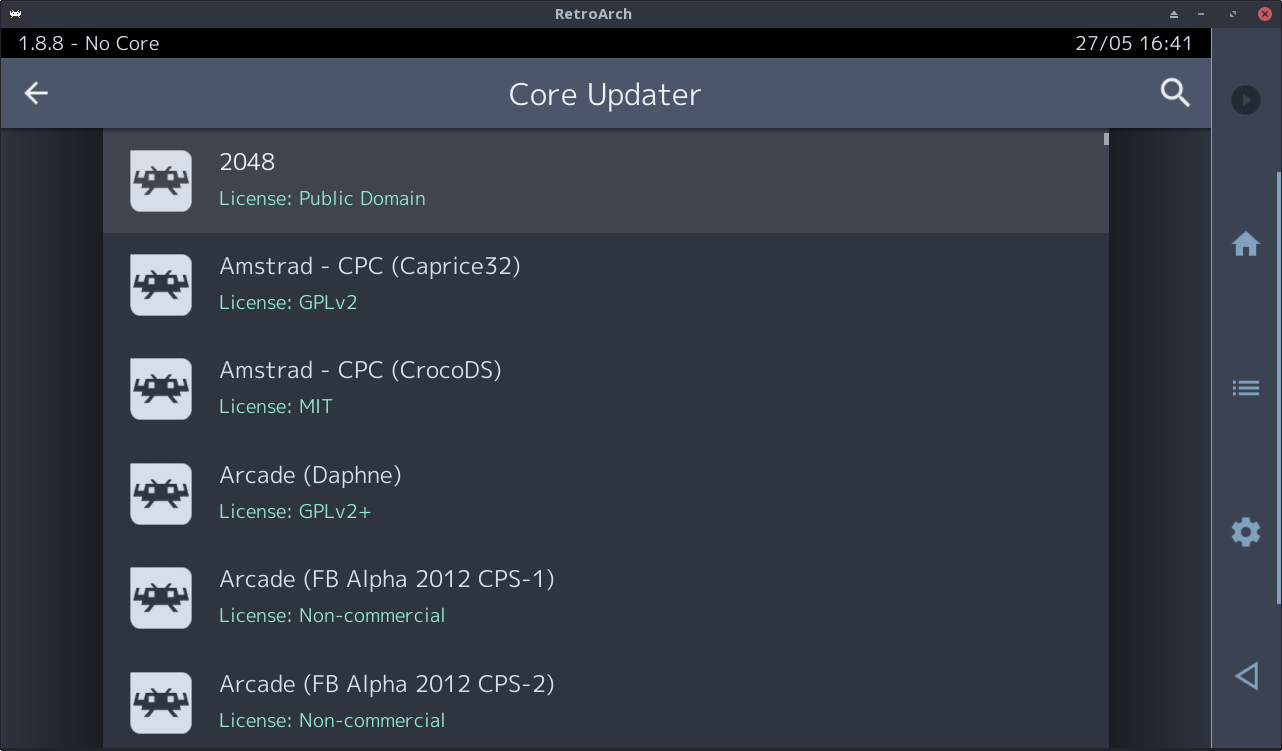
- Core licenses are now shown for all entries in the Core Updater menu:
- Pressing RetroPad start on a selected, installed entry opens the Core Information menu (when using Material UI, swiping left or right triggers the same action). This means we can now view bios info etc. - and more importantly delete cores - without jumping through all the hoops of loading a core first and navigating all over the place.
- Pressing RetroPad select on a Core Updater entry will now display any text in the description field of its info file (when using Material UI, a long-press of the touchscreen triggers the same action). No info files have this entry yet, but hopefully we can start adding them soon. This information should be useful for new users who are unfamiliar with the properties of specific cores...
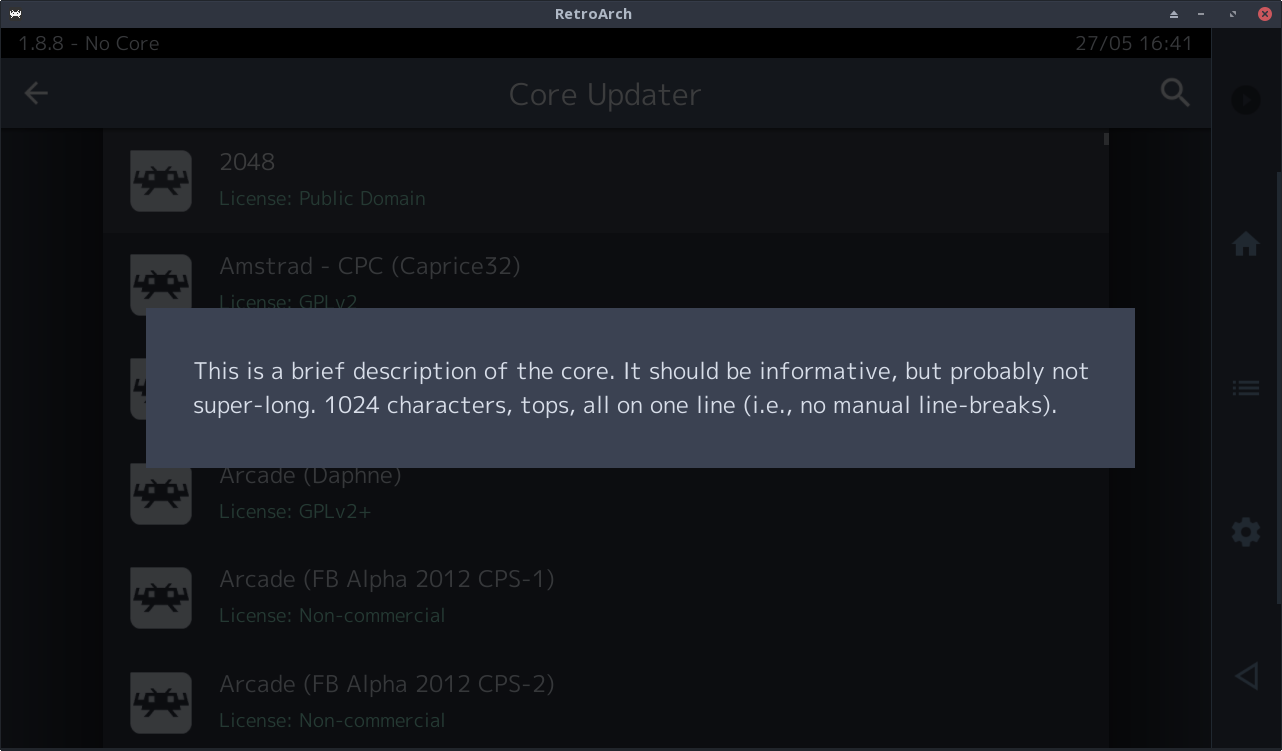
Note: To make the description display work, jdgleaver had to redo the message box rendering code for each menu driver - it now line wraps any message text, so generally should be more robust in all cases.
Comments
Using retro arch on a fire tv stick with a limited amount of free space, it would be nice if you could choose an installed core and be able to delete it
Francesco Maida
2020-06-17 15:57:31 +0000 UTC