

NOTE: You can read the full article here on our website -
https://www.libretro.com/index.php/reicast-wince-libretro-experimental-core-released/
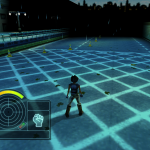
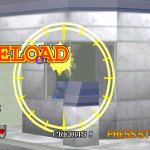
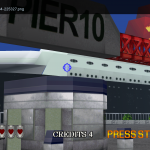
Courtesy of flyinghead, today we’re releasing a special version of Reicast with Windows CE support enabled! Our reason for releasing this is that we want users to report back as many issues as possible so the kinks can be ironed out.
What’s this about?
Windows CE was an option available to Dreamcast developers that made it much easier to port their game from PC to Dreamcast. Windows CE is/was a subset of Win32, stripped down so that it could be used on low-powered embedded devices instead of expensive desktop computers.
Windows CE emulation (or rather, full MMU support) has been one of the biggest things missing from open source Dreamcast emulation up until now. It is often not enabled in main builds because emulating it requires emulating the MMU (Memory Management Unit) of the Dreamcast, which makes emulation much slower. So far, only Demul (a closed-source Dreamcast emulator) has something resembling full MMU support.
Now finally, open source is beginning to catch up. About time. Dreamcast is over 20 years old at this point, the people that grew up with it are all getting older as time goes on, and it shouldn’t taken another 10 years for all of this stuff to be properly preserved and documented. Flyinghead has done an absolutely incredible job over the past year or so in singlehandedly turning Reicast from something that was worse than nullDC in compatibility and graphics accuracy into the closest we have to an actual competitor to Demul, and we couldn’t be more happy with that. He spent a lot of time in making sure this release was ready today, and we hope you will put it through its paces.
How to get it
1) First, make sure that you have all core information files installed. Go to RetroArch’s main menu, select ‘Online Updater’, and select ‘Update Core Info Files’.
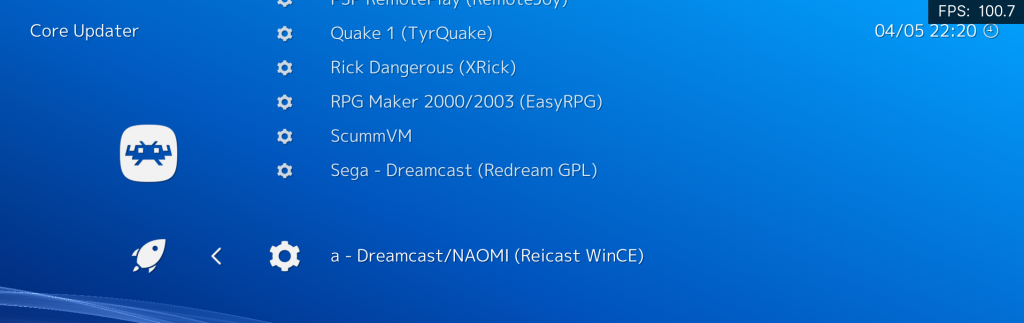
2) Go to ‘Online Updater’ -> ‘Update Cores’. Scroll down the list until you reach ‘Sega Dreamcast/NAOMI (Reicast WinCE)’. Install it.
System requirements
Reicast WinCE has higher system requirements than the regular version. The most important things you need to know:
Consider this core a work-in-progress. Bugs are to be expected, fairly demanding requirementsare likely to be expected for now. Things can only get better from here.
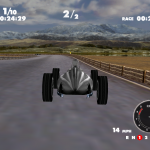
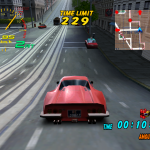
Below is by no means an exhaustive list of all games on Dreamcast that used Windows CE under the hood, along with their current playable status in Reicast WinCE at the time of this writing.
The most complete listing we found so far of Dreamcast WinCE games can be found here.
Check out these videos by flyinghead -
https://www.youtube.com/watch?v=1fbGDqcsPdU
https://www.youtube.com/watch?v=-J7jptiSO1o
https://www.youtube.com/watch?v=fbl0L2jBvoA
https://www.youtube.com/watch?v=-pGBKDmMV3g
https://www.youtube.com/watch?v=kdvZt1xadB4
https://www.youtube.com/watch?v=44W-ooDc1EA
reTokyo
2019-05-05 04:22:43 +0000 UTC