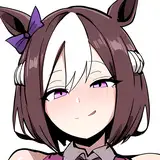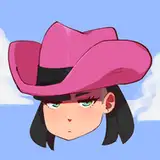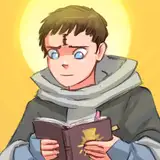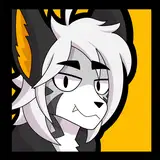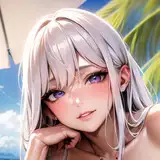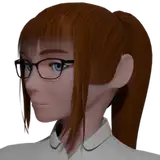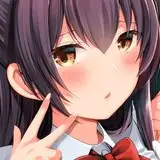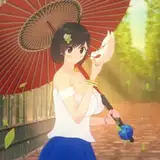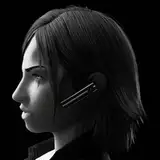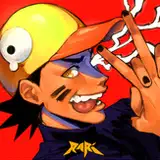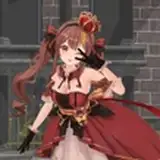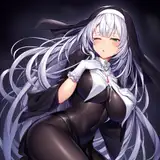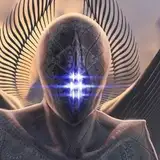
In this painting, I found a new, interesting method. Usually, I fill the color under lineart, or I do lineart after establishing the lighting, and then I move to the rendering stage. Unfortunately, I cannot record the early rough sketch because I was using my old portable PC and it's too weak to record. Okay, so I continue working on it on my main PC. I believe I can do something more efficient. I started from silhouette but I also do lineart in the same layer with the silhouette. The result is flat color and lineart in one layer. I have a lot of advantages with that, such as liquifying and tweaking some parts without switching layers. It was a gratifying result and satisfying I mean also less stressful for me. The next stage is to determine Light and shadow. The stage where light scenarios can drive the mood. I'm using HardLight layer because it has Screen and Multiply blend mode properties but also it can produce more chromatic results. I can use as many harlight layers as I need. When the result is too dull I can use Overlay or Softlight layer to pop the colors. Voila, now the artwork is ready to render. I'm so happy with the workflow. I also have another simple portrait painting video for you guys. I hope it was easy to learn from it. Lastly, a short comic ENJOY Delivery: I will send you guys a message to download the reward MochaLatte: all PNG Barista: Complete Pack (Video, PSD, PNG)
51851515154121
2024-12-08 20:46:21 +0000 UTC51851515154121
2024-11-30 11:22:12 +0000 UTCkopianget
2024-11-29 16:56:23 +0000 UTC51851515154121
2024-11-28 22:02:48 +0000 UTC