❗info:
This is not a mod. I just changed the game file.
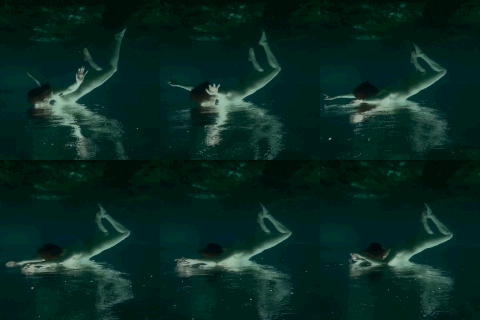
The camera moves slower and more carefully. Now you can take screenshots of your sims and other things very easy.
Base game compatibility
This file doesn't need special or frequent updates.
I changed the values for a more cinematic camera. If you don't like my values, there are plenty of tutorials on how to change them on the Internet. Use this opportunity.
___________________________________________________________
___________________________________________________________
❗How to install:
Open C:\Program Files\EA Games\The Sims 4\Game\Bin\res
Copy the VideoCamera.ini file from the folder and put them in another folder on your computer. (This is to make it easy to change the file back to its original one if you don't like my file)
Place the download file into C:\Program Files\EA Games\The Sims 4\Game\Bin\res replacing the original VideoCamera.ini file
___________________________________________________________
❗How to uninstall:
Repair the game
OR
Do you remember you had to copy the original file and put it to another folder? Find this file and replace the VideoCamera.ini in your res folder with it.
___________________________________________________________
I made this file for MYSELF. Everything works for me and everything suits me. I decided to share it because it might be useful for those who suffered from a gaming camera like me.
please read and respect my tou
✦ Sleepy Angel ✦
2025-02-26 21:06:08 +0000 UTChelgatisha
2025-02-22 09:07:31 +0000 UTCYotsuba
2025-02-21 21:31:39 +0000 UTC