Feel the space! Look around to see how huge her breasts actually are, you can almost touch her skin, you can almost smell her breath, you can almost hear her heart beats!
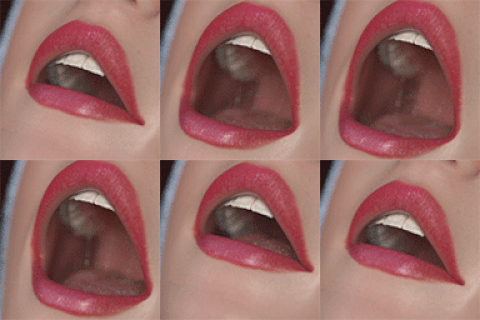
The moment where our small friend drops the toothbrush right in her throat!
How to view the image on Android phone: First install GizmoVR from store and run it. Open settings and it will ask you to install another small app - Cardboard. You need it to set the specific settings for you VR box. Just find the QR code for your model online and scan it when the app. asks you. That's it! Open GizmoVR again, browse your phone for the image, and make sure to check those settings for each image (required only once per image):
3D mode: ON
Frame packing: Side by Side
Angle: 180 (or 360 for the full sphere images)