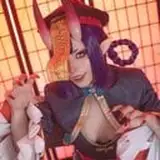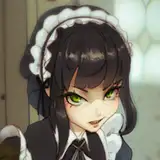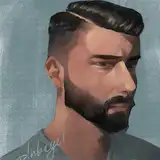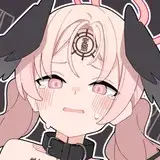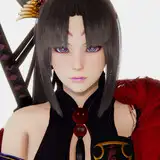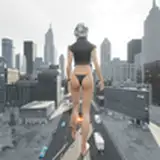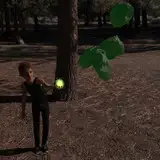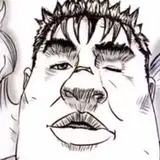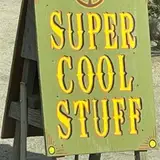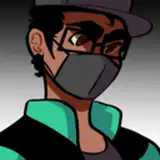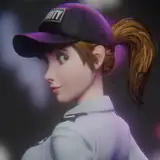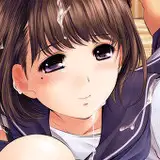
Instantly give any file a distressed, photocopied or mimeographed look!
INSTALLATION
1. Download the included action and pattern files.
2. Install the necessary pattern files by double-clicking the “Photocopy Artifacts Patterns.pat” file. This should open your copy of Photoshop and install them automatically
3. Install the associated actions by double-clicking the “Photocopy Artifacts Actions.atn” file. This should open your copy of Photoshop and install them automatically
5 INSTALLED ACTIONS (see gallery for samples):
1. Photocopy - base normal
2. Photocopy - base degraded
3. Photocopy - open book
4. Photocopy - right side dark
5. Mimeograph
6. Mimeograph - double-sided
RUN AN ACTION
1. Flatten your document
2. From the Actions palette, double click or play an action
OPTIONAL: CREATE DROPLETS TO AUTOMATE ACTIONS
With a desktop droplet, you can drag files onto the droplet and the action will run on that file automatically.
1. Select File > Automate > Create Droplet…
2. Set a destination for the droplet: "Save Droplet In" (e.g. desktop)
3. Select the action you want to turn into a droplet.
4. Set "Destination" as “Save and Close”, or “Folder”, depending on how you want to save the output
5. Drag files onto the droplet. The droplet with open Photoshop and run the action automatically.