Simple tutorial for layer separation
Added 2021-08-03 06:03:12 +0000 UTChere I will make a simple tutorial how to make two or more different image variants without creating a new project file. I draw using Krita, Krita is an application for drawing and creating animation, you can download it for free on the official website
1. Step one
First make sure you have a layer that has been colored, try not to give a finishing effect such as gaussian blur or other lighting effects, just a layer group containing lineart and full colored layers.

2. Step two
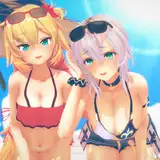
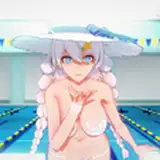
then create a new layer for the clothes section, in this example I made a layer for the bikini, the bikini will pull the chest up or back, causing an indentation between the bust line and the bikini line, here I want to make the bikini effect look very tight, so I need create a new lineart separate from the previous layer.

3. Step three
then we have to create a new color layer, this is needed to overwrite the previous layer, we can duplicate the previous skin layer, we can use the selection feature to focus on the chest, then we have to adjust the shading to make it look neat.

4. Step four
then if we bring back the previous layer, the result will be like this. This is very useful if you want to create 2 variants of images in one project without the need to create a new project. all we need to do is create a new layer to overwrite the previous layer.


Maybe that's all I can say to make simple layer separation, maybe I'll make another tutorial for another coloring process, thanks for being my Patron.
Comments
nice and quick!
Huniken
2022-10-11 15:50:48 +0000 UTCyou're welcome
harist fauzan
2021-08-03 08:35:31 +0000 UTCVery cool, thank you for the tutorial!
NSFW18 Games
2021-08-03 08:30:09 +0000 UTC