Previously, there's been an issue with lighting and expressions in Unity (the game engine we use). Basically, because certain surface information is not imported into Unity (at least not from blender), blend shapes (variations of a mesh) would use the base version's data instead when rendering. Usually this wouldn't be a problem, but for some expressions this would become very apparent.
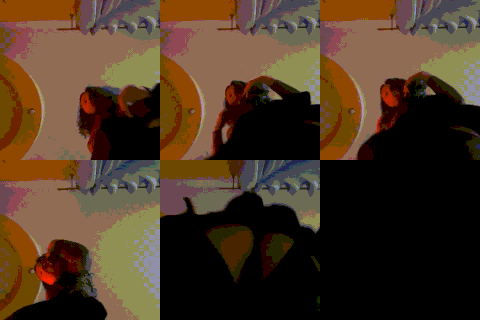
Here's an example of what Frænír's nausea expression looks in the latest build:
https://gfycat.com/FrightenedHoarseAvians
As you can see, it looks strange. Lighting doesn't behave the way one would expect. This is because the surface normals used in this instance come from a state where the cheeks are flat (the base version).
Unity recently exposed their blend shape API to developers, meaning we can now use custom normals for expressions, and thus improve the way lighting behaves on expressions.
Here's Frænír's nausea expression again using our custom normals:
https://gfycat.com/ClumsyResponsibleAmericanindianhorse
All current and future models will use this new technique.
Dr.Stain
2016-10-09 08:45:49 +0000 UTCryu lee
2016-10-08 23:15:23 +0000 UTCLadmaro
2016-10-02 11:36:17 +0000 UTC