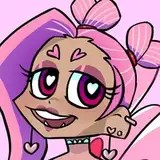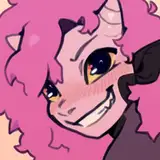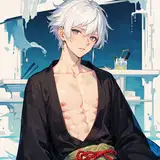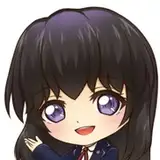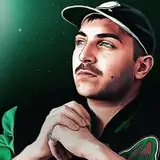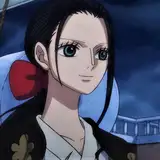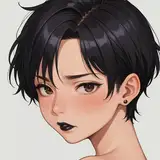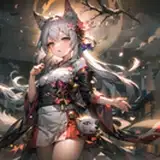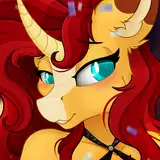
Hair Tutorial! This is the way I draw hair step by step, you can play with the steps and colors, it's worth experimenting with. ❣️❣️
🔴1.- I duplicate the base layer to highlight the protruding parts and the deep parts.
This step is important because you choose the colors to work on the hair and they will play an important role in the end!
For the dark parts I choose a dark color close to red, for the prominent parts I choose colors close to yellow. In the end, I play with the opacity of the layer between 10% to 30%.
🟠2.- To highlight the depth of the hair I apply a dark color gradient, I also play with the opacity of the layer to highlight this area.
🟡3.- I apply the shadows with the dark color (I will make this color a little more like the original color) the secret is not to abuse the shadows, look for a balance. In the end I play with opacity.
🟢4.-I duplicate the original base color and place it in front of all the plates. This layer will give life to the colors. For GIMP I change the layer mode to "Soft Lightness" and play with the opacity. In Photoshop you can apply the "multiply" layer mode.
🔵5.- At the end, I apply a gloss with the luminous color, this reflection gives it a touch of anime style and highlights the shadows!
I remind you that you can play with colors, opacity, and add more shadows or lights depending on the desired final style! Enjoy it sweetheart! ❣️❣️❣️