![[AI Tutorial] How create beautiful pictures!](https://img5.xaiju.com/storage/6/ou/rw/d38796-019e8fc0-cd99-7796-9b4d-d00f55003ca8.png)
![[AI Tutorial] How create beautiful pictures!](https://img5.xaiju.com/storage/4/cb/xo/d38796-019e8fc0-cd9d-78b6-9318-1a6a0982d107.png)
![[AI Tutorial] How create beautiful pictures!](https://img10.xaiju.com/storage/10/oe/rt/d38796-019e8fc0-cda0-74fe-afa8-5f052091b075.png)
Hello all,
Many of you are asking me how to create AI images, how it works, what tool I use...
So I created this post to help all those who would be interested in creating AI images, if you are a beginner you are at the right place ;)
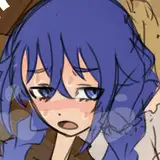
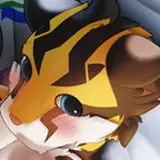
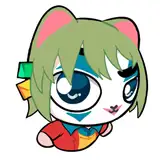
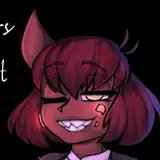
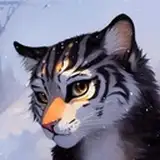
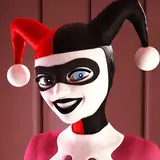
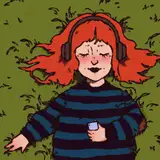
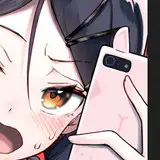
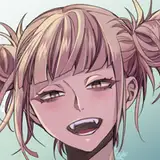
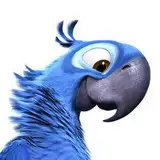
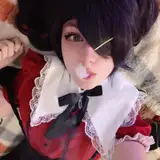
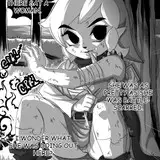
Here are some examples that I have create for you, you can download their prompt to train you!
Generally, once the image is created, then I try to perfect it and correct the defects with Photoshop.
These are the basic images, I haven't corrected them so don't worry if you see any defects on them.
Picture 1:

-------------------------------
Picture 2:

-------------------------------
Picture 3:

-------------------------------
Picture 4:

-------------------------------
Picture 5:

How to start?
To create all these images, I use Stable Diffusion with the Automatic1111 tool installed locally on my computer.
If you don't have it, here the tutorial for this:
Tutorial:
Once you have successfully installed all this, you should have something that looks like this:


Now that you have the tool, you need to know how it works ^^
For this, here are some links that will help you:
I hope all this info will help you!
If you have any question or problem don't hesitate to ask in comment.
I'm not an expert either but I'll try to help you as much as I can.
See you soon!
Jul3D NSFW
2023-05-04 06:18:50 +0000 UTCReanu Keeves
2023-05-03 19:05:13 +0000 UTCPLLPower
2023-05-03 08:20:50 +0000 UTC