Download Link - https://drive.google.com/drive/u/1/folders/1fnnXMX0OtugAahirhgZwBmO19nkBhBsg
I’ve finally finished organizing all the LoRA models I trained. I thought it would only take a couple of days, but between formatting and testing the best trigger words, it ended up taking two weeks.
First, let me explain what these are for those unfamiliar with LoRA models.
In short, LoRA (Low-Rank Adaptation) are small helper models for a main AI checkpoint model. They enable you to generate specific characters, clothing, poses, or mimic an artist's style. These LoRA models were created specifically for Pony SDXL checkpoint models, such as ponyDiffusion 6 or AutismMix (I recommend using AutismMix because I tested these with it. However, you can try other checkpoints—you might even achieve better results).
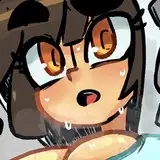
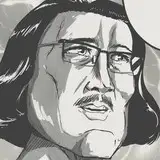
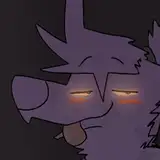
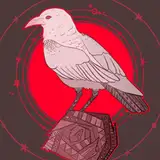
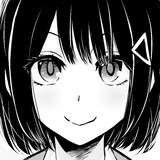
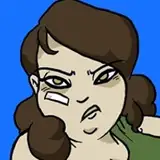
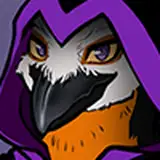
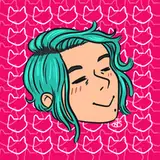
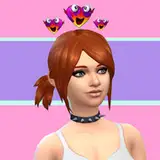
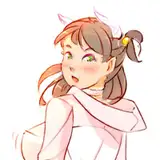
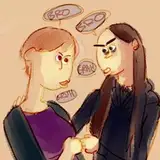
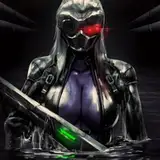
Each card includes examples, brief descriptions, and trigger words to help you achieve the desired result. While these trigger words aren't definitive, you can experiment by combining them differently to improve your outputs. The key is to include the main word as described (for example, the character's name).
It’s worth noting that all examples in this post (except Satan's) are published without any post-editing. This means you might notice some imperfections, such as issues with hands, etc. I left them unedited intentionally so that metadata from the images in the archive can be used to extract prompts (in Stable Diffusion, load the image in the PNG Info section). However, keep in mind that I use a heavily customized ComfyUI workflow, so using my exact prompts won’t guarantee 100% identical results. Still, by using the HiRes Fix and Face Detailer plugins in Stable Diffusion or ComfyUI, you can achieve similar or even better results, depending on how much time you’re willing to spend fine-tuning.
Additionally, some examples included extra LoRA models to enhance the results, as well as the MistoLine ControlNet technique. If your results don’t look quite right, consider adding one of these LoRA models. Here are the main ones used:
You don’t need to use all of them—just experiment to see which works best for your needs.
As for MistoLine:
MistoLine (ControlNet required)
Make sure to study how to use ControlNet properly before attempting to implement it.
PS. The archives linked above contain more example pics than those presented here; I simply didn’t use all of them.
PSS. All characters can be used in both male and female forms; I simply provide examples with female variants because it’s more convenient and easier for me.