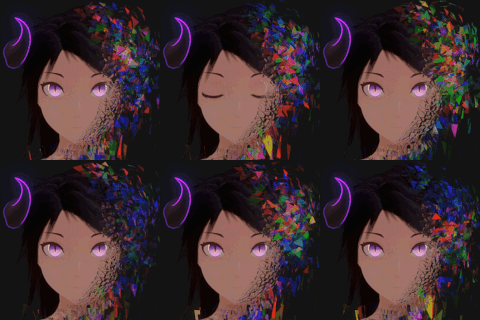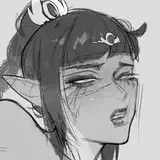
Lesson№1 (picture color)
Added 2020-11-09 13:46:37 +0000 UTCToday I will teach you how to quickly paint my drawings.)
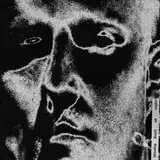
1. Draw your linart, the main thing is that it is closed.

2. create a second layer and place it under the one on which you drew

3. Select a selection, and select your image on the first layer.

4. Make an inversion

5. Choose the layer under your drawing (2) and use Alt + Delete to fill the area with any color.

6. Create another layer (3) and place it in the outline of the second layer

7. Press on layer 3 and with Ctrl clamped, press on layer 1.

8. Take the fill and start painting, you can use a normal brush

9. Because of the black contour looks dirty enough

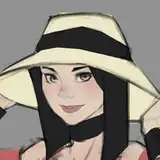
10. Close the first layer and use Alt+Delete to fill the layer with dark red to soften the contour.


11. Here's what happened, I hope you liked it, it will be more difficult further!))