Hi all!
This wasn't on the list earlier this week, but I made this effect for a discord member and wanted to share, made a video tutorial for it too :)
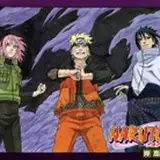
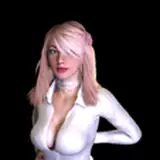
An effect similar to a gradient map in Photoshop.

Turn the camera view into a grayscale value, which is then used to project a texture over.
Shader Code: PasteBin Link

Import this Blit script, and add it to your Main Camera.
Take the Image Effect shader linked in the previous paragraph, and create a material from it.

Drop the new Material into the Simple Blit script, and it should work :)

After installing/importing the Universal Render Pipeline, you should have a Universal Render Pipeline Asset, and a Forward Renderer Asset. If you don't have this yet, check out this guide on setting it up.
Import both of the scripts attached to this post : Blit.cs & BlitPass.cs (source)
When you have these imported, a new option called "Blit" will show up in the Forward Renderer asset, under "Add Renderer Feature"

Add this feature, set "Event" to "After Rendering Transparents".
Import the Image Effect shader linked before, and create a material from it.

Drop it into the Blit Material slot, and it should work!

(That's transparent, not white)

Have fun!