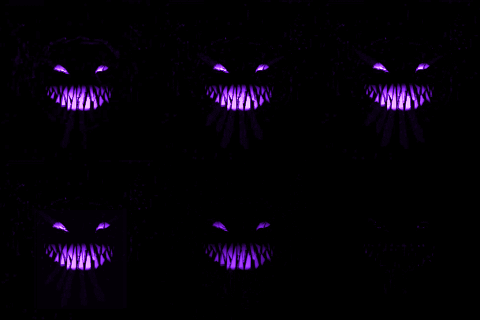
Hey guys! I really tried to get this one out earlier. I could've pushed it earlier and made it a more boring, repetitive tutorial, but instead I shortened it down. And, while I should have cut my losses and just re-recorded it, I made a lot of pickups and inserts to make shortening it make sense. I hope you guys like it.
This week, we're taking a look at ways you can get around or improve After Effect's default Glow effect. Glow has some issues with it—one of the major ones is how linear it is. It doesn't have a ton of body by default. So in this tutorial we're going to explore other ways that you can build your own glows.
A few methods work well by stacking the Glow effect with various different radii and intensities. But the final versions I show in this tutorial eschew the Glow effect entirely and instead rely on various blurs stacked together with CC Composite. You can also stack other effects like Fill and Fractal Noise in between to get different looking glows—so experiment!
For more information on linking paths for a continuous trim between multiple paths, check out Tutorial 124: Linked Paths.