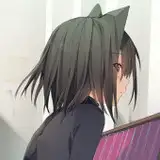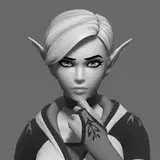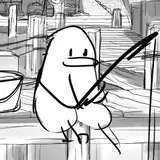
I love these Photoshop brushes. Unfortunately the download links in the original post do not seem to work. You can download the Brushes from this post directly.

Image scource | http://jpvine.com/2012/07/09/free-photoshop-storyboarding-brushes/
How to Install Brush Tool Presets
1. | Edit > Presets > Preset Manager

2. | Preset Manager will open

3. | Select Preset Type drop down box. Change it to Tools.

4. | Click Load. Open the Brush Tool Preset.tpl file from where you have saved it.

5. | Click Load.

Done.
How to use Brush Tool Presets
These brushes are NOT accessed like regular .ABR brushes.

1. | To access Brush Tool Presets, select the Brush Tool.

2. | Select the Brush Tool Preset drop down box to access the brushes.


Original Post
THANK YOU FOR MAKING AND SHARING THESE BRUSHES!
By JP Vine | http://jpvine.com/
Original Post | http://jpvine.com/2012/07/09/free-photoshop-storyboarding-brushes/