This has now been pushed to the patreon version of the tool! Use the sliders in the image panel to tile images in the x and/or y directions. Select a dungeon layer as a clipping layer, and you can make images only show up when within dungeon geometry defined by that layer (basically a layer mask).
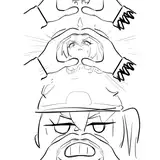
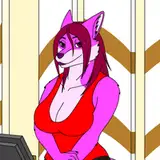
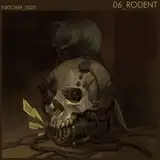
By making a dungeon background transparent, you can use tileable 2 minute tabletop assets to create maps like these.