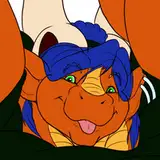
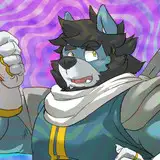
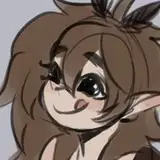
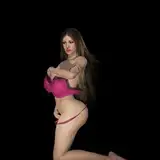
Hey everyone! I'm excited to share my latest workflow featuring Qwen Image Edit that now allows you to use multiple reference Images and trust me, this is a game-changer!
Qwen Image Edit is an AI model that lets you modify existing images using simple text instructions. Want to add, remove, or alter elements while keeping the original style and quality intact? This is your tool!
The best part? No more crafting complex prompts: just show it reference images and tell it what you want!
Note: This workflow uses the same models as the newest Consistent Character Creator, so if you already have that installed, you're ready to go!
Download the workflow and drag it into ComfyUI. Install any missing custom nodes if prompted.

1. Download the Models
Grab the required models – you'll find the download links in the yellow nodes next to the model loaders!
2. Import Your Reference Images
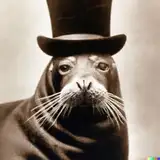
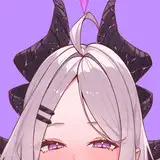
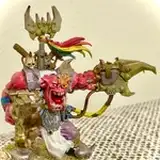
Load your reference images – these can be characters, styles, environments, or anything else. The possibilities are endless!
3. Choose Your Context Images
Select which reference images you want Qwen Image Edit to use as context for your generation.
4. Set Up Pose Control (Optional)
Upload an image here to extract Openpose pose data. Connect the pose to the Qwen Image Encoder, and your character(s) will automatically follow that pose!
5. Write Your Instruction
Enter your prompt and tell it what to do – just like the example prompt! If the results aren't quite right, try being more descriptive.
6. Iterate and Refine
This workflow group can be duplicated! Take your generated image and modify it again in the next group, just like in the example. Chain multiple edits together for amazing results!
I can't wait to see what you create with this!
Александр Шнайдер
2025-11-12 02:10:03 +0000 UTCDan Val
2025-10-24 02:30:36 +0000 UTC