I would like to help you on how to use the attached PSD file.
This is a tip for those who don't know how to use PSD or who can't use it because they don't have Photoshop.
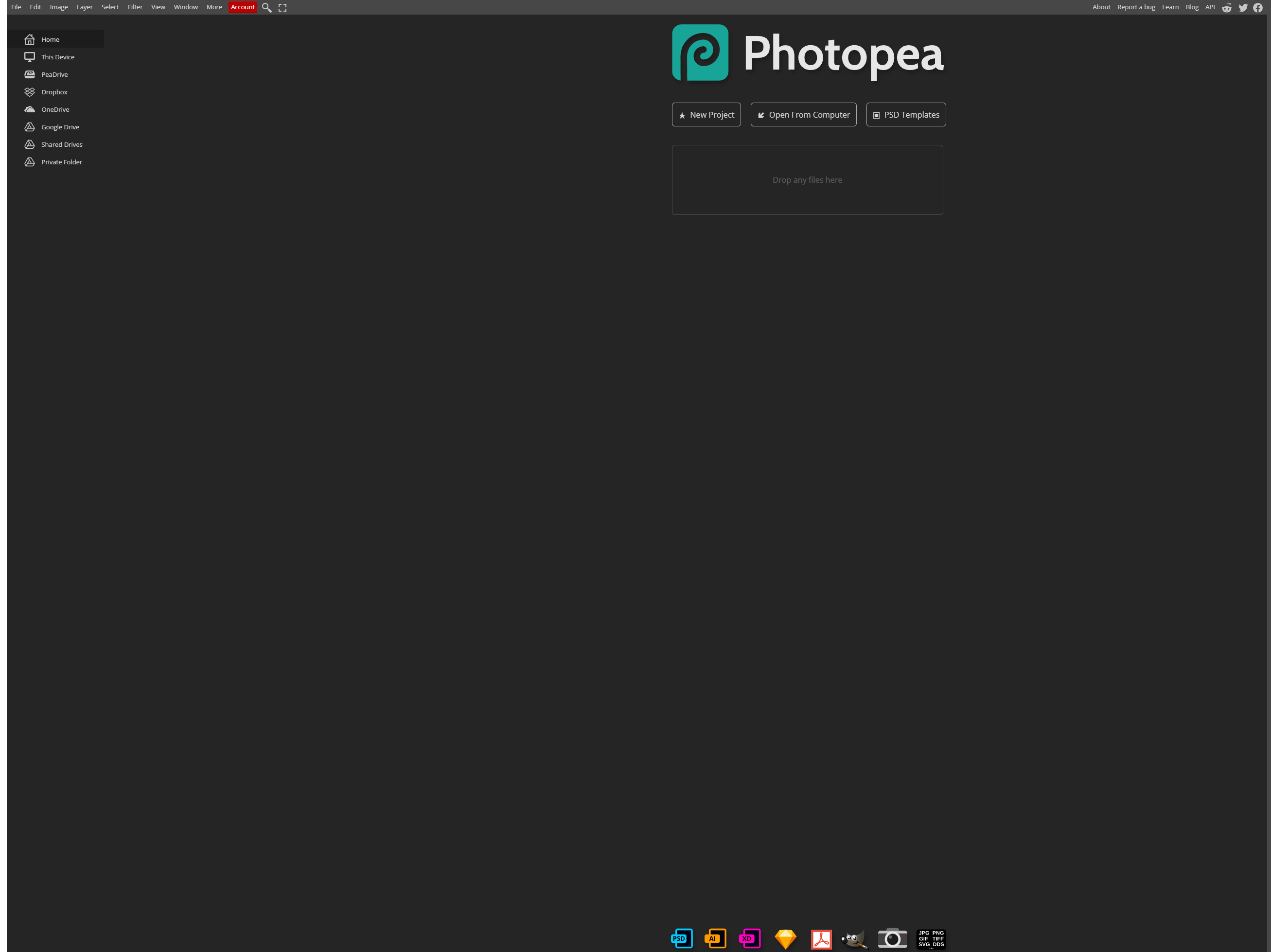
First of all, it is a site where you can open and edit PSD files on the web.
When you go to the page, you will see a screen like this.
Click Open Frum Computer to open the file in your PC
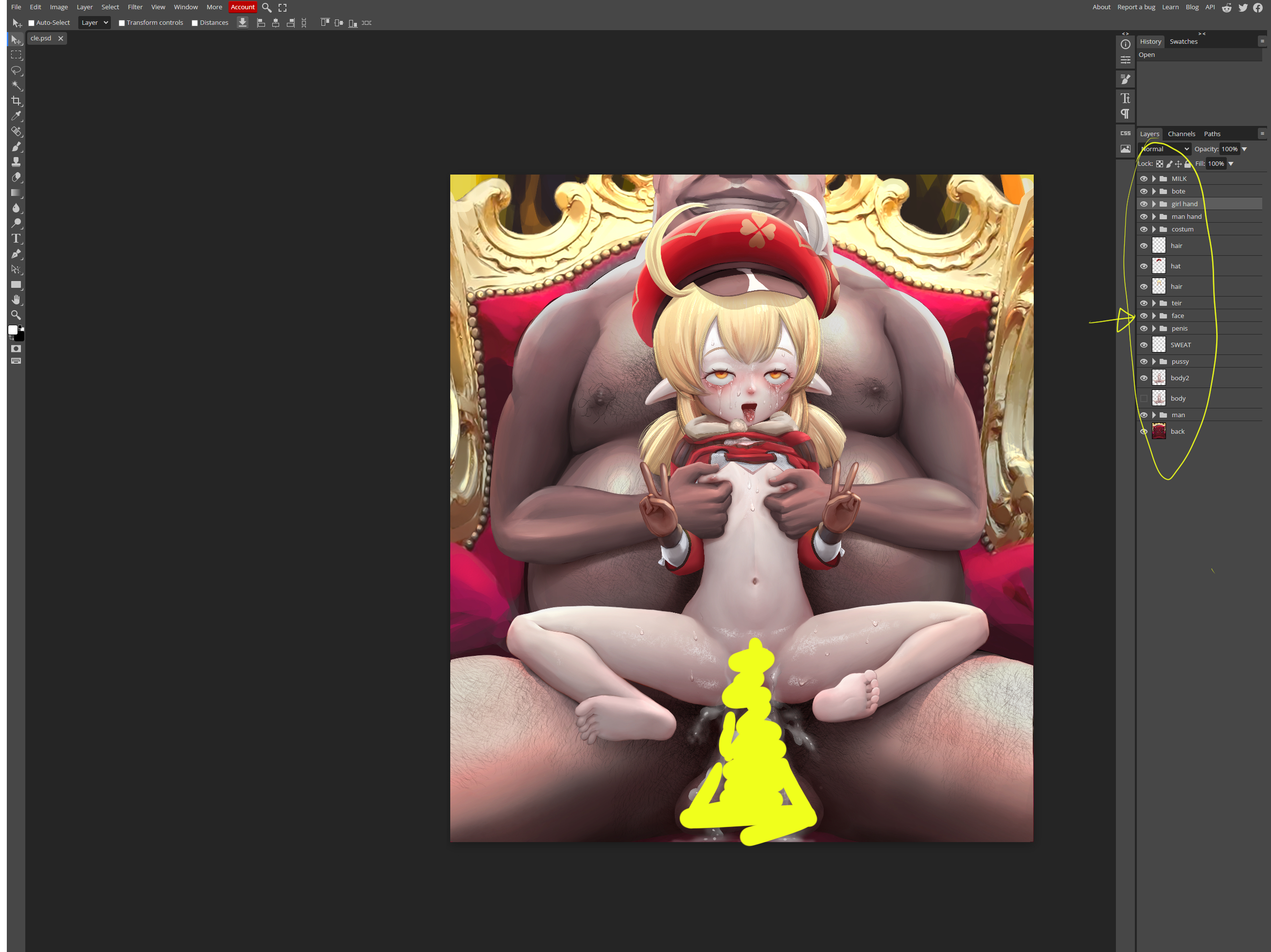
Open the file and look at the part with the arrow on the right.
The folder shape is a layer group, and the rest are single layers.
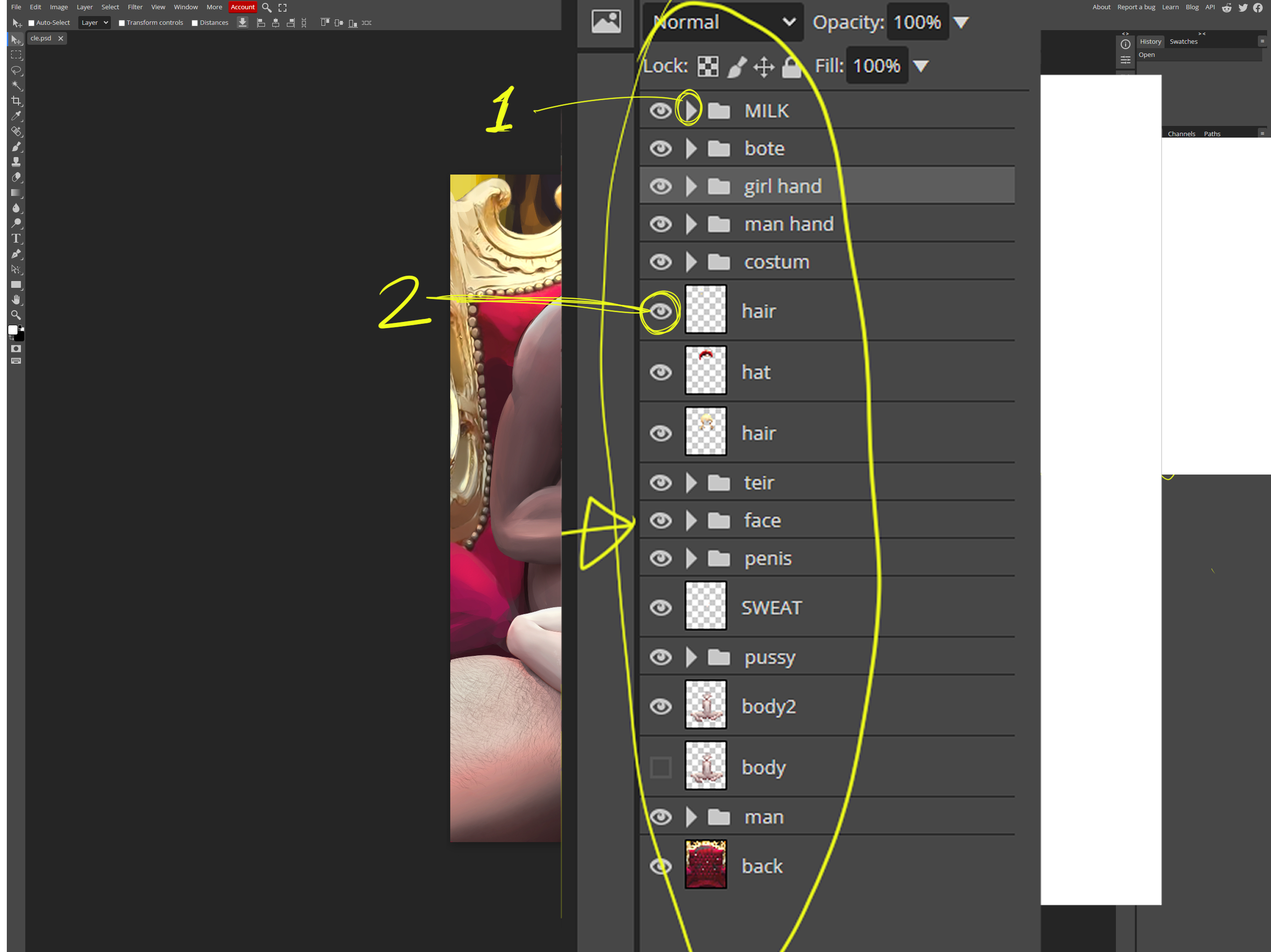
If you look closely, it looks like this.
If you click the number 1 arrow, the layers within the group are displayed.
Click the eye icon number 2 to turn the layer on or off.
The off layer is not visible and you can use it to combine various images you want.
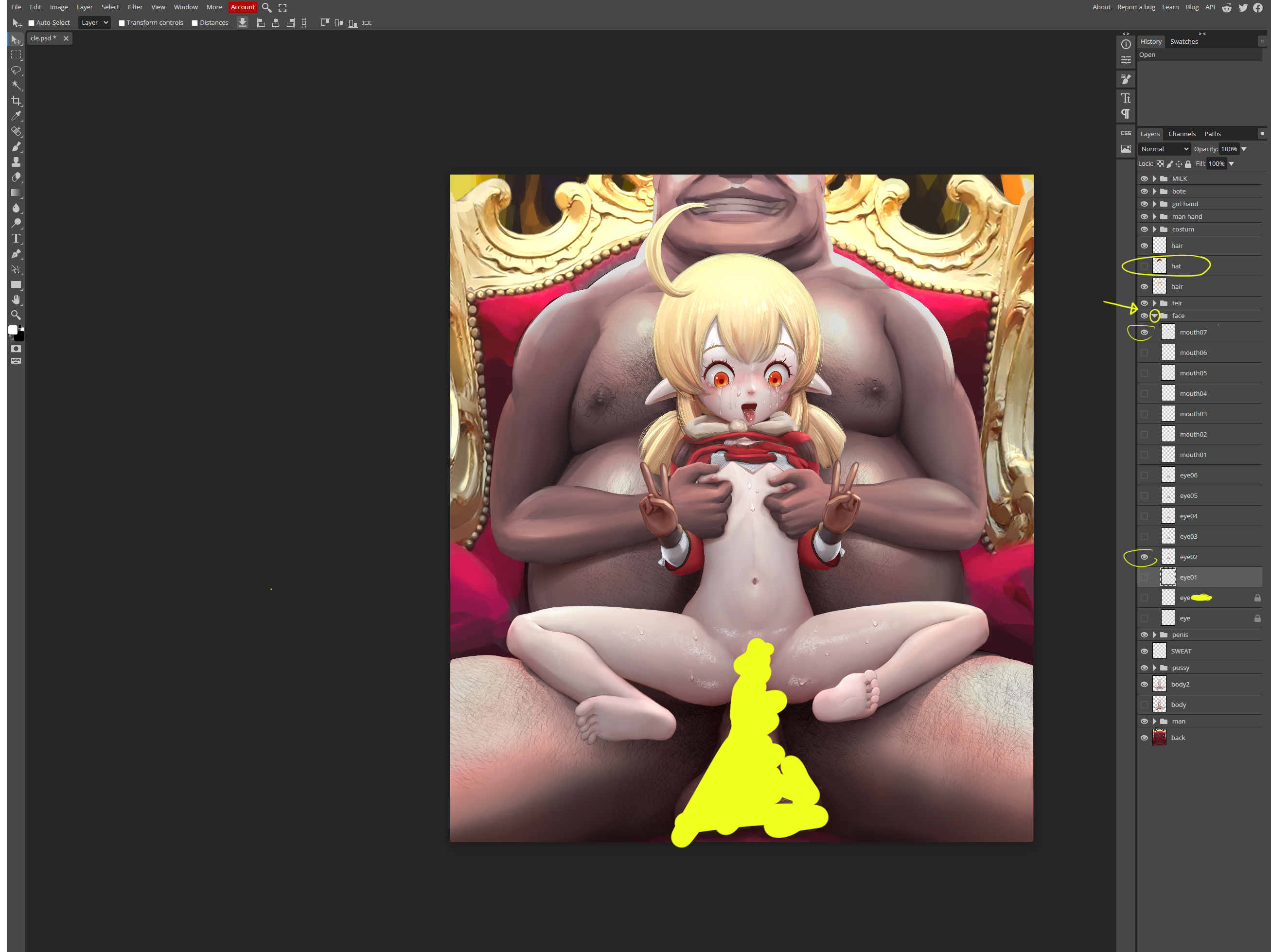
So, I'd like to change the expression a bit.
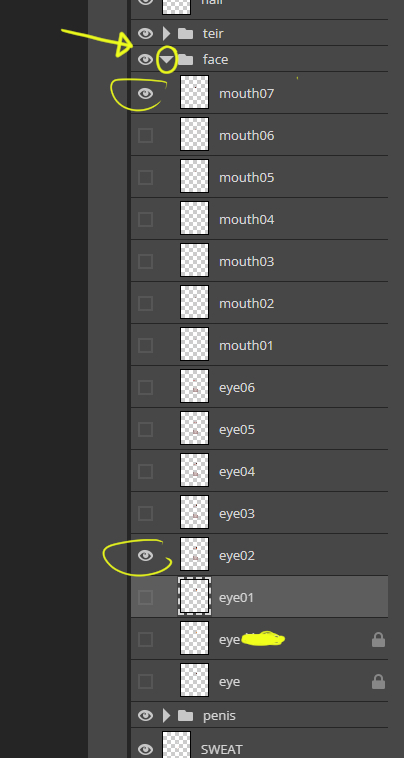
When you click a face group, the down arrow changes to show the layers of the group.
Select the desired eye and mouth shape, check the image, and erase the hat.
So, I'd like to change the expression a bit.
When you click a face group, the down arrow changes to show the layers of the group.
Select the desired eye and mouth shape, check the image, and erase the hat.
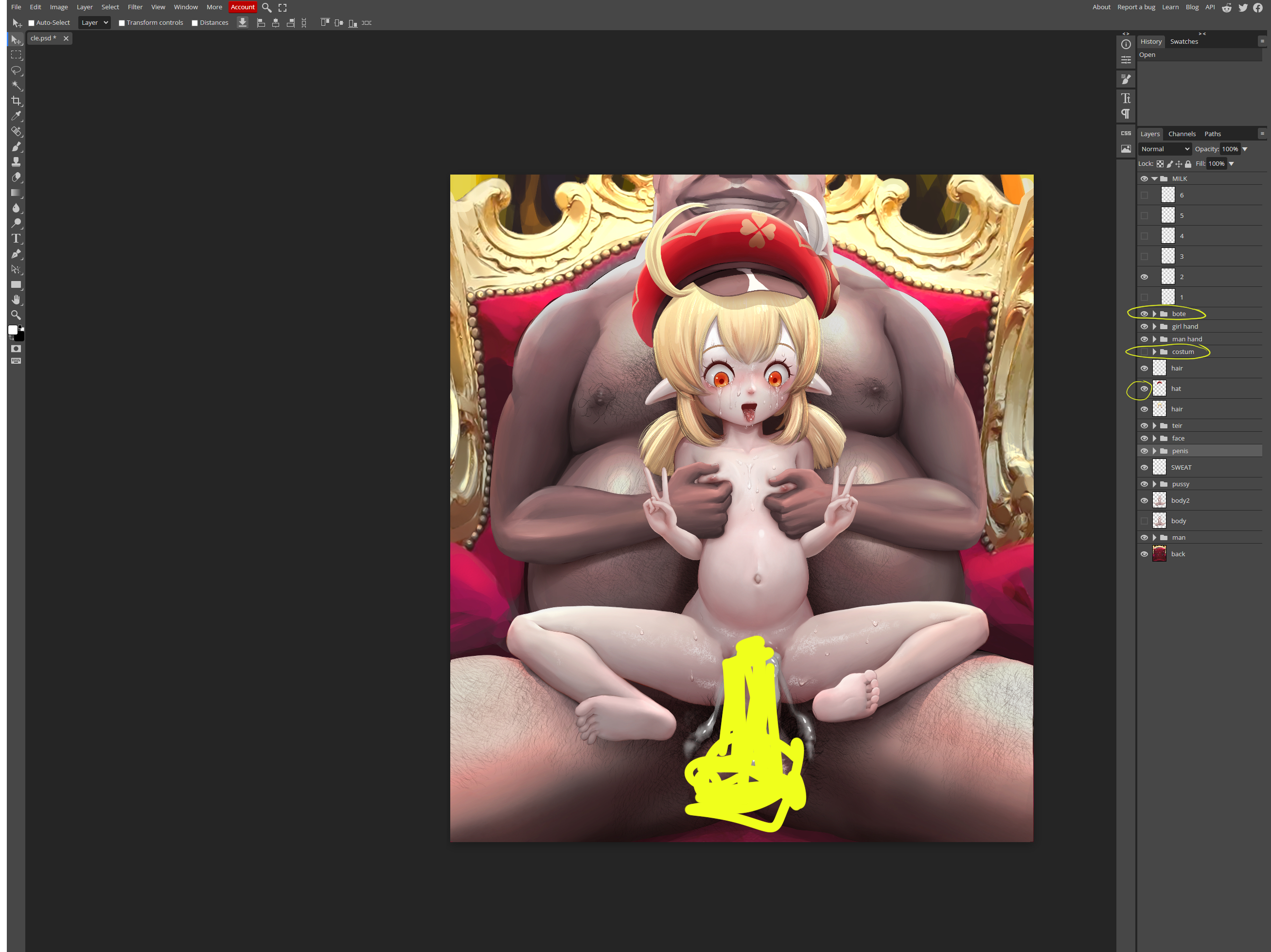
My mind has changed.
Put the hat back on and try removing the costume.
It also makes pregnant belly.
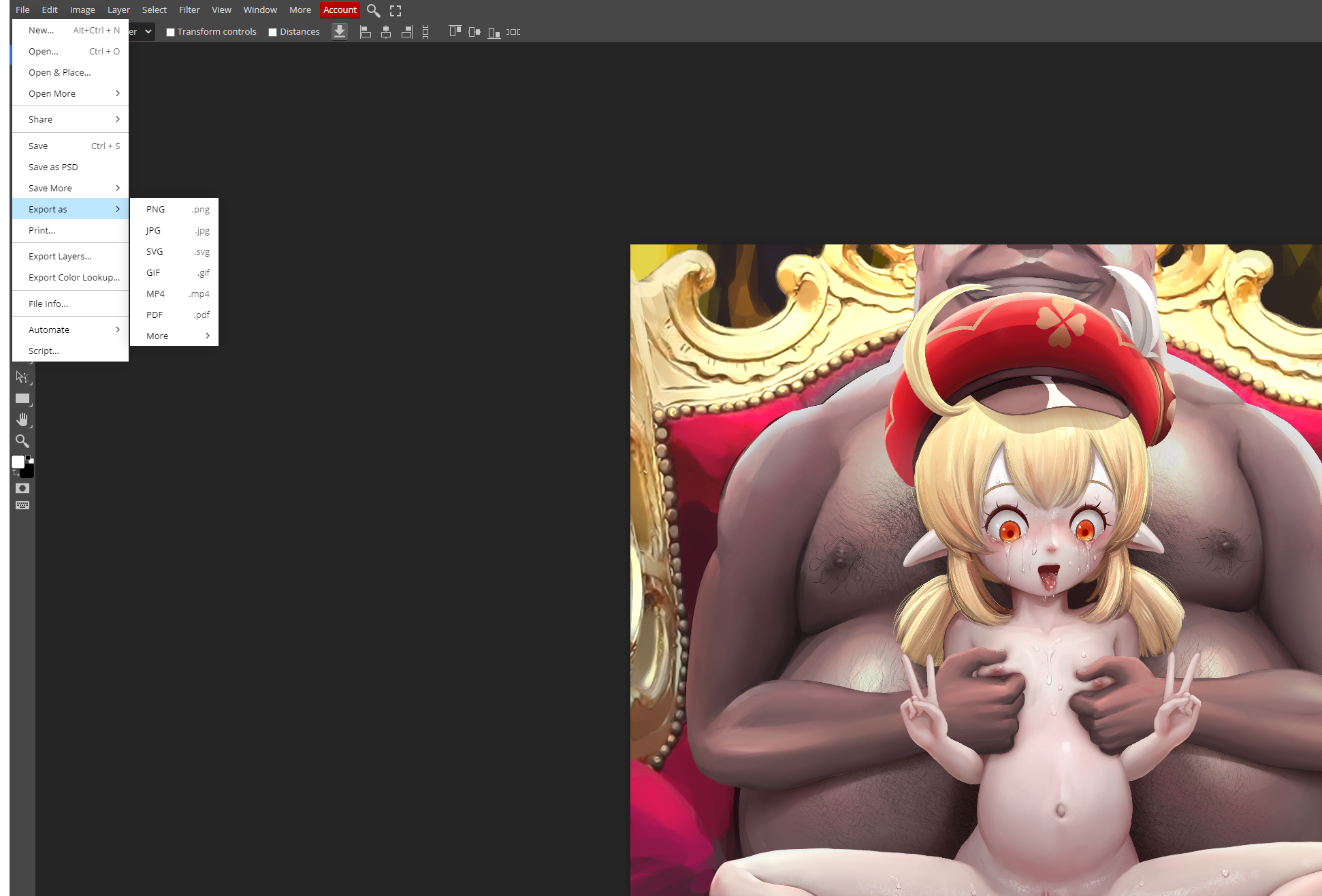
When you have created the image you want, select the desired extension in export as to save additional files.
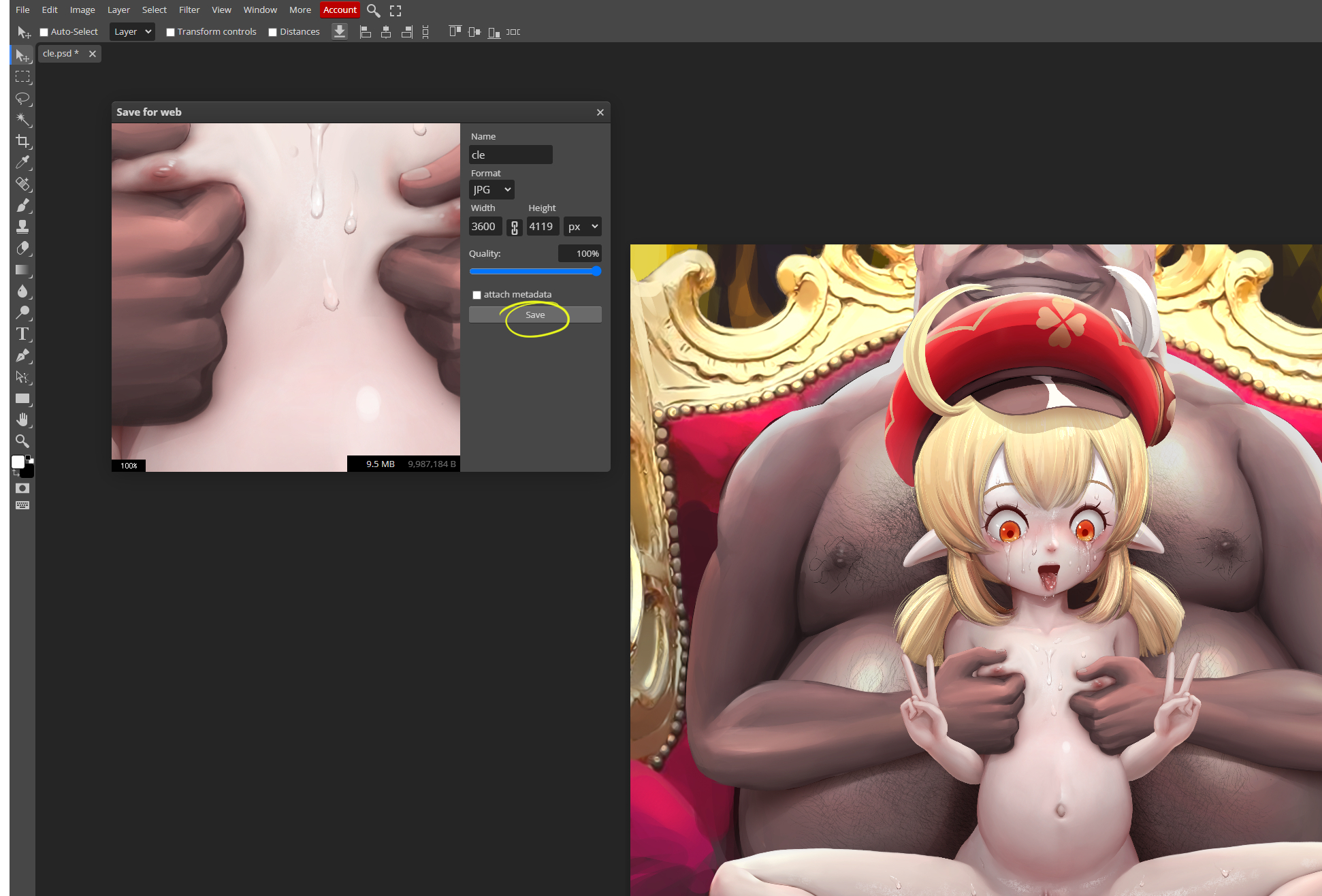
Click save to save the image to your PC.
It is usually saved in the Downloads folder.
Please feel free to create the image you want.
The language can be changed in the moer tab at the top.
Hentai4Glory
2023-02-25 11:44:35 +0000 UTC