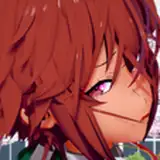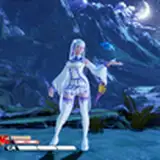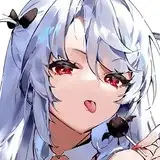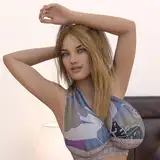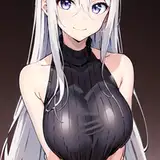
Hair that seems to have been taken from a shampoo commercial but.. in the same way you will not stop looking good to your friends on vrchat.
IMPORTANT
To obtain the silky and elegant light rays effect on the hair that you see in the images you must have the Poiyomi Shader (Free) that I will leave below.
To place the hair on the avatar you have to follow the following steps ...
I recommend watching the tutorial
Setup Tutorial1) You import the poiyomi shader if you haven't done it before.
2) You import the unity package that you downloaded to the unity project where you will upload your avatar.
3) Now in the hierarchy table you will find your avatar,
click to open it-> armature-> Hips-> Spine-> Chest-> Neck-> Head.
Now that you have reached the head, drag the 3d model of the hair to hierarchy table, then drag the 3d model of the hair to 'head' , so that it stays attached to your avatar.
4) Configure the physbone to your liking, for better results as I will leave it in the following image...
PoiyomiToonShader(free)
Thank you for your support, don't forget to leave your vote. 💜