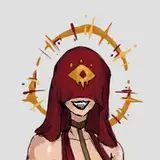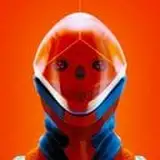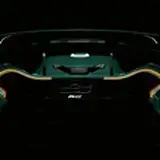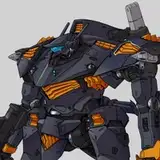
This week EPIC had a free game on called Relitca. I liked the look of it and started streaming it on YouTube, which means I had to come up with some handsome looking screenshots.
Usually I head over to the publishers press section, then add my logo and a title - but on this occasion I decided to zoosh those pictures up with Corel Painter. Ever since I've bought it I've been fascinated with turning 3D images into works of art that go beyond what a 3D engine can do. Adding a paint effect is ideal when the 3D render isn't perfect, or if you want to make it look like something truly special.
My first idea was to leave the logos untreated and superimpose them after the painting pass, but when I saw the results I thought they look great painted in. If you want to try out Corel Painter, you can pick it up as part of this Humble Bundle (they keep extending this offer, which was supposed to last only 7 days - perhaps they'll leave it up forever?)
Here are the settings/workflow I've used:
That's it! Feel free to abort the auto painting before it's done so that the picture retains a bit of a rough touch, or blend a rough pass together with a fine pass, or make manual adjustments. It's all fun and gives any 3D image a seriously exciting touch.
Have fun!