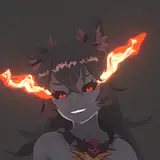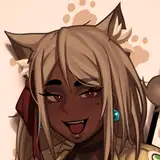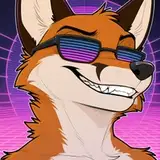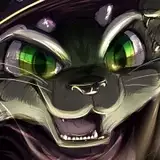
EDIT - I FORGOT to mention that I do NOT leave my shadows black! Usually I will lock the layer and airbrush in a bluish tone, and reddish hues for transitions on skin :D
Holy moly the ambient occlusion/shading layers have taken me so long for all these YCHs ;-;
I'm happy to announce I got all of them done - and I'm in the final stretch for each of the versions/slots! ;u;
I thought I would use this as another opportunity to share a look at my shading, because while this method is time consuming, I think the results are good ^^
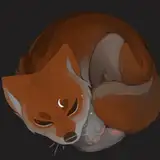
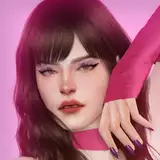
For me, the easiest way to wrap my head around this is to fill the character with a 50%ish gray, and just go with black on multiply over top. I'll first go in with sharp, scratchy strokes to rough out the darkest areas - almost like crosshatching but really messy!
After that I will go in and blend it using a nice opaque watercolor brush under my blending tool on CSP; I touch things up, switching between that and my hard pen brush when I need to lay down more in the darkest crevices.
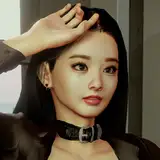
I came across a good tip on Twitter the other day (thanks Vexstacy :D), and it was to hide your line art layer when checking your shading! During my whole process this time, I made these checks a lot. It makes a BIG difference! (The first image shown is the final result with lines hidden, the second is when I was still refining, showing the sketch as well)
Now that I have this technique down pretty well, let's see if I can figure out my lighting bs hahahah. I always confuse myself with too many layers :'T
Anyways, hope this is helpful / interesting for someone! Let me know if there's a specific part of my process you want to hear more about like this <3
Kayfoxii
2023-03-17 23:15:57 +0000 UTCJensen Taylor
2023-03-17 22:18:57 +0000 UTC