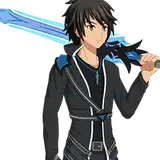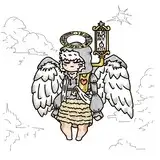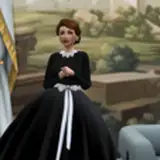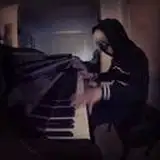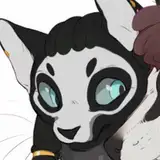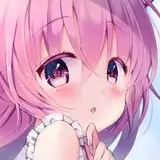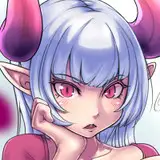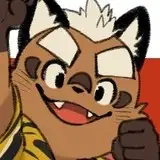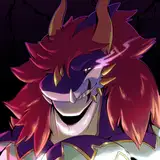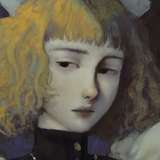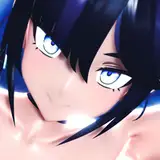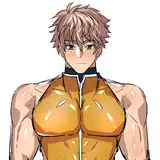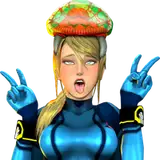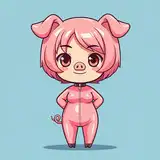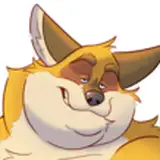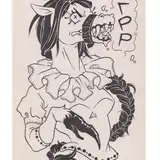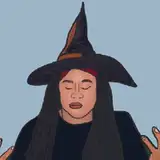
Here are all the frames (aside from the blinks) for part 3! A total of 28 images, but 10 unique poses.
I work in Clip Studio EX and sketch out each pose as keyframes on the animation timeline. Then, I go in and line everything, leaving out the mouth and chin areas. Once all of the poses have been lined, I'll make the mouth animations, typically 3 for each pose (open, half open, closed). Next, I'll color each main pose and then copy those frames for the mouth animations and adjust the color as necessary (so I'm not wasting time recoloring every single frame from scratch). Finally, I'll go back to the lines and give some of them color.
The blinks are separate from these poses. I only draw the eyes/eyebrow parts on a separate layer and then place a layer between the blink and pose layers to correct with color and hide the eye section on the poses. I use these to overlay the blinks on top of the pose layers so I'm not creating extra full pose frames, which are unnecessary.
Once this has been finished, I'll take it all (character frames, backgrounds, and audio) into After Effects and put it all together. But I may try timing everything out in Premiere first and then editing camera movements in After Effects going forward. Maybe one day I'll do a live stream of my process if anyone is interested!