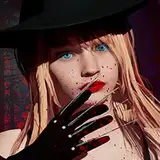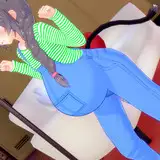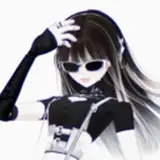
When I was doing illustrations with cel-shading, I felt they were NOT so good. So I started to think of a way to give more "value" (i.e. beautify or stylize) to the illustrations that have gone through the cel-shading method.
If the cel-shading method is used especially for animated series (created on celluloid), why not make my cel-shaded illustrations look like screenshots taken from a 90s anime series?
After researching and figuring out a method to make those images look like that, I have found a way to do it.
In this post, I also attach the .CLIP files I used during the research.
The points to keep in mind are as follows:
- The canvas is assumed to be 1080px high.
- The contour line must be grainy (the thickness of the contour must not be constant), it must also be blurred (Gaussian blur = 3). There should be a chromatic aberration where in the northwest there should be the color cyan (#00FFFF) and in the southeast the color red (#FF0000), group this chromatic aberration in a folder and that folder should have "Color" blending mode.
- The shading should be done as an ordinary cel-shading, but with Gaussian blur equal to 3.
- Add a parallel shadow of the character on the background, but make it very small (3 pixels thick), because the celluloid cast small shadows.
- At the end, you must add the grainy effect. Use the Perlin noise, but give the first parameter (Scale) the minimum value and the second parameter (Force or Strength) the maximum value. Then apply a Gaussian blur of 3. Use "Color burn" as the blending mode. Finally give it 50% transparency (or less).
COPYRIGHT DISCLAIMER
The images of Card Captor Sakura posted here were taken from its respective anime series (created by Madhouse studio).