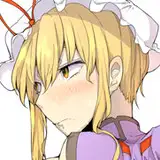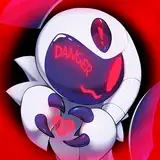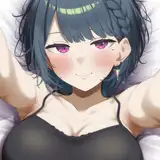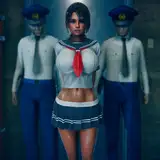
As you may have seen, the zip file for Custom animation scene 78 contains 3 scene files. One of them is for the introduction still scene. The other two are the animation scenes, "normal" and "volumetric". The "volumetric" scene file uses a volumetric light. I wanted to make a quick post about it because I know people have had problem with it in the past.
First of all, I'm assuming you have a recent version of Better Repack. Even then, if the volumetric light version doesn't have any animation for you, that's most likely because you haven't installed it properly. If you don't have any animation, then you need to go to HERE and download Aura2_Core.dll, HS2_Hooah.dll and the HS2_HooahUtility.dll (if you have AI shoujo, then get the AI versions).
Now, if the animation is working, you need to set the Base Density settings like in the picture below:
If people don't have problems with volumetric lights in my animations, I may start using it more going forward. Please message in the comments or directly to me through Discord (kuo#6515) if you are having issues with volumetric lights.
ご覧になった方もいらっしゃると思いますが、Custom animation scene 78のZIPファイルには、3つのシーンファイルが含まれています。そのうちの1つは、導入部の静止画シーンです。残りの2つはアニメーションシーンの「normal」と「volumetric」です。「volumetric」シーンファイルでは、Volumetric Lightsを使用しています。過去に問題があった人がいると思うので、簡単に記事にしたいと思います。
まず、Better Repackの最新版をお持ちであることを前提にお話しします。それでも、「volumetric」のシーンにアニメーションがない場合、それは正しくインストールされていないと思います。もしアニメーションがないのであれば、ここでAura2_Core.dll、HS2_Hooah.dll、HS2_HooahUtility.dll(もしAI少女を持っているなら、AIバージョンを入手してください)をダウンロードする必要があります。
さて、アニメーションが動作しているのであれば、下の画像のようにBase Densityの設定をする必要があります:
もし、「volumetric」のシーンで問題がなければ、もっと使い始めるかもしれません。問題がある場合は、コメント欄かDiscord(kuo#6515)を通じて私に直接メッセージを送ってください。