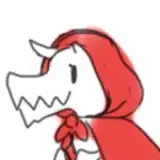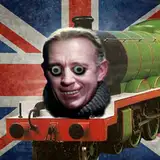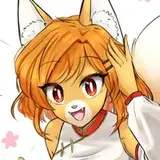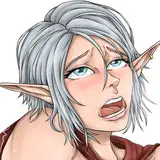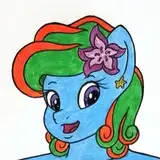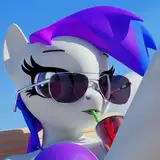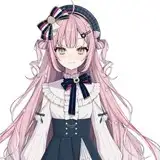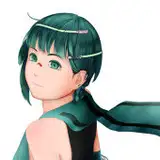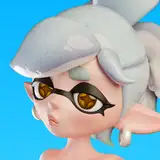
This time on Art Explained, i'm going to expose (if it wasn't already obvious) how I cheaply draw a bunch of faces and then (hopefully) convincingly hide it.
Clip Studio Paint and Photoshop both have the ability to reflect your pen strokes, imma guess that other digital art tools do too - but i use CSP so I know to whip out the Symmetrical Ruler.
Depending on how much you want to hide the cheatiness, you can just use this when sketching the character, but in all the examples here i've used the ruler when doing the final lineart. In the past, like with the Coffee Corgi I used Symmetry for the Shading too. I used to be much lazier :P
Get the face structure down - the whole outline, ears, nose, and the eyes. Bit's that'll be hidden in the final drawing can be masked out later.
This is also great for drawing bits that aren't the focal point of the drawing, like legs.
Now you add the details that'll hopefully hide from the obvious symmetry - like hairstyles, eyebrows and (if you've got some dopey hypno going on) eyelids, accessories or fluffy-neck-ruffs.
Nowadays I also do the shading 'by hand' so the lighting doesn't look like it's straight-on, helping to hide the cheatiness more :)
So there you go, this one was a pretty cheap trick that i'd suggest any digital artist uses. I try to use it sparingly (i don't want a gallery filling up with uncannily straight-on creatures) but I think the results look decent and it saves me time.
If you read these posts (and actually enjoy them) let me know. If you don't enjoy them, but by chance have read this far, i still would like that feedback! I've got a bunch more ideas for this series but ultimately it exists to give the $3 tier more value and it'd be good to appraise that value.
Miltonholmes
2021-04-10 15:05:38 +0000 UTCMaple
2021-04-10 12:25:54 +0000 UTC