![[DL] Finathai's Toon Shader Collection for Blender Goo Engine](https://img10.xaiju.com/storage/10/fh/eo/d38796-019e82f2-34e0-761b-bdbb-27766463163a.png)
![[DL] Finathai's Toon Shader Collection for Blender Goo Engine](https://img10.xaiju.com/storage/1/do/sg/d38796-019e82f2-34e4-7c27-93b7-368ae3e381fa.png)
![[DL] Finathai's Toon Shader Collection for Blender Goo Engine](https://img5.xaiju.com/storage/2/cj/gr/d38796-019e82f2-34e5-7277-975b-a047a30f8b26.png)
![[DL] Finathai's Toon Shader Collection for Blender Goo Engine](https://img10.xaiju.com/storage/1/gz/xq/d38796-019e82f2-34ec-7475-9553-05bbee31de0e.png)
![[DL] Finathai's Toon Shader Collection for Blender Goo Engine](https://img5.xaiju.com/storage/7/um/gw/d38796-019e82f2-34ed-7cef-a777-d6923eaeb461.png)
![[DL] Finathai's Toon Shader Collection for Blender Goo Engine](https://img5.xaiju.com/storage/9/ie/sv/d38796-019e82f2-34f0-791a-b269-abc724348b73.png)
![[DL] Finathai's Toon Shader Collection for Blender Goo Engine](https://img5.xaiju.com/storage/11/cc/ro/d38796-019e82f2-34f0-7e13-844f-4987e8d03714.png)
![[DL] Finathai's Toon Shader Collection for Blender Goo Engine](https://img10.xaiju.com/storage/3/at/lv/d38796-019e82f2-34f0-7e4f-82f3-c1c21886dd4f.jpg)

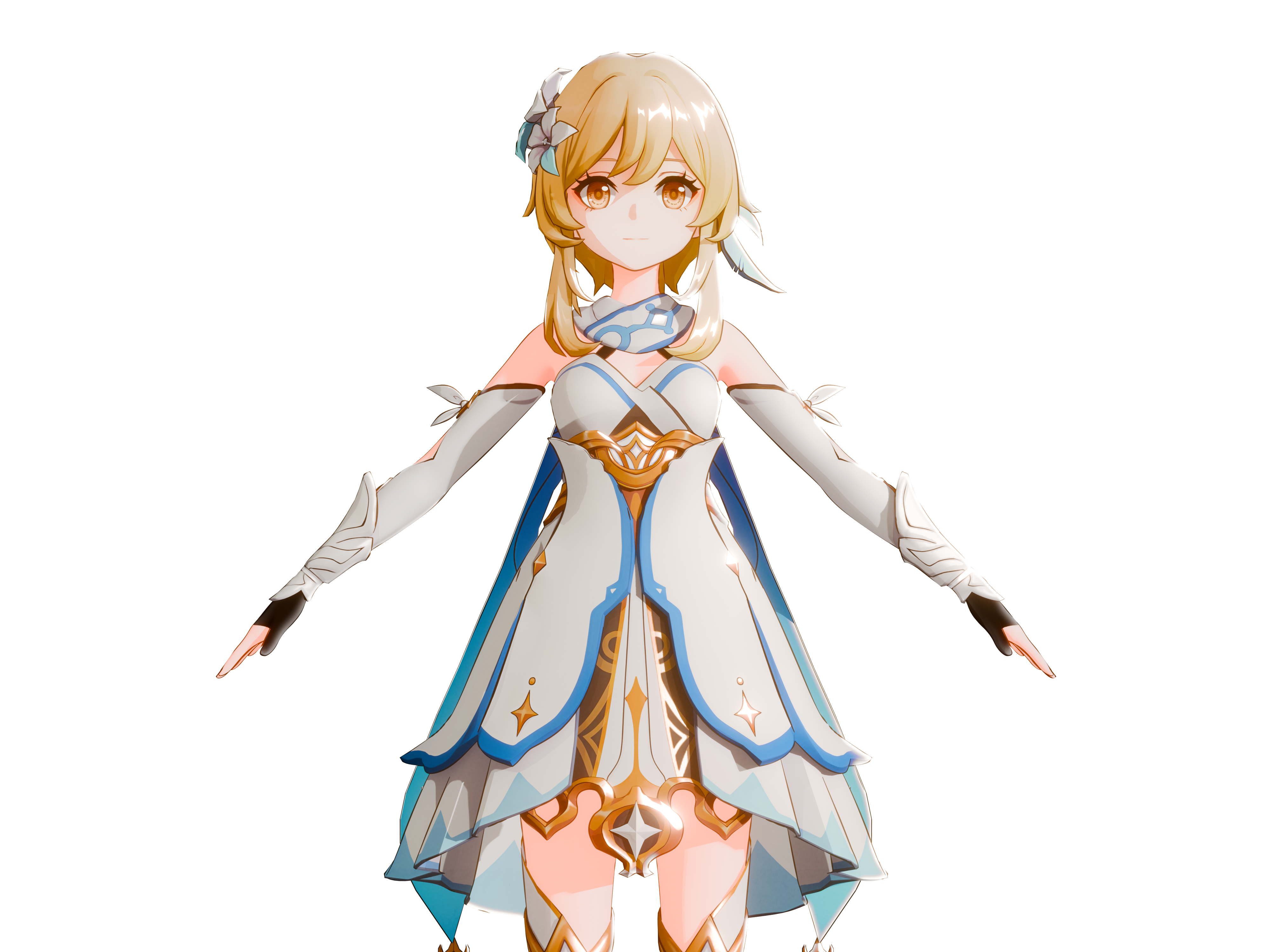
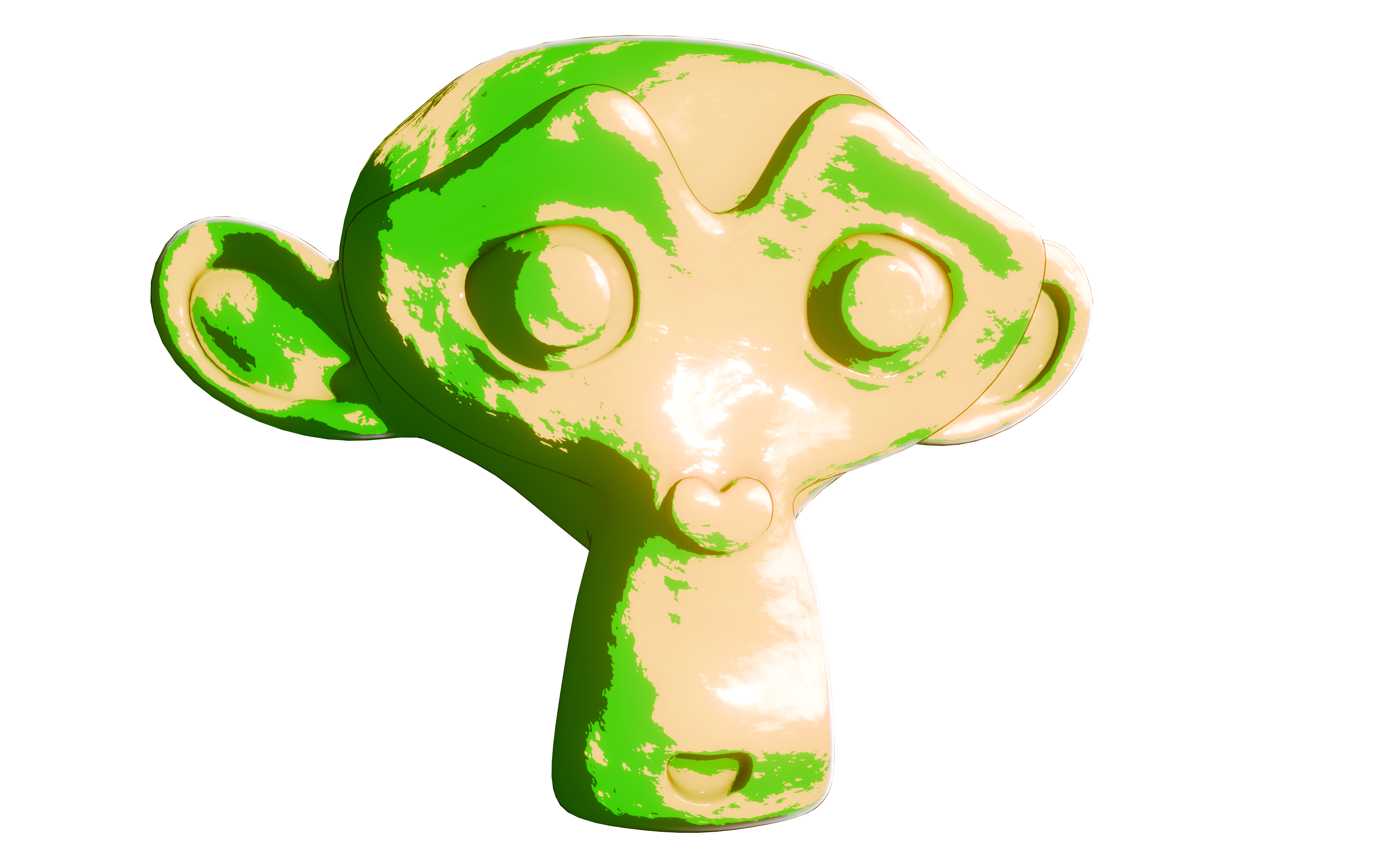
After weeks of work, I can finally present my finished toon shader node groups for Blender Goo Engine 4.1+. It can be used for both character shading and general object shading, providing sharp or smooth light and shadow effects. It's compatible with the textures and lightmaps used by HoYoverse.
The goal was to get a universal toon shader than can react well to lighting and being very controllable. You can make some beautiful procedural materials with this, too.
It includes a kind of secondary color, the 'Mid Tone' between light and darkness.
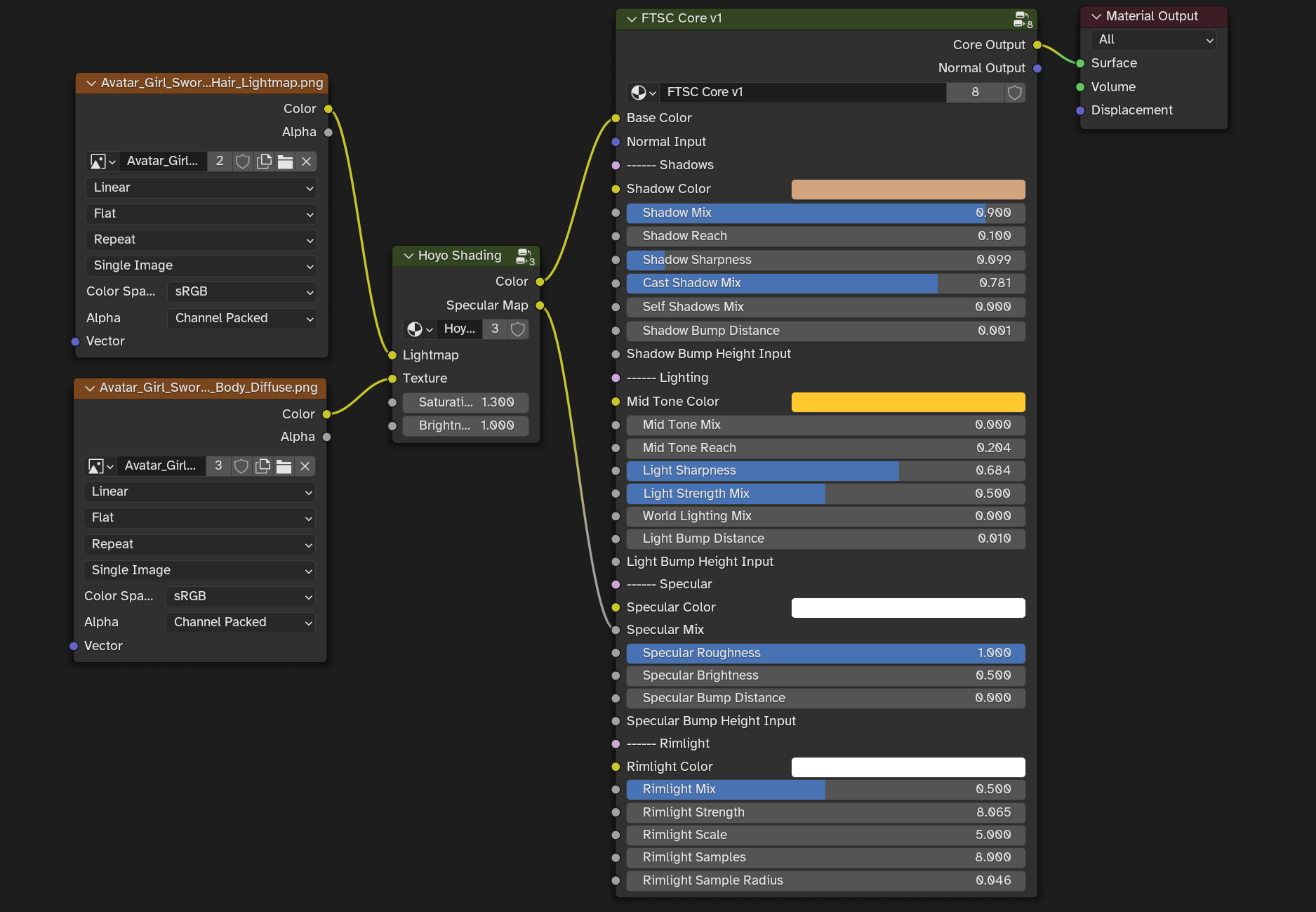
You can achieve this look by simply using my core shader, like in this example of the hair shading:
Lightmaps, which get split into the RGB color channels make the highlights on the hair texture shine, as well as metallic bits on clothing. You could even paint custom lightmaps. (Now called GI / H:ST Shading.)
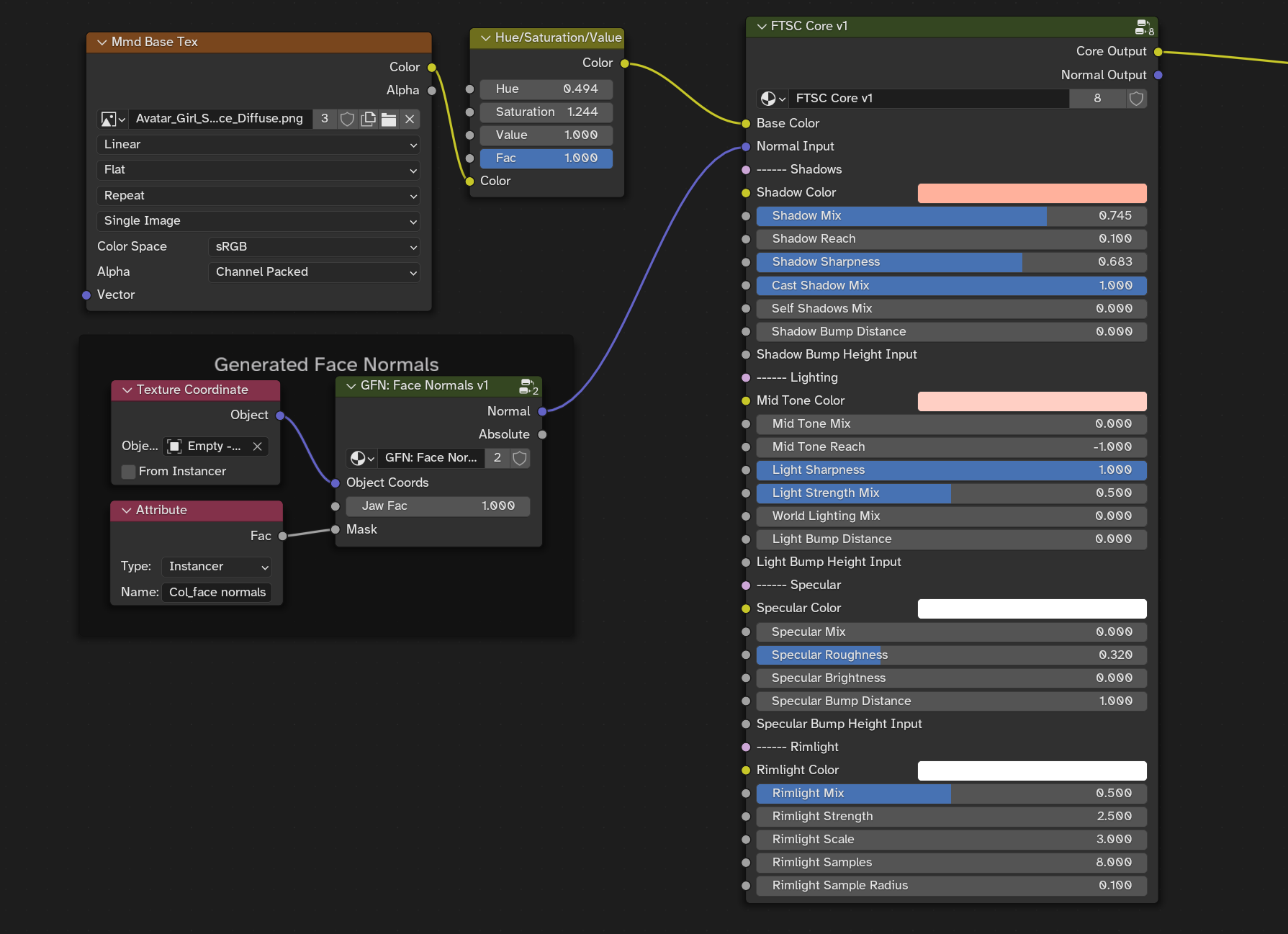
For clean face shading, you can also follow this guide by aVersionOfReality: https://www.youtube.com/watch?v=sQW2wqltB0A
Just use the 'Normal Input' for this.
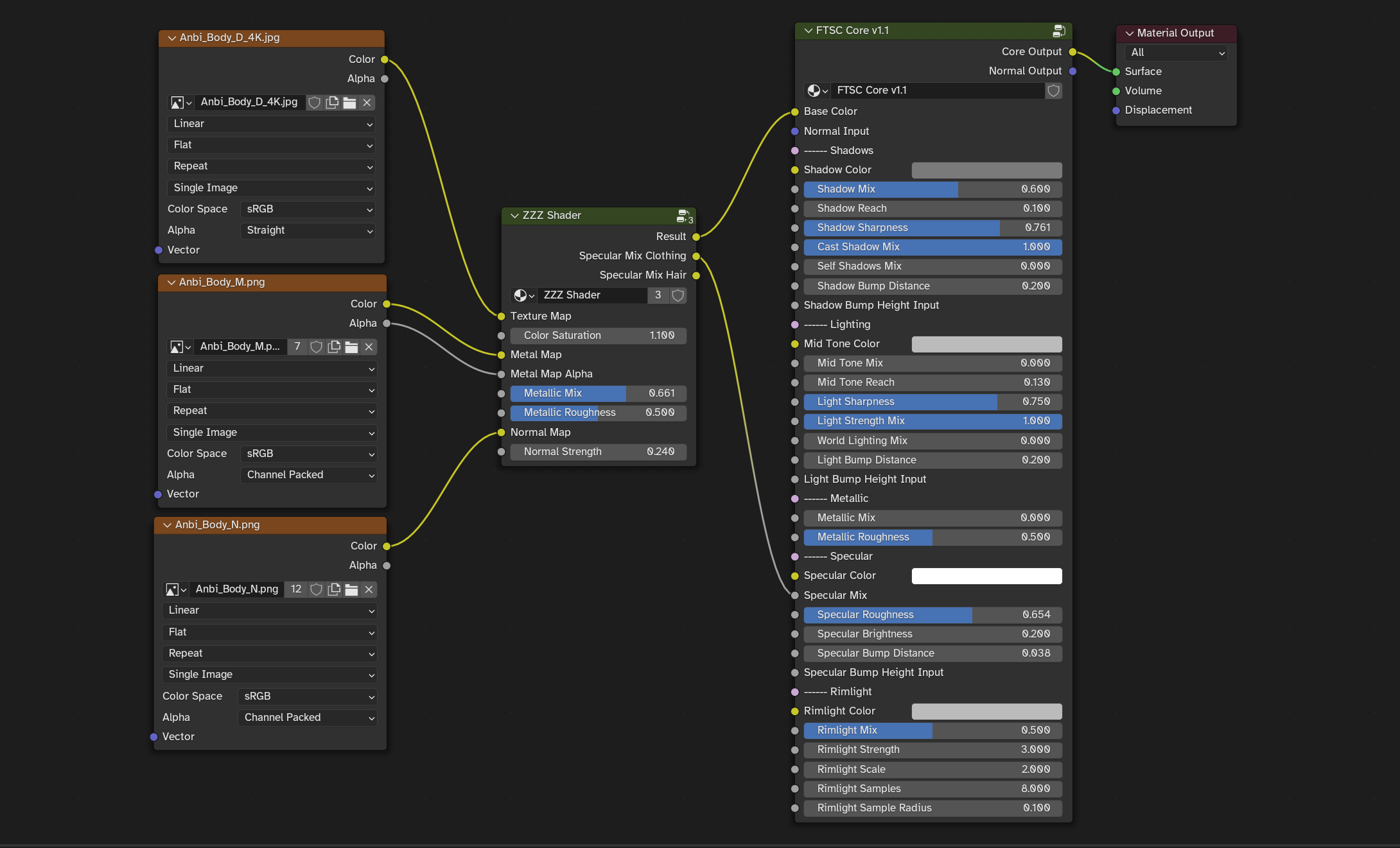
A compatibility node group for shading Zenless Zone Zero characters is also included with some shading magic by Dab_neko.
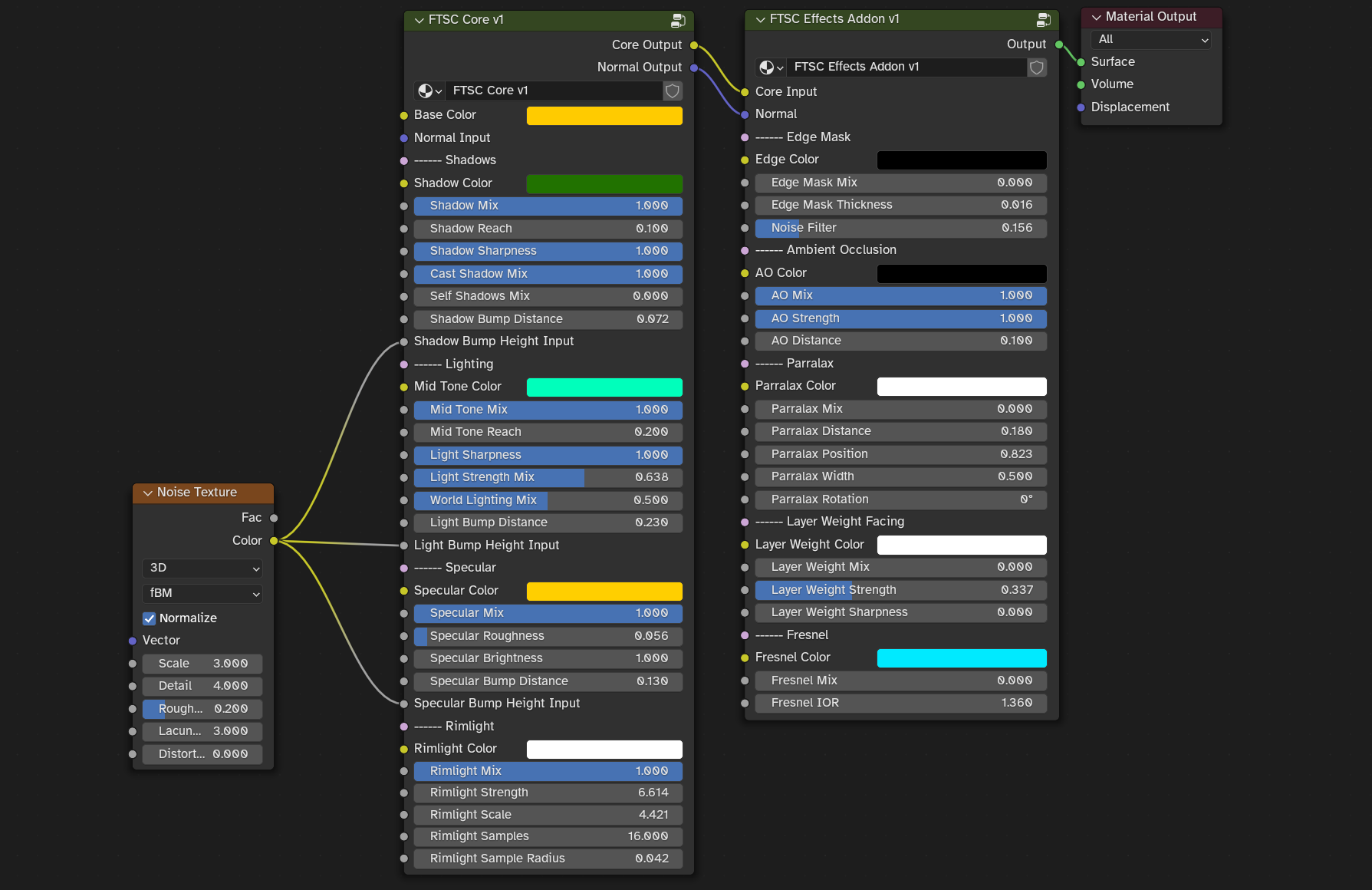
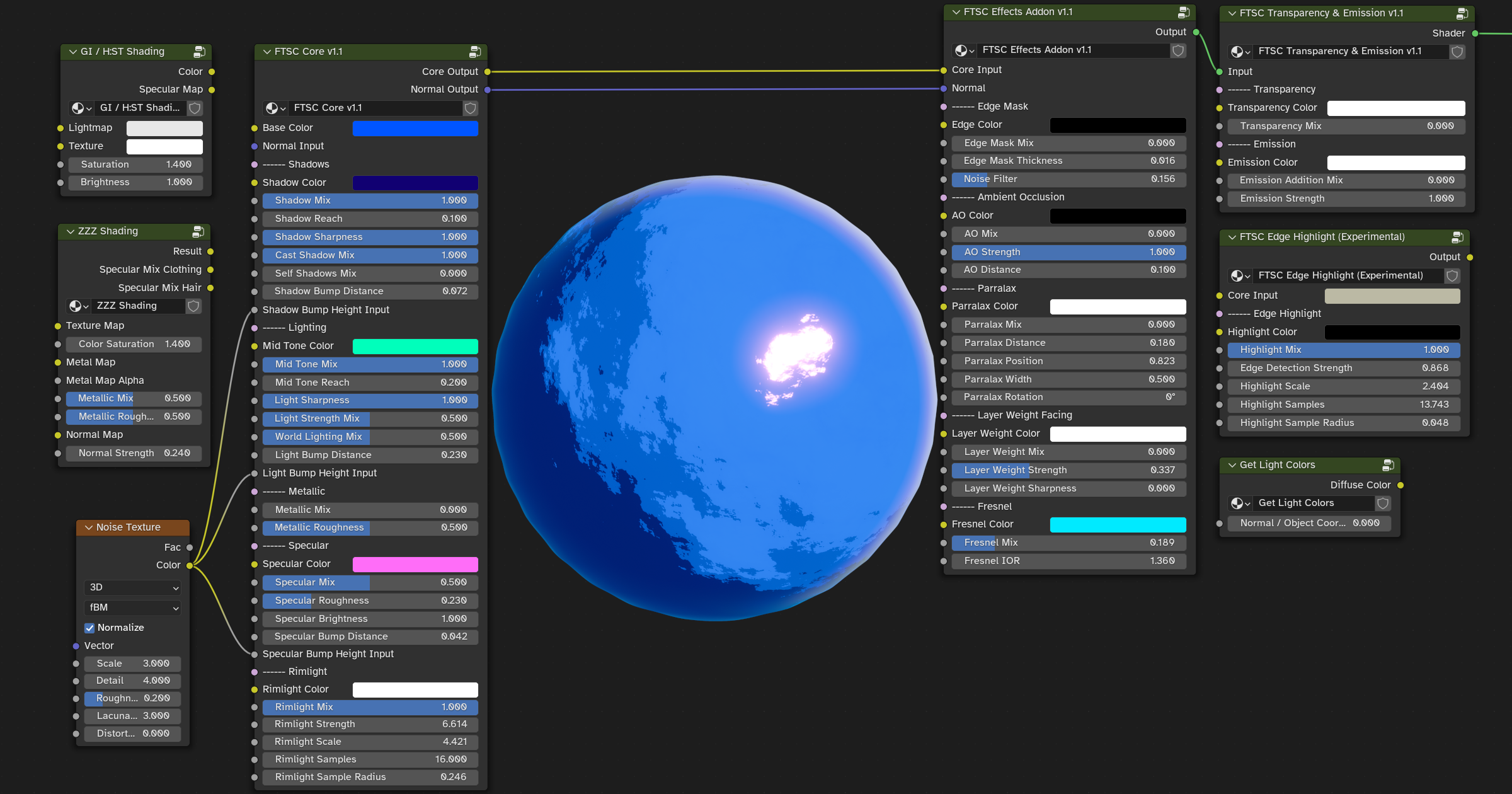
You can get a sweet painterly effect by plugging in a Noise Texture in the three 'Bump Height' inputs.
Like so:
The 'Effects Addon' gives you control over general effects. Included there is an interesting parralax shader by Xetirano ( https://www.youtube.com/watch?v=g3PR4uzbXjs ) , which can give you fake reflections for glass panes or whatever you like parallax to do, like depth illusion and such.
Considerations:
- Use 'Check Self Shadowing' in material settings to filter out self shadows.
- Shadow and Mid Tone colors get multiplied with the base color, resulting in the actual appearance of these colors being heavily dependent on the base color.
- Specularity is affected by light strength, but not 'Light Strength Mix'.
- 'Shadow Mix' and 'Shadow Reach' need to be both turned to 0 to deactivate shadows, same with the Mid Tone.
- There is always going to be a slight shadow with both 'Shadow Sharpness' and 'Light Sharpness' turned to 1.
- The 'Light Strength Mix' adds subtle light color.
- When plugged into the material output, keep in mind that this results in an Emission with the strength set to 1. You can turn the overall material brightness down by using an Emission shader after the node groups.
- Performance seems alright, only use the 'Effects Addon' when you need it.
- Goo Engine 4.1+ is required.
Full collection of nodes:
I have included additional node groups like the 'Get Light Colors' which just outputs the color of the lights and you can choose between standard normals or object normals. Could be useful.
There is also the 'Edge Highlight' group which uses Goo Engine's Curvature to get Edges which might not actually be useful at all, but it's there.
Lastly, there is a simple 'Transparency & Emission' group.
The insides of all the node groups are well ordered and labeled so you can get to understand the inner workings, if you like. If you find some improvements, I'd be happy to implement them.
The project file includes my usual settings for Blender, like the compositor. I also set up Freestyle outlines that work quite well for replacing the solidify modifier outlines for every object. This increases viewport performance at the cost of render time. The compositor is set up to mix bloom with the lineart, making it look pretty good. Freestyle lines also avoid the problem of solidify outlines clipping into eachother and you get actual paint strokes which looks great. It's a bit finicky to use, play with the settings to get your desired line look.
Place objects in the Lineart collection for them to get excluded from Freestyle lines. You can also use a second view layer with Freestyle turned off to control what gets lineart.
Feel free to tweak everything to your liking, this setup is likely not perfect, but I'm very happy how it all came together and I learned a lot about Blender shaders.
For in-depth discussions or help, please join the Discord server:

This is our community Discord server. It's a place where you can view previews and changelogs, talk about my art, suggest ideas, give feedback, get support for Blender or chat about anything you want. Rules: 1. Be friendly. 2. No uncensored images 3. No pirated content. Here is the link (might c...
Licence
- After purchase, you can freely edit the node setup in any way you like.
- No reselling or sharing.
- Do any renders that you like and selling them is allowed.
- Attribution is not required, but it's always welcome.