Link video: https://youtu.be/4pm1Fp8lt6I
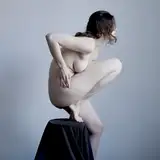
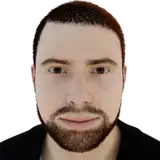
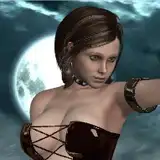
Want to turn a single image into cinematic multi-shots while keeping your character perfectly consistent? In this video, I’ll show you how to use Qwen Image Edit combined with the new Multiple Angles LoRA to achieve 360° character control for FREE in ComfyUI.
This open-source solution allows you to generate 96 different camera angles—from side profiles to back views—without losing character details. It’s a game-changer for AI filmmakers and storyboard artists!
In this tutorial, SOTAI covers:
✅ How to set up Qwen Image Edit & Multiple Angles LoRA.
✅ The secret prompting formula: Azimuth, Elevation & Distance.
✅ Building an optimized ComfyUI workflow with a custom "drag-and-drop" node.
✅ Real-world stress tests: Wide shots, High angles, and the difficult Back view. Stop struggling with inconsistent AI characters. Watch now to master this powerful workflow!
⚙️ Build Workflow
Step 1 - Install the custom node
Install QwenMultiAngle node: https://github.com/jtydhr88/ComfyUI-qwenmultiangle
Install GGUF node: https://github.com/city96/ComfyUI-GGUF.git
Search in ComfyUI Manager or instal via Git clone
Step 2 - Download the model and place it in the correct folder
https://huggingface.co/unsloth/Qwen-Image-Edit-2511-GGUF/tree/main
Place the file in: "models/unet"
Note: Download the model that matches your GPU’s specifications.
Place the file in: "models/loras"
Place the file in: "models/loras"
Place the file in:
"models/vae"
Place the file in:
"models/text_encoders"
Full workflow in the attachments.
SOTAI
2026-01-24 16:07:41 +0000 UTCJean de Poortere-Emélien
2026-01-24 16:00:06 +0000 UTC