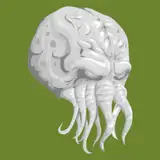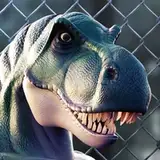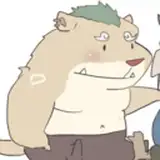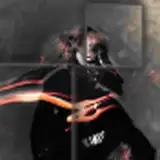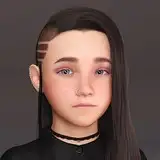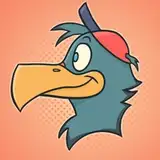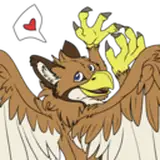
a Beak mask fit for the VRchat Otter avatar
directions:
1: Drag beak into unity scene window
2: move beak to 0,0,0
3: move avatar to 0,0,0
4: make sure beak object matches the scale the avatar has been set to. if done correctly the beak will now look like it's in the correct position!
5: on the left side pane, drag the beak object into the head object of the avatar.
6: play with materials to make it look how you want, and you're done!